©2019 ALL-TEST Pro, LLC All Rights Reserved 33 Rev 06/20/2019
memory. If you choose SAVE as REF, the test will save as a reference type and can be compared
to in the instrument.
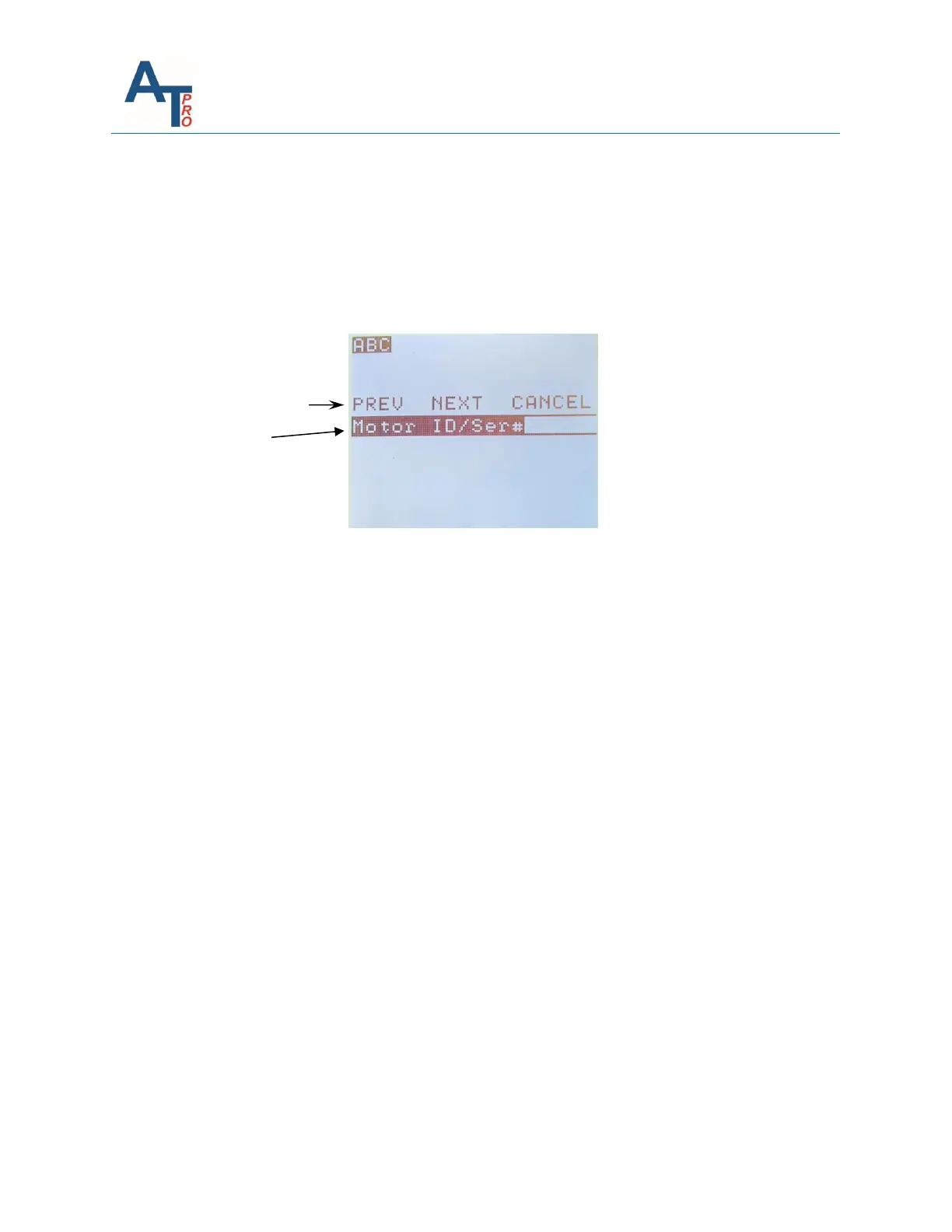
In the SAVE or SAVE as REF screen the MOTOR ID/Ser# must be entered. To view the test
results after exiting the test menu, please refer to Section “Viewing Saved Test Data”.
Note: There is no mandatory entry that the users are required to input. However, it is always
encouraged that the user fills in the Motor/ID/Ser# at minimum.
① Information Bar
② Data Field
Motor/ID/Ser#: Unique ID for the motor; Each motor should have its own ID that remains with
the motor; Any combination of alpha-numeric characters or underscores, maximum 18
characters
NEXT skips this menu and goes to next menu.



 To Next Page