©2019 ALL-TEST Pro, LLC All Rights Reserved 55 Rev 06/20/2019
ROUTE
Route function provides a convenient way to manage multiple equipment with corresponding
tests. A route can be created in MCA Pro software containing up to 100 equipment e.g. AC
motor, DC motor, transformer, generator, coils etc. The route includes the information of each
equipment so that the testers know which equipment to test. At one time only one route exists
in the AT7P instrument. On the other side, with a route uploaded in the memory, any regular
tests not included in route can still be performed and saved in AT7P instruments.
During the route testing in AT7P instrument, the users can choose to make the test, or skip the
test and make the test later, save the test to route, or save the test separate from route in the
way a regular test saved. A route can contain up to 100 equipment.
When a route is done, whether or not all tests are performed and saved, the users can upload
all data in MCA software and handle them in the way as the regular test data. For details, please
refer to the user manual of MCA software.
Route Operation
1. First download a route from MCA Pro software into the AT7P instrument memory.
Note: all other test records will be cleared when the route is downloaded from a
computer to the instrument. Upload all test data before route downloading.
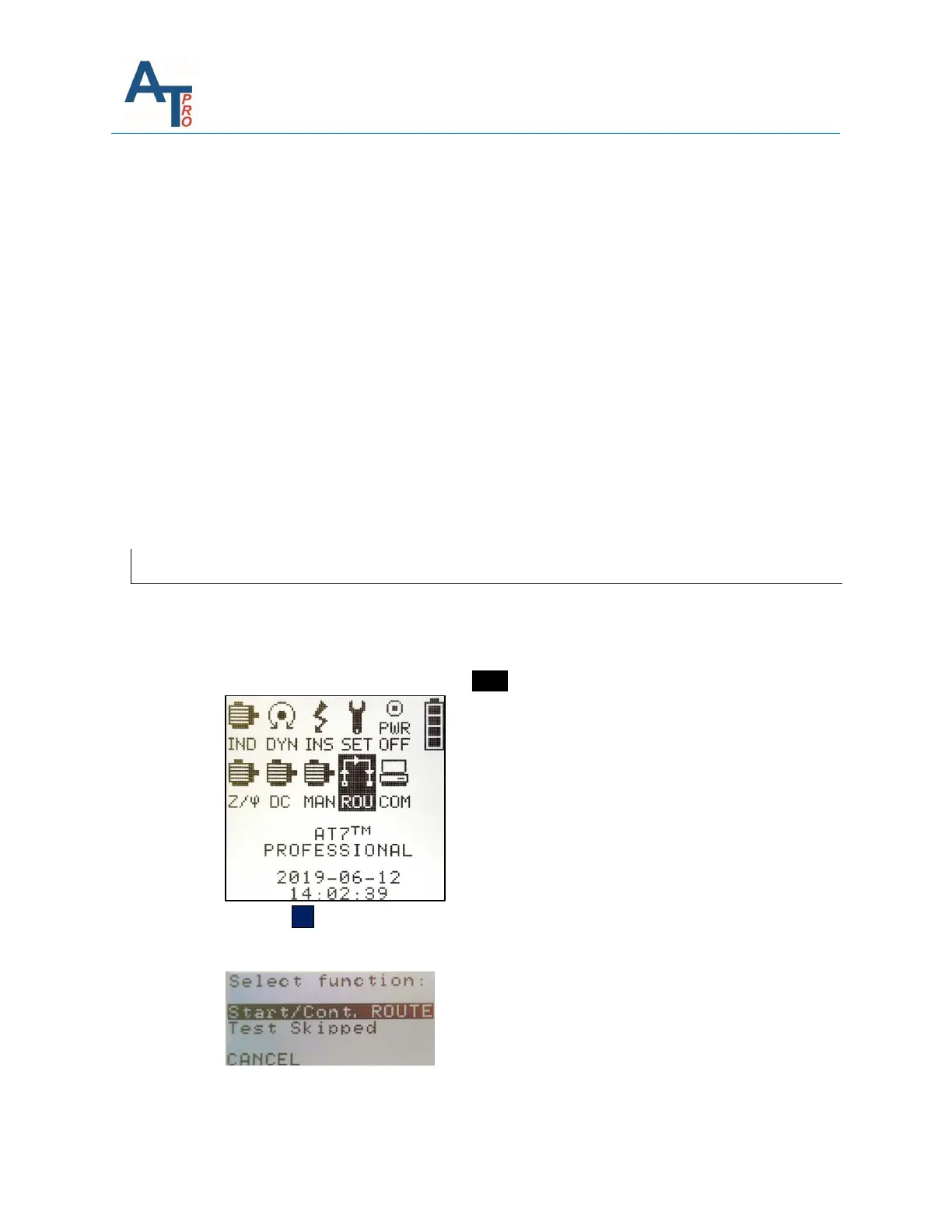
2. From the main screen highlight the ROU icon.
3. Press the OK key to access the Route Screen.
4. Three options available:



 To Next Page