©2019 ALL-TEST Pro, LLC All Rights Reserved 56 Rev 06/20/2019
a. Press “Start/Cont. Route” to start a new route testing or continue the route
from the last test performed in the route
b. Press “Test Skipped” to perform the test which has been skipped during
previous route testing.
c. Press “CANCEL” to return to the main menu:
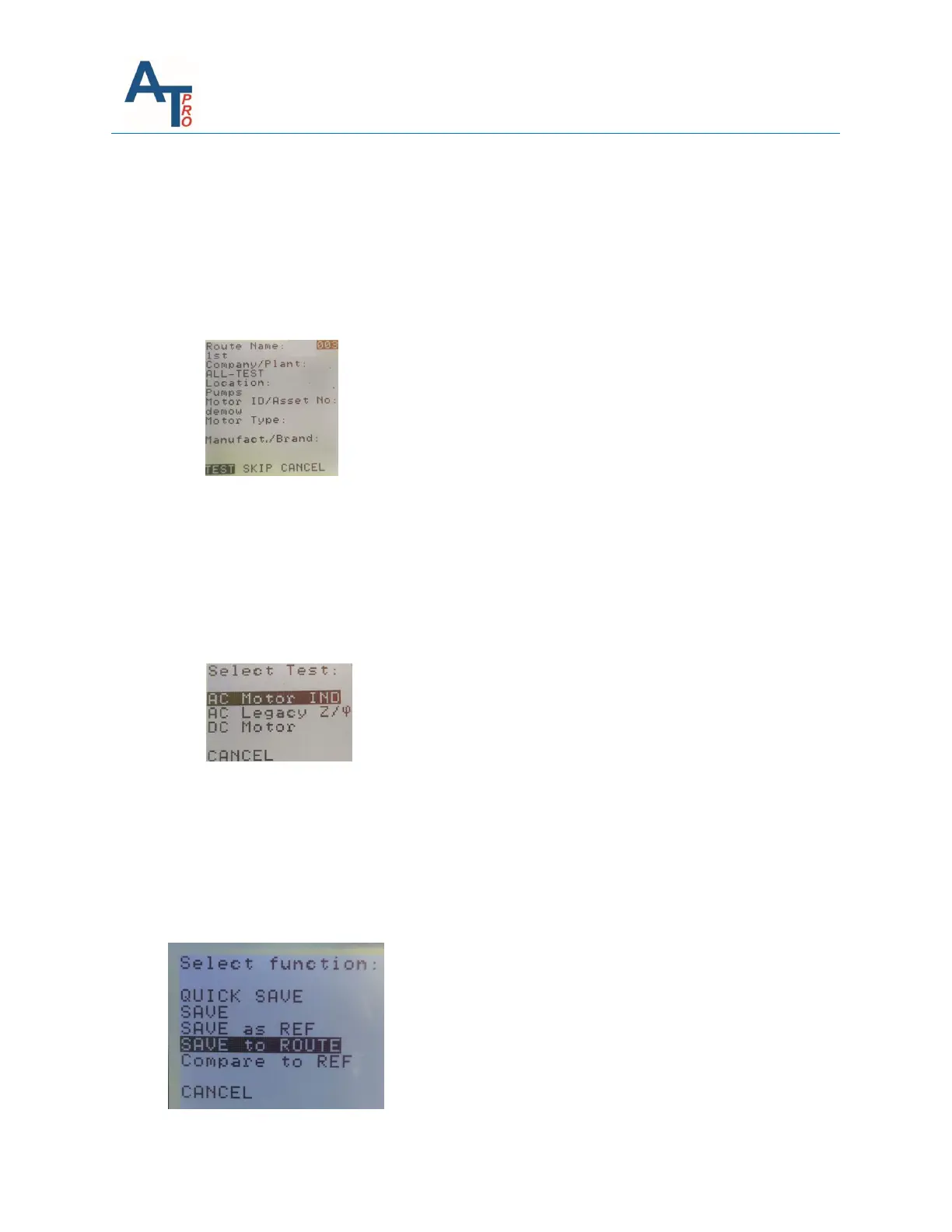
5. The instrument screen will momentarily display “Checking Route; Please wait….”, then
the screen displays the 1
st
available route test:
6. There are three options:
a. Pressing “TEST” to begin the motor test on the displayed machine
b. Pressing “SKIP” to skip the displayed equipment
c. Pressing “CANCEL” will exit to the main screen. Next time when starting the
route, this test will be the 1
st
one to be available.
7. If “TEST” is chosen, the following menu shows up so that the users can choose the type
of test desired
Note: the transformer test is included in the 2nd test listed
8. Whichever test is chosen, the users can perform it the way as the corresponding regular
test is done.
9. Once the test is completed, the users have the SAVE options. The “SAVE to ROUTE”
provides a convenient way to save the test into the route as it does not need any
additional input. For other save options, please refer to Section “Test Save and
Reference Comparison” in Chapter “ind/dyn/ins – ac INDuction motor test”.



 To Next Page