©2019 ALL-TEST Pro, LLC All Rights Reserved 60 Rev 06/20/2019
1. Press ˃ key 3 times to highlight the SET function.
2. Press the OK key, this will display the Setup Menu.
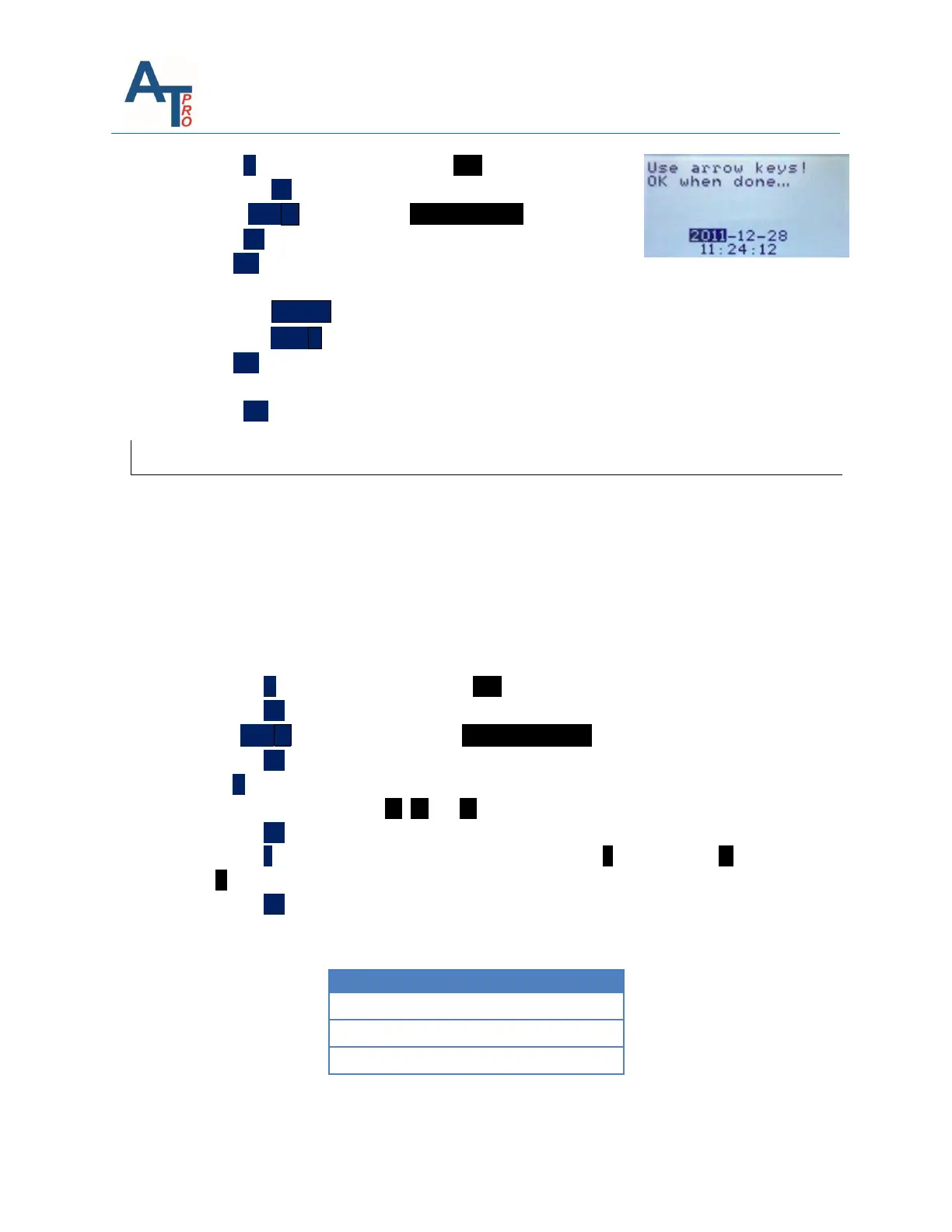
3. Press TEST ˅ key to highlight SET Date/Time .
4. Press OK key to display the Date/Time Set screen.
5. Use <; > keys to move left to right from one selection to
another.
6. Press the MENU ˄ key to increase the value of the highlighted variable.
7. Press the TEST ˅ key to decrease the value of the highlighted variable.
8. Use <; > keys to move another selection.
9. Repeat steps 6, 7 & 8, until correct date and time are set.
10. Press OK key when current Date/Time is set, this will return the display to the Main Menu.
Manual Test
The AT7 series instruments can make manual measurements of a coil’s winding resistance,
inductance and/or phase angle ϕ in the manual mode. In the manual measurement mode, the
instrument does not save the results of the test in internal memory. Manually record the test
data if necessary. The manual test option provides a convenient way for some quick check test
as well as instrument calibration purpose.
To make manual measurements:
1. From the Main Menu:
2. Press the ˃ key 3 times to highlight the SET function
3. Press the OK key, this will display the Setup Menu
4. Press TEST ˅ key 2 times to highlight Manual Test R,L,ψ
5. Press the OK key, this will display the Select Leads Menu
6. Press ˃ key to highlight the motor leads which correspond to the phase of the winding
measurement to be made, 32; 21; or 13
7. Press the OK key, this will display the Select Test screen
8. Press the ˃ key to highlight which measurement to make: R for Resistance, L for Inductance
or ϕ for Phase Angle.
9. Press the OK key to display the Test Leads connection screen
Use the table below as a guide to make the connections to instrument for manual
measurements



 To Next Page