©2019 ALL-TEST Pro, LLC All Rights Reserved 57 Rev 06/20/2019
COMMUNICATION
The AT7 operates with MCA Basic to upload, analyze and trend tests data for single and three
phase motors. AT7P operates with the MCA PRO software to upload, analyze and trend tests
data of motors, generators, transformers, and saved in the instrument. The software also
download route and TVS data to the instrument. For all of these cases the communication has
to be established between instrument and PC software. Therefore, the instrument has to be set
up in Communication mode.
Note: the instrument cannot be automatically turned off if it stays in Communication mode.
Please refer to Section “Automatic OFF”.
ALL-TEST PRO Instrument Communications Set-up
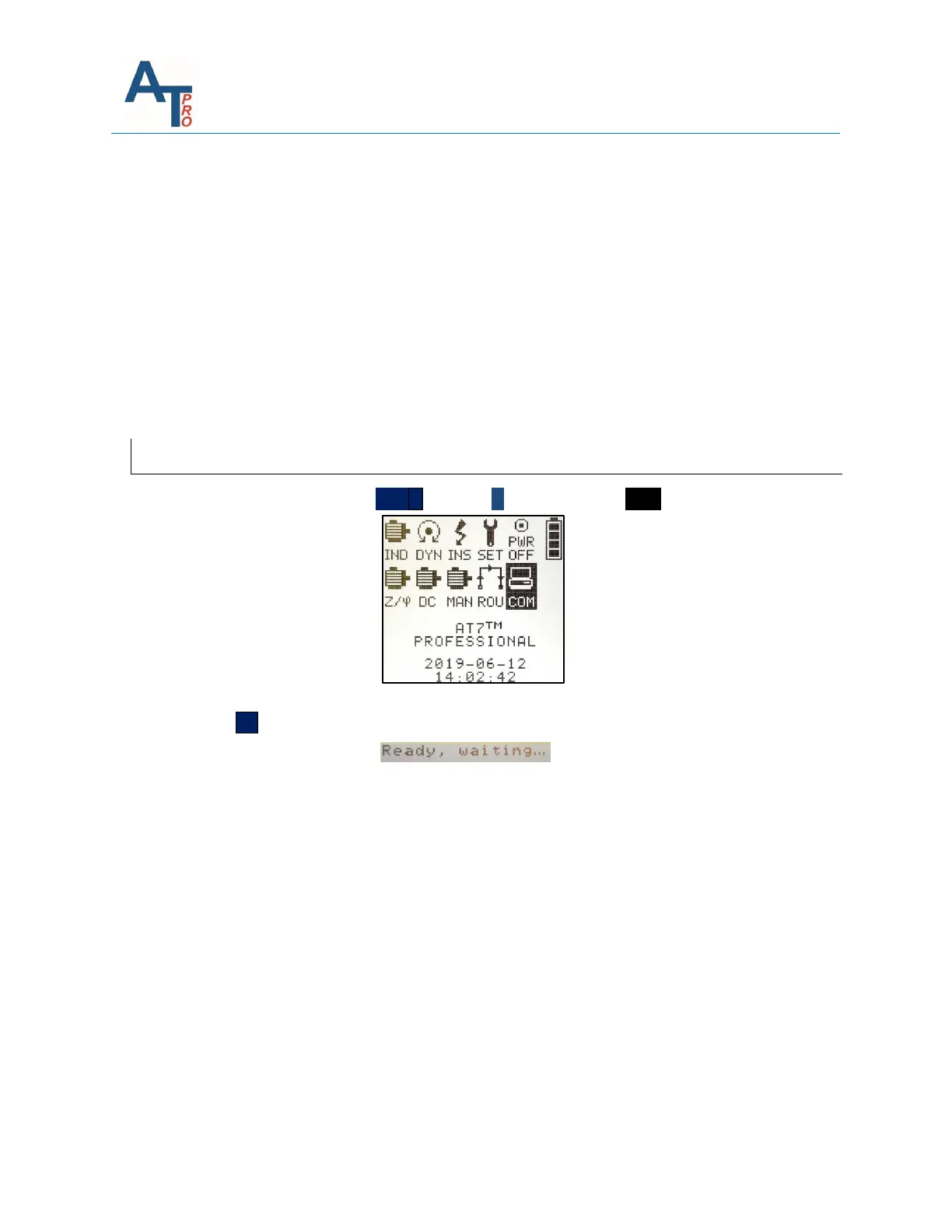
1. From the Main Menu use the TEST ˅ and the ˃ keys to highlight COM icon:
2. Press the OK Key to place the instrument in the communications mode, the screen will display:
Now the instrument is set in communication mode. For communication operations, please
check the MCA software user manual.



 To Next Page