Publication 0160-5.18 - June 2003
Chapter 7
Troubleshooting
This chapter provides information for troubleshooting potential
problems with the 160-DN2 DeviceNet Communication Module and
network.
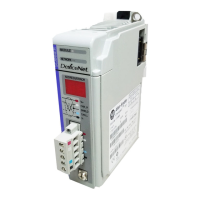
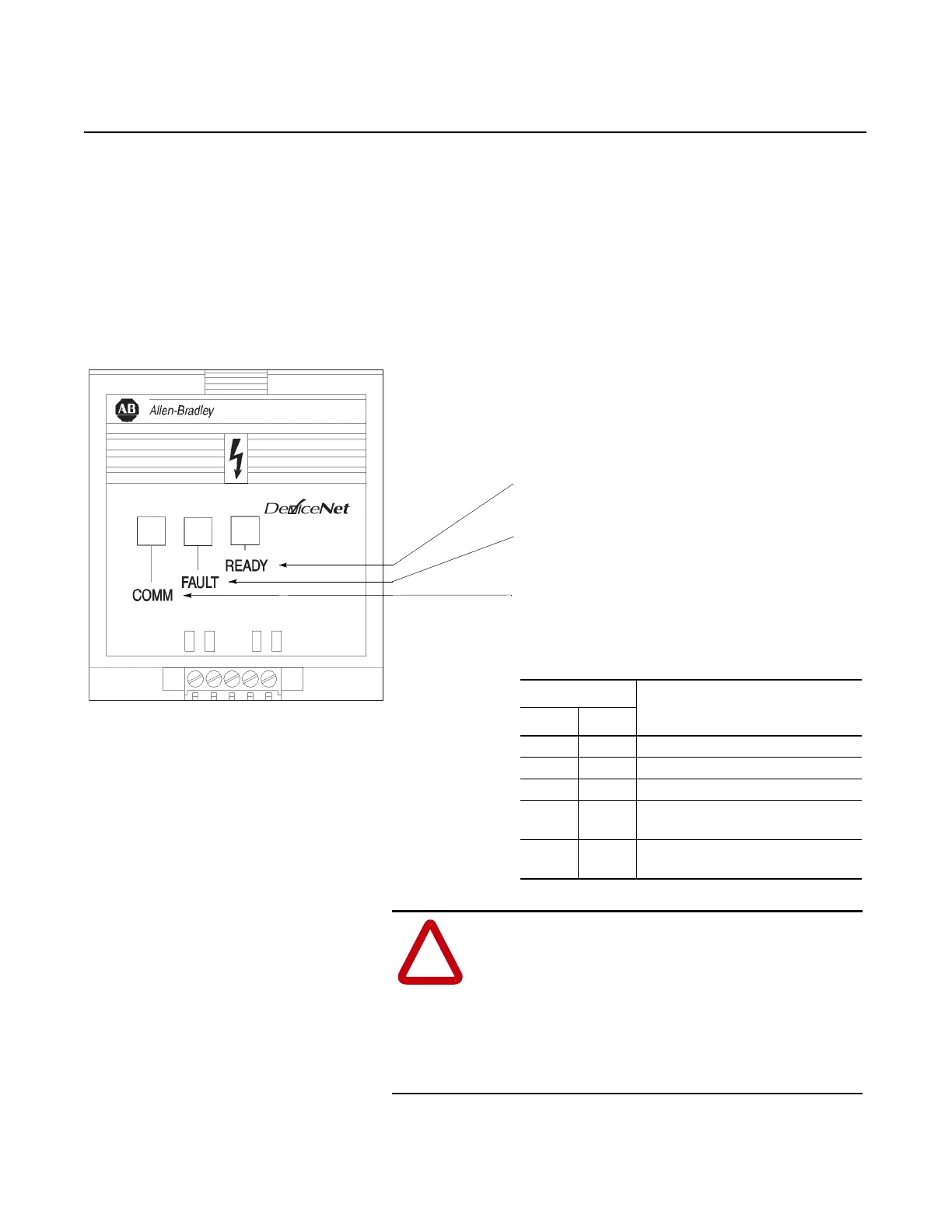
Figure 7.1
Module Front View
!
ATTENTION: Servicing energized industrial control
equipment can be hazardous. Electrical shock, burns, or
unintentional actuation of controlled industrial
equipment may cause death or serious injury. Follow
the safety-related practices of NPFA 70E, Electrical
Safety for Employee Workplaces, when working on or
near energized equipment. Do not work alone on
energized equipment.
CONFORMANCE TESTED
TM
COMM LED - Bi-colored LED (red/green) provides status information on
DeviceNet communications. The table below summarizes the operation of the
LED.
Important: When power-up occurs, the communication status LED
(COMM), flashes green for 1/4 second, red for 1/4 second, and then goes
blank while the 160-DN2 module finishes its initialization.
COMM LED
Description
Color State
None No DeviceNet power or initializing.
Red Solid Unrecoverable fault.
Red Flashing I/O connection has timed out.
Green Solid Normal operating state.
Device is allocated to a master.
Green Flashing Device is on-line but not allocated to a
master.
READY LED - Green when drive is powered up.
FAULT LED - Red when drive is faulted
Off when drive not faulted.
CONFORMANCE TESTED
TM


 To Next Page
 Loading...