Publication 1734-UM002C-EN-P - July 2003
Preface 2
What the Manual Contains
This manual contains the following sections:
System
Field
1734-EP24DC
Power
Power
63
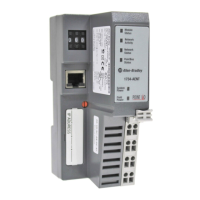
1734-ADN
Module
Status
DeviceNet
Status
DeviceBus
Status
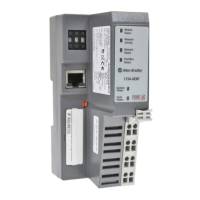
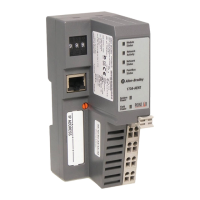
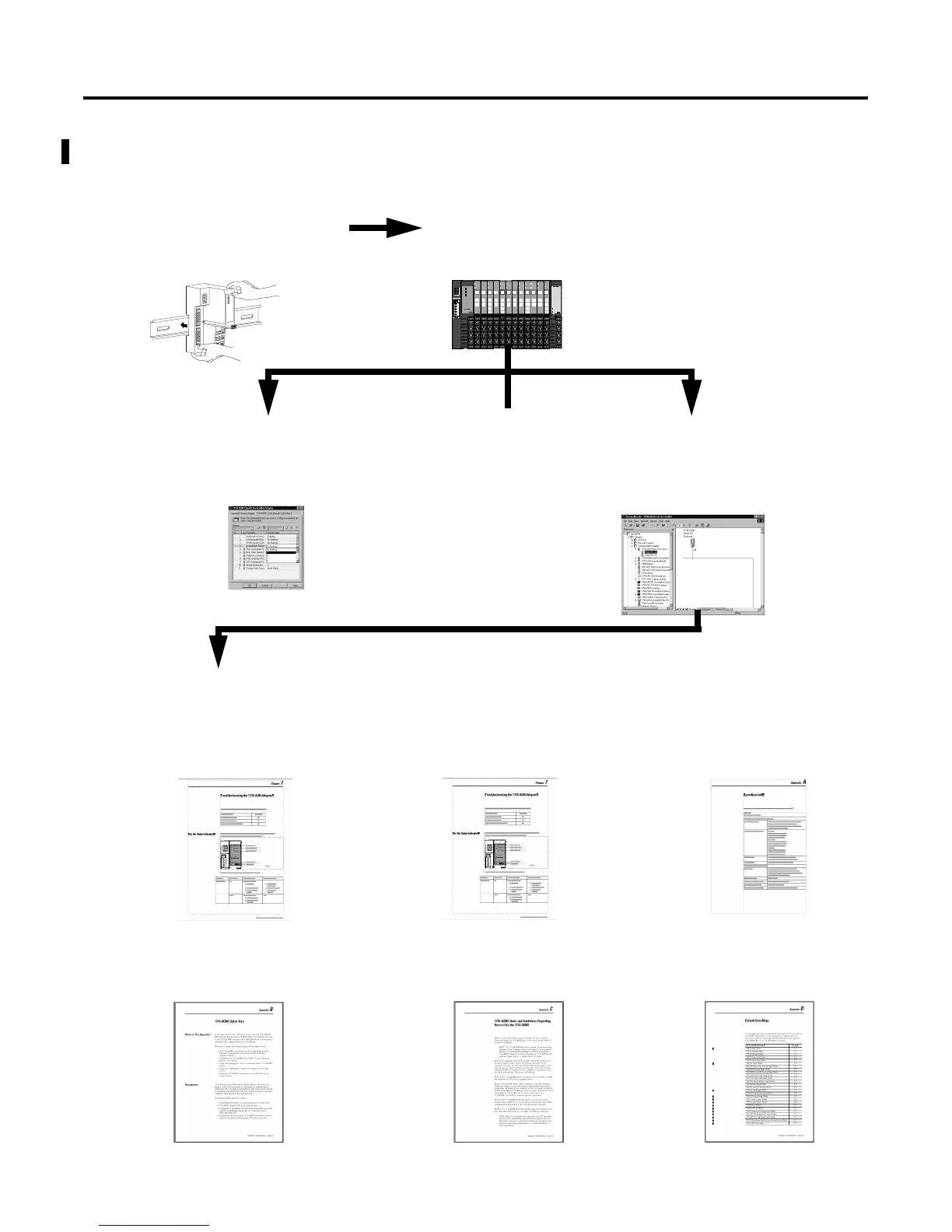
Chapter 2 - What is the 1734-ADN(X) Adapter?
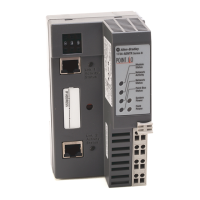
Overview of the adapter’s features and functionality
Chapter 1 - Installing the 1734-ADN(X) Adapter
Description of how to install and wire the adapter
Chapter 3 - Using Auto Start Mode
Description of how to use the Auto
Start Mode on your adapter to quickly
get your system up and running
Chapter 4 - Configuring the
1734-ADN(X) Adapter’s SubNet
Description of how to configure your
adapter
Chapter 5 - Adding the 1734-ADN(X) to
the DeviceNet Scanner’s Scanlist
Description of how to configure the
DeviceNet adapter and to add it to the
scanlist.
Appendix A - Specifications
Listing of the 1734-ADN(X) specifications
Chapter 6 - Troubleshooting the
1734-ADN(X) Adapter
Description of how to use the status
indicators and to troubleshoot your adapter
Or
Appendix B - Quick Start
Learning how to use the 1734-ADNX with
a ControlLogix system on DeviceNet
Appendix C - 1734-ADNX Rules and
Guidelines
Regarding how to use the 1734-ADNX
Appendix D - Default Data Maps
Listing of the default data maps for
1734-POINT I/O modules


 To Next Page
 Loading...