Publication 2707-UM005B-EN-P
C-4 MicroView Special Controller Functions
Reading / Writing
Controller Status Files
To read/write the contents of controller Status files:
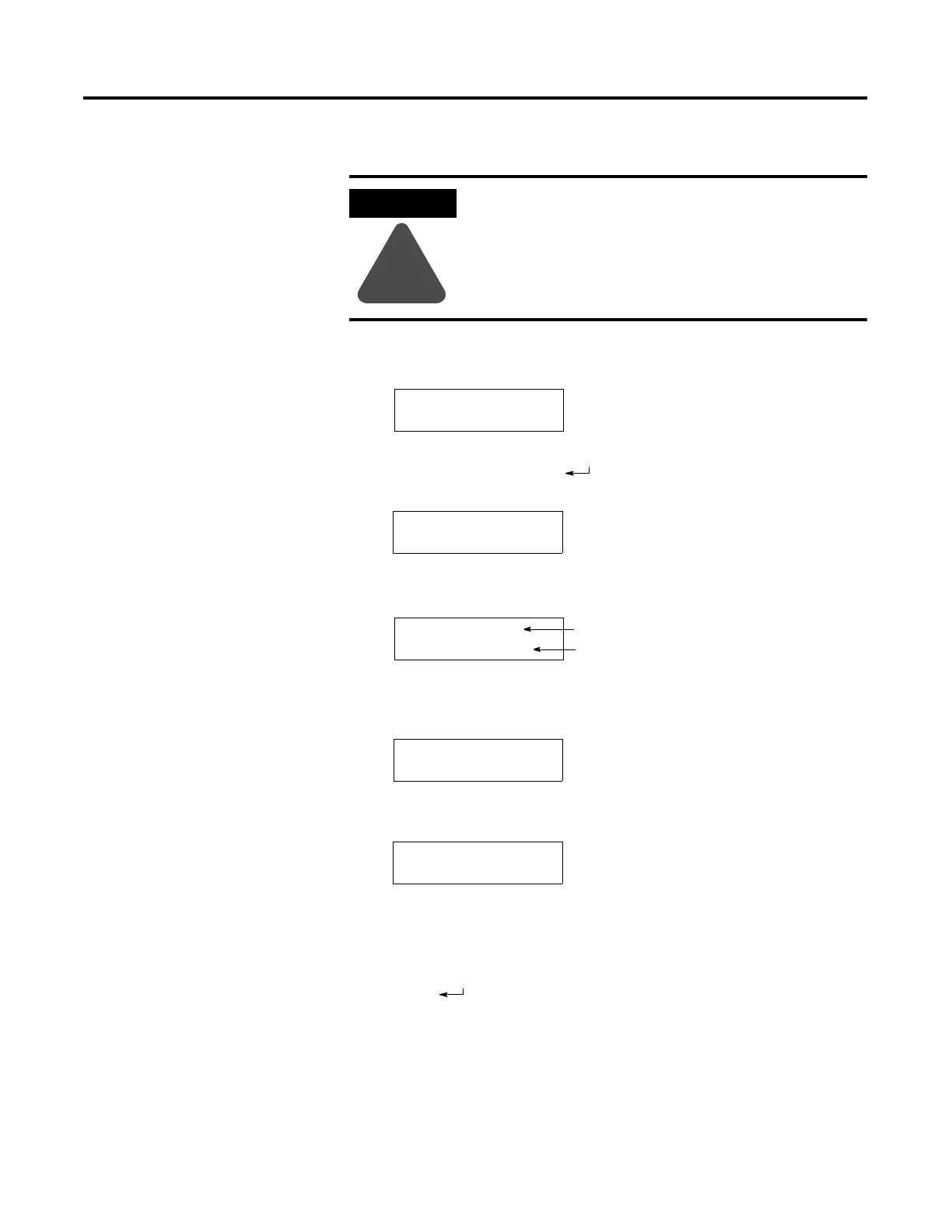
1. Press [1] P-A/D from the Special Menu to access the P-A/D
function. You are prompted for a file type:
2. Press [NEXT] and [PREV] keys to scroll through the file types.
Select Status and press [ ]. You are shown the data at a Status
file element:
3. You can enter a new element number. You are shown the
decimal value at that address element:
Initially, you are shown the decimal value at that address
element. If you press [NEXT], the hexadecimal format is
displayed:
Pressing [NEXT] again displays the binary value:
4. To change a value, move the cursor into the data field using the
[NEXT] or [PREV] keys. Enter the new data. If you are editing
binary data, you can also use the [+/–] key to toggle the data
between 1 and 0. See Attention above.
5. Press [ ] to load the new data into the file element.
6. To exit, press the [CE] key to return to the initial P-A/D screen.
You can press the [CE] key at any time during the P-A/D
function.
7. Pressing the [MENU] key at any time to exit the P-A/D function
and display the Main Menu.
ATTENTION
!
Changing control status bits may cause a processor
fault or have other serious effects on the controller
operation. Make sure you understand the function of
status data before changing any status values.
Select File Type:
O (Output)
File=S2
Elem=003
DEC
5632
Data Format
Data
File=S2
Elem=004
DEC
19774
File=S2
Elem=004
HEX
4D3E
File=S2
0011111001001101
Elem=004



 To Next Page
 Loading...