Publication 2707-UM005B-EN-P
8-6 Troubleshooting and Maintenance
Display Test
Use the display test to verify that each screen pixel is operating properly.
To perform the display test:
1. Use the [NEXT] and [PREV] keys to show Display on the test
selection screen.
2. Press [ ] to initiate the test.
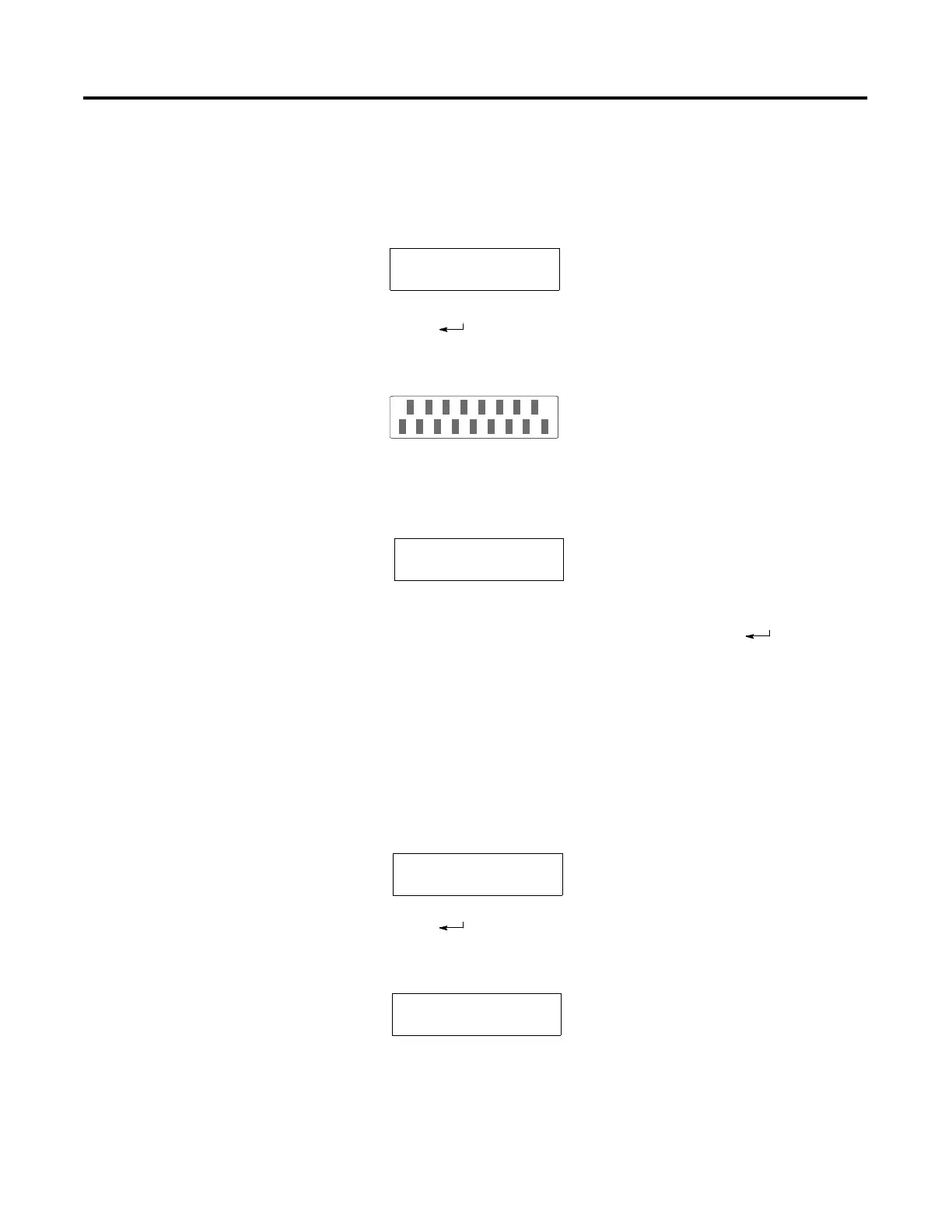
The MicroView turns all pixels on and then off. Then an
alternate checkerboard pattern is displayed:
3. Press any key to terminate the test.
The next test selection screen is displayed.
4. To terminate the test function, press the [NEXT] and [PREV] keys
to display Reset in the test selection area. Press [ ] to reset the
terminal.
Core ROM Test
The Core ROM checksum test verifies that the boot code stored in the Read–
Only-Memory of the MicroView is correct.
To perform the Core ROM test:
1. Use the [NEXT] and [PREV] keys to display Core ROM on the test
selection screen.
2. Press [ ] to initiate the test.
The boot code stored in Read Only Memory is checked. If the
Core ROM checksum test fails, the display shows:
Diagnostic Tests
Display
Diagnostic Tests
Core ROM
Diagnostic Tests
Core ROM
Core ROM: FAIL
Any Key to Cont.



 To Next Page
 Loading...