A–1 RS2310002 Rev. 1
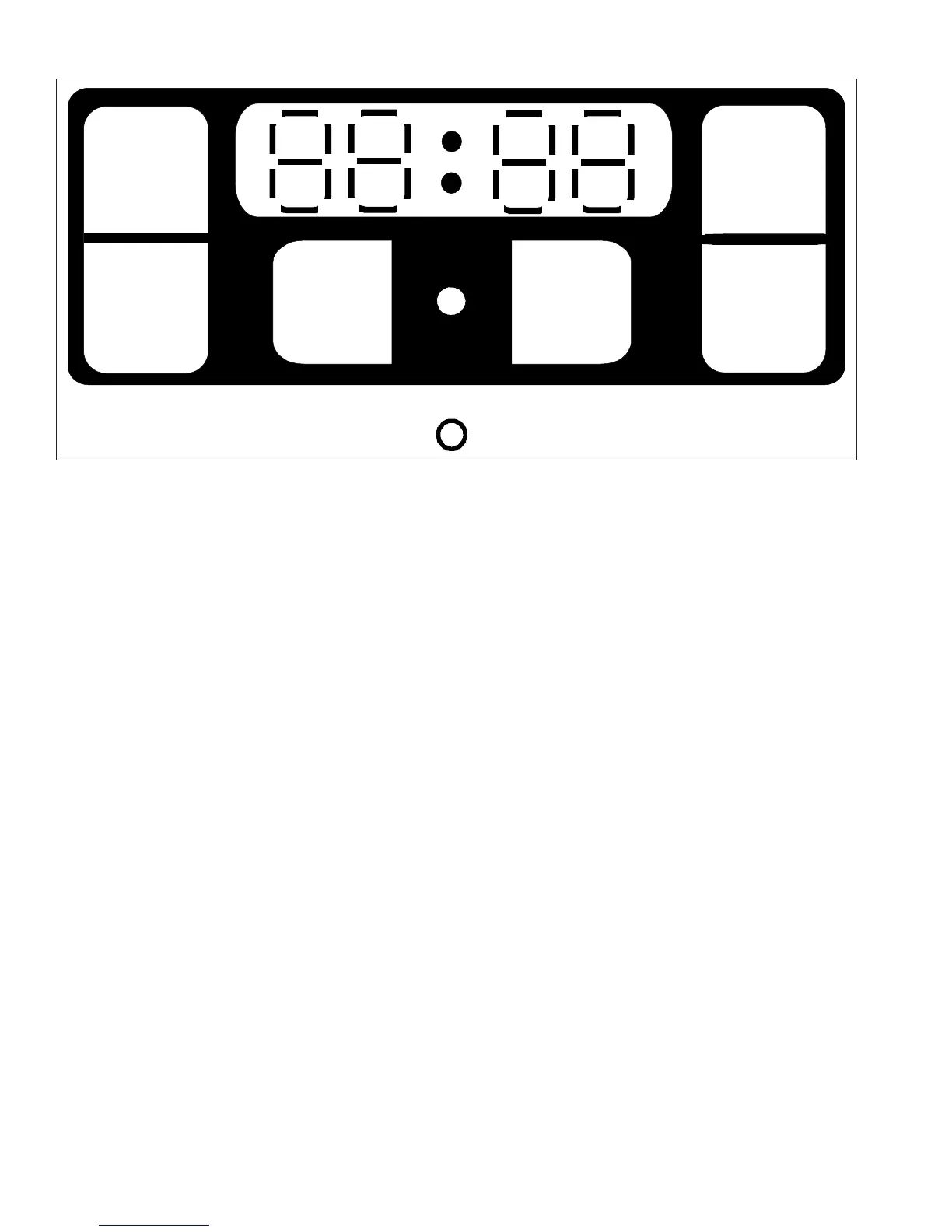
Clean Timer with Mylar Overlay—315568
CLOCK
TIMER
HOUR
MINUTE
CLEAN
START
CLEAN
CANCEL
Clean Timer/Clock Pads and Lights
HOUR
• Use when setting hours for timer and clock.
MINUTE
• Use when setting minutes for timer and clock.
CLOCK
• Use to set time of day.
TIMER
• Use to set timer.
CLEAN START
• Use to begin self-cleaning.
CLEAN CANCEL
• Use to stop self-cleaning.
Self-clean indicator light
• Located between
CLEAN START
pad and
CLEAN CANCEL
pad.
• Glows when oven is
self-cleaning.
Oven indicator light
• Located below clock.
• Glows when oven cavity is warming.
This Clean Timer/Clock will NOT delay bake or time
bake.
Setting Electronic Clock
1. Press
CLOCK
pad.
2. Press
MINUTE
pad until correct minutes display.
3. Press
HOUR
pad until correct time displays.
• Clock saves time of day after time is entered.
• 12 hour clock.
Setting Electronic Timer
1. Press
TIMER
pad.
• 59 minutes displays.
• Set timer up to 1 hour 59 minutes.
2. Press
MINUTE
or
HOUR
pad to set time.
• If desired time is less than 1 hour, press
MINUTE
pad until desired time displays.
• If desired time is more than 1 hour, press
HOUR
pad and then press
MINUTE
pad until desired
time displays.
• Timer begins counting down automatically after
time is entered.
3. After time elapses, press
CLOCK
pad to cancel
signal and return to time of day.



 To Next Page