71ASC110/ASC130/ASC150/ASC200/ASC250
OPERATING INSTRUCTIONS
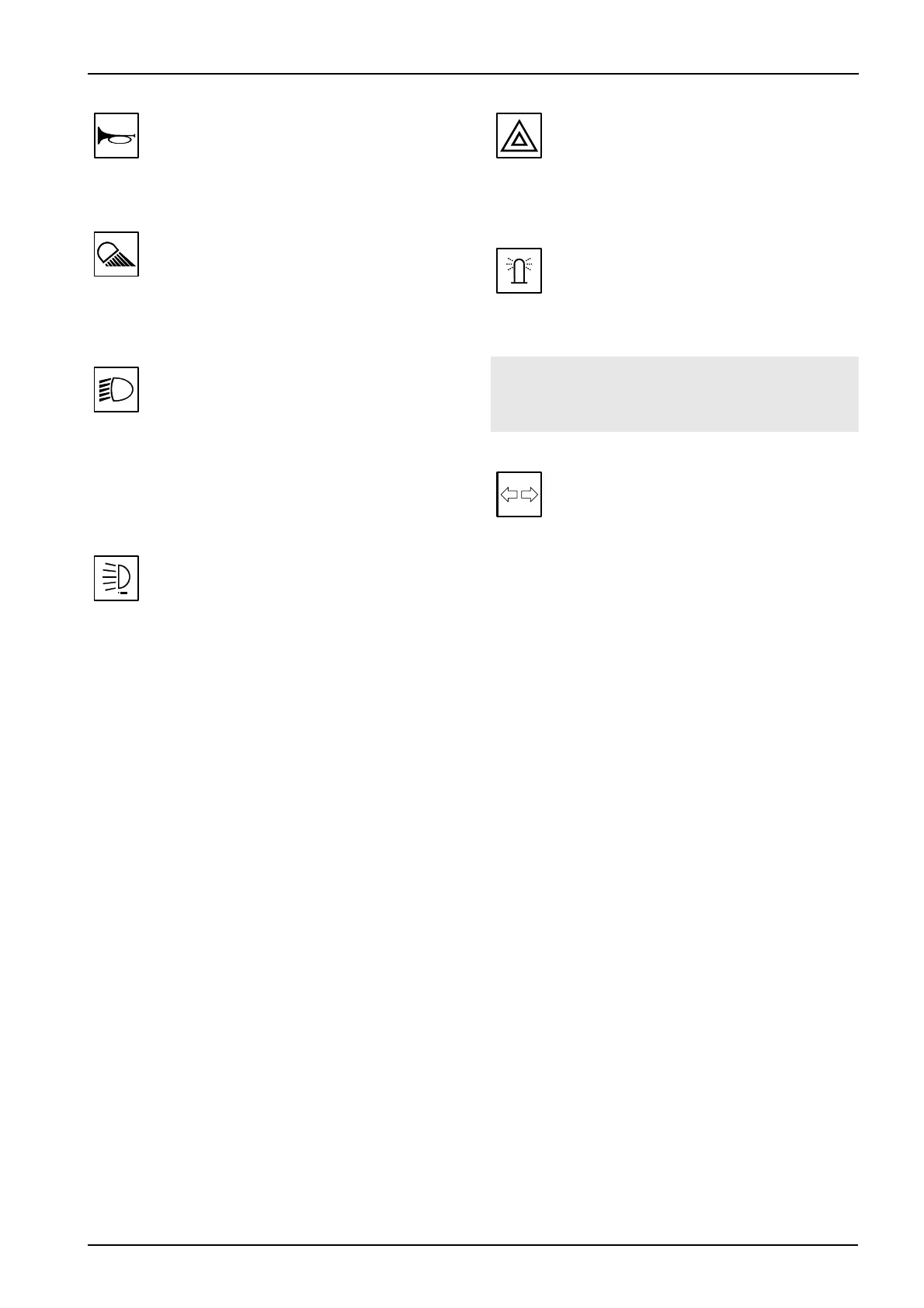
Horn push-button (31)
Press the button to horn.
Rear lights switch (32)
Use the switch to turn on rear lights. The lamp in the switch
indicates lights lit up.
Parking + front working lights switch (33)
position - off
position - parking lights and dashboard illumination on
position - main headlights on
The lamp in the switch indicates lights lit up.
Auxiliary lights switch (34)
Use the switch to turn on auxiliary lights.
The lamp in the switch indicates lights lit up.
Warning lights switch (35)
Use the switch to turn on warning lights.
The flashing lamp in the switch indicates lights on.
Beacon switch (36)
Use the switch to turn on warning beacon.
The lamp in the switch indicates beacon on.
! NOTE !
The beacon must be connected to connector 70.
Indicators - position switch (37)
Move the position switch to the right to turn on right
indicators and to the left to turn on left indicators.
Flashing indicators signal lamp indicates the direction
indicators are on (30).



 To Next Page