55ASC70
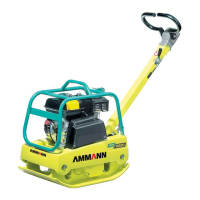
GO TO 1 - UP DISPLAY
LANGUAGES
STORED CODES
ENGINE CONFIGURATION
SELECT UNITS
ADJUST BACKLIGHT
ADJUST CONTRAST
28.6 VDC
SYS VOLT
3.1 L/HR
FUEL RATE
37 %
LOAD@RPM
2.92 BAR
OIL PRES
ENG RPM
COOL TEMP
2000 RPM
1100
0
2200
2
1
20%
FUEL LEVEL
100
ENG HRS
28°C
COOL TEMP
0 RPM
ENG RPM
OPERATION MANUAL
NAVIGATION BASIS
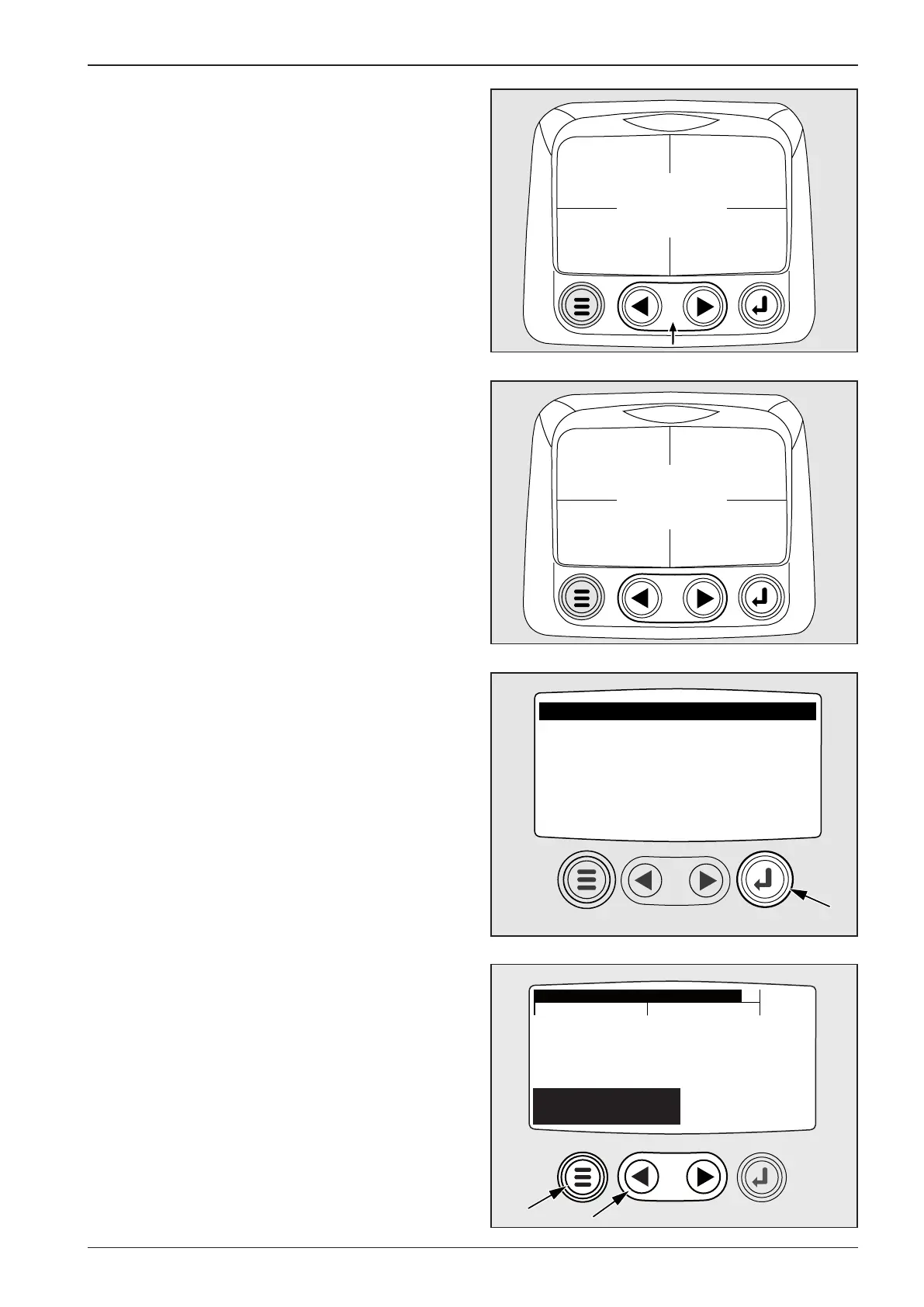
After the start-up, a four-parameter screen is displayed (engine
speed, coolant temperature, fuel level, number of engine oper-
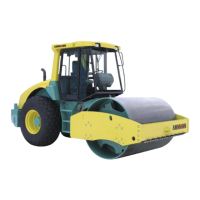
ating hours). By pressing the left or right arrow, you display four
additional parameters.
(engine oil pressure, engine load, el. system voltage, fuel con-
sumption rate)
Press the button MENU to display the main menu.
GO TO 1-UP DISPLAY – one-parameter display
Move the cursor (1) in the main menu onto the item and use the
button ENTER (2) to enter the submenu.
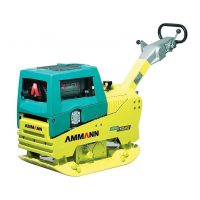
Using the cursor (1) you can gradually display 8 pre-set param-
eters (engine speed, coolant temperature, engine oil pressure,
engine load in % at actual engine speed, el. system voltage,
number of engine operating hours, fuel consumption rate, fuel
level).
Press the button MENU (2) to return to the main menu.
Note:
If the engine is at rest, the battery voltage is indicated. If the en-
gine is running, then roller’s el. system voltage is indicated.



 To Next Page