56 ASC70
GO TO 1 - UP DISPLAY
LANGUAGES
STORED CODES
ENGINE CONFIGURATION
SELECT UNITS
ADJUST BACKLIGHT
ADJUST CONTRAST
12
ENGLISH
FRANÇAIS
DEUTSCH
ITALIANO
ESPAÑOL
*
1
2
GO TO 1 - UP DISPLAY
LANGUAGES
STORED CODES
ENGINE CONFIGURATION
SELECT UNITS
ADJUST BACKLIGHT
ADJUST CONTRAST
21
MORE
FUEL DELIVERY
PRESSURE VERY LOW
HIDE
1 of x
2.6. Actuators and dashboard instruments
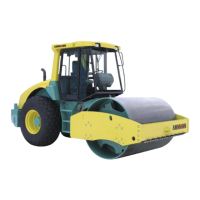
Use the cursor and select a language, then conrm your selec-
tion using the button ENTER (1) and return to the main menu by
pressing the button MENU (2).
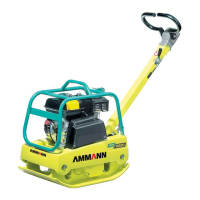
STORED CODES – saved defects, which are not enabled.
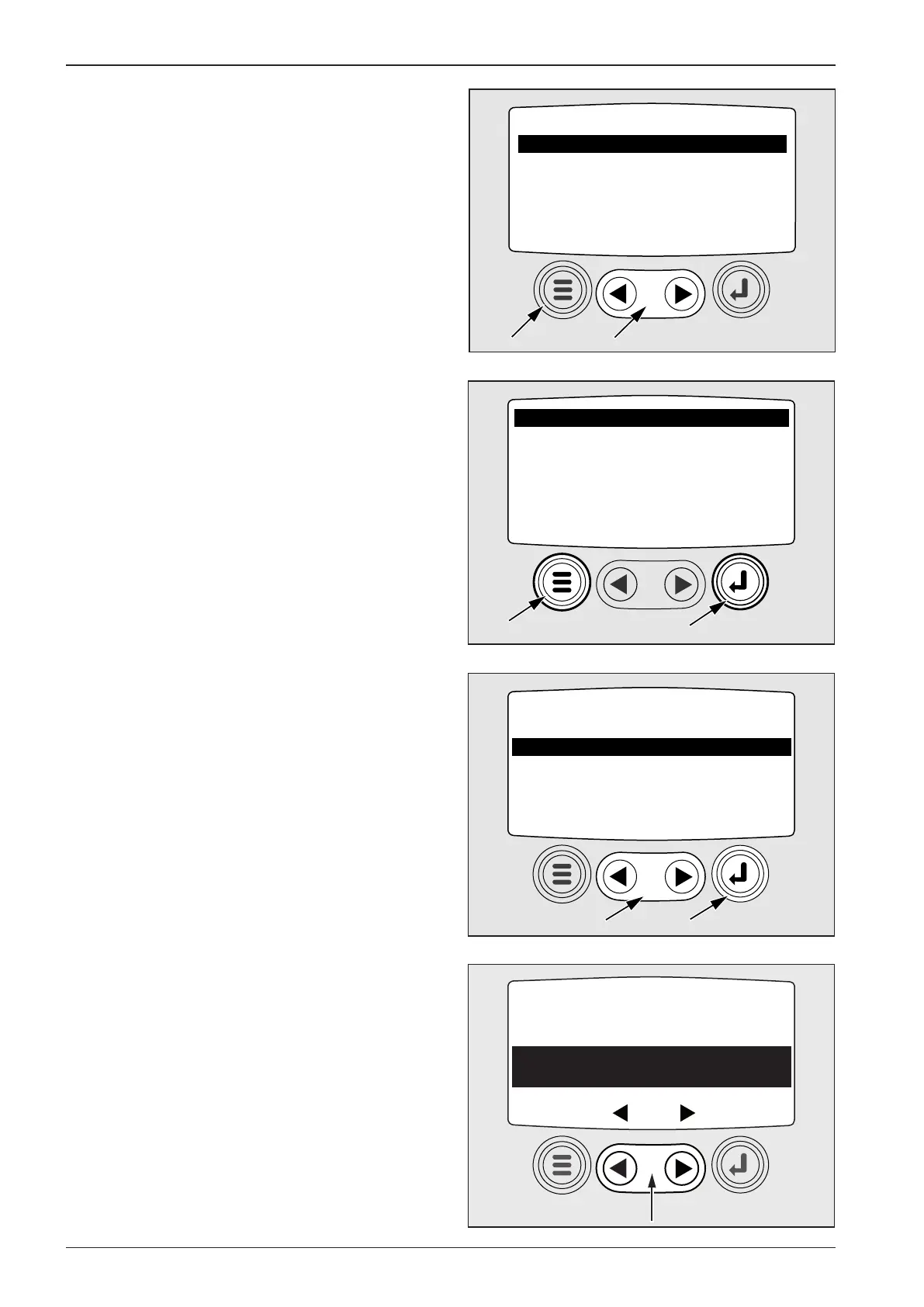
Move the cursor (1) in the main menu onto the item and use the
button ENTER (2) to enter the submenu.
Note:
The following message will appear on the display: “Requesting
fault codes“. Wait until it disappears.
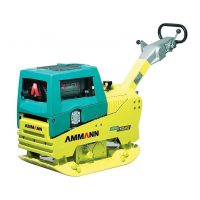
If the word MORE appears, use the cursor to move to other
saved positions. By pressing the button ENTER, return to the
main menu.
LANGUAGES – menu to select a language
Move the cursor (1) in the main menu onto the item and use the
button ENTER (2) to enter the submenu.



 To Next Page