57ASC70
< NEXT >
ENGINE SPEED PT 1
850 RPM
GO TO 1 - UP DISPLAY
LANGUAGES
STORED CODES
ENGINE CONFIGURATION
SELECT UNITS
ADJUST BACKLIGHT
ADJUST CONTRAST
1 2
ENGLISH
METRIC Kpa
METRIC BAR
213
GO TO 1 - UP DISPLAY
LANGUAGES
STORED CODES
ENGINE CONFIGURATION
SELECT UNITS
ADJUST BACKLIGHT
ADJUST CONTRAST
OPERATION MANUAL
ENGINE CONFIGURATION – menu to browse engine param-
eters
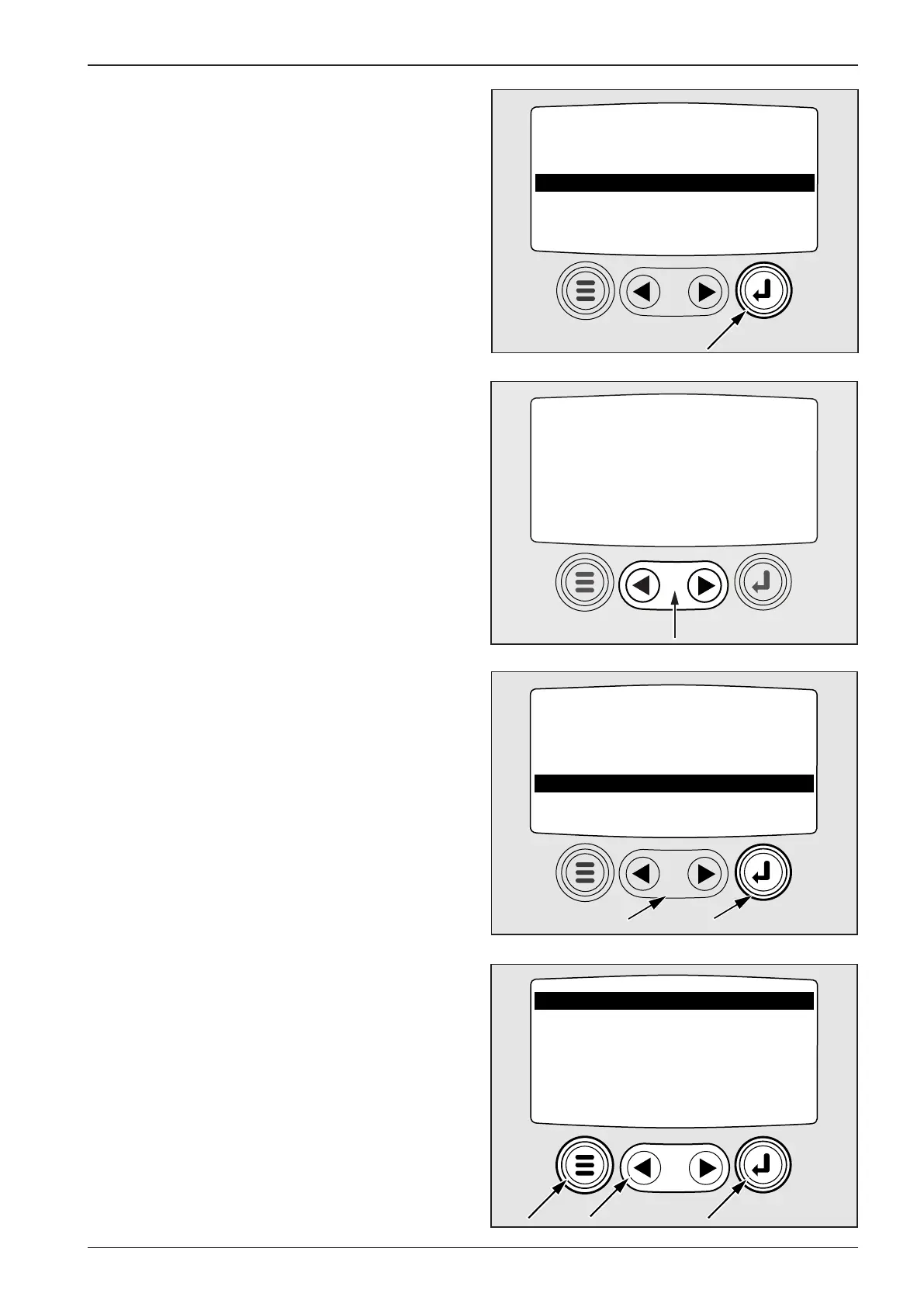
Move the cursor (1) in the main menu onto the item and use the
button ENTER (2) to enter the submenu.
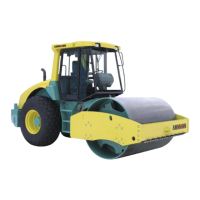
Using the cursor you can move among the parameters.
SELECT UNITS – selection of units of measure
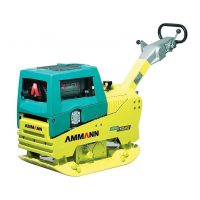
Move the cursor (1) in the main menu onto the item and use the
button ENTER (2) to enter the submenu.
Use the cursor to set (1) ENGLISH and the indicated variables
appear in PSI units (pressure), °F (temperature).
After you set METRIC KPA, the displayed variables are in kPA, °C
units.
After you set METRIC BAR, the displayed variables are in bar, °C
units.
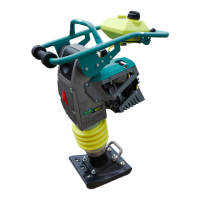
Using the button ENTER (2) conrm the variables and using the
button MENU (3) return to the main menu.



 To Next Page