58 ASC70
1 2
GO TO 1-UP DISPLAY
LANGUAGES
STORED CODES
ENGINE CONFIGURATION
SELECT UNITS
ADJUST BACKLIGHT
ADJUST CONTRAST
ADJUST BACKLIGHT
1 2
GO TO 1-UP DISPLAY
LANGUAGES
STORED CODES
ENGINE CONFIGURATION
SELECT UNITS
ADJUST BACKLIGHT
ADJUST CONTRAST
ADJUST CONTRAST
2.6. Actuators and dashboard instruments
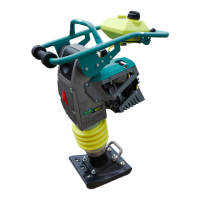
Set the backlight intensity using the cursor. By pressing the but-
ton MENU, return to the main menu.
ADJUST CONTRAST – adjustment of the display contrast
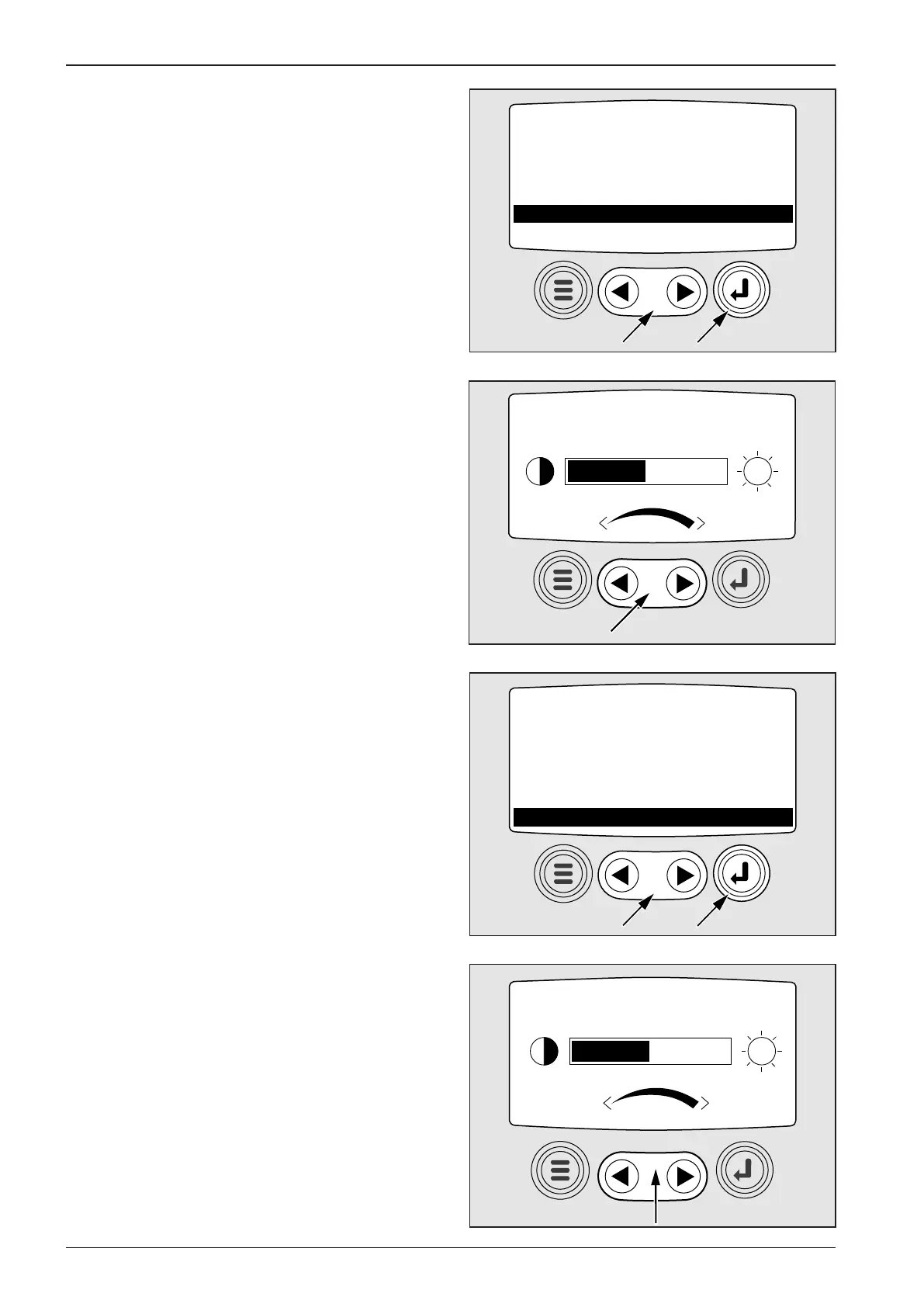
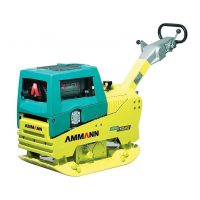
Move the cursor (1) in the main menu onto the item and use the
button ENTER (2) to enter the submenu.
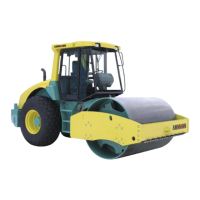
Set the display contrast using the cursor. By pressing the button
MENU, return to the main menu.
ADJUST BACKLIGHT – adjustment of the display backlight in-
tensity
Move the cursor (1) in the main menu onto the item and use the
button ENTER (2) to enter the submenu.



 To Next Page