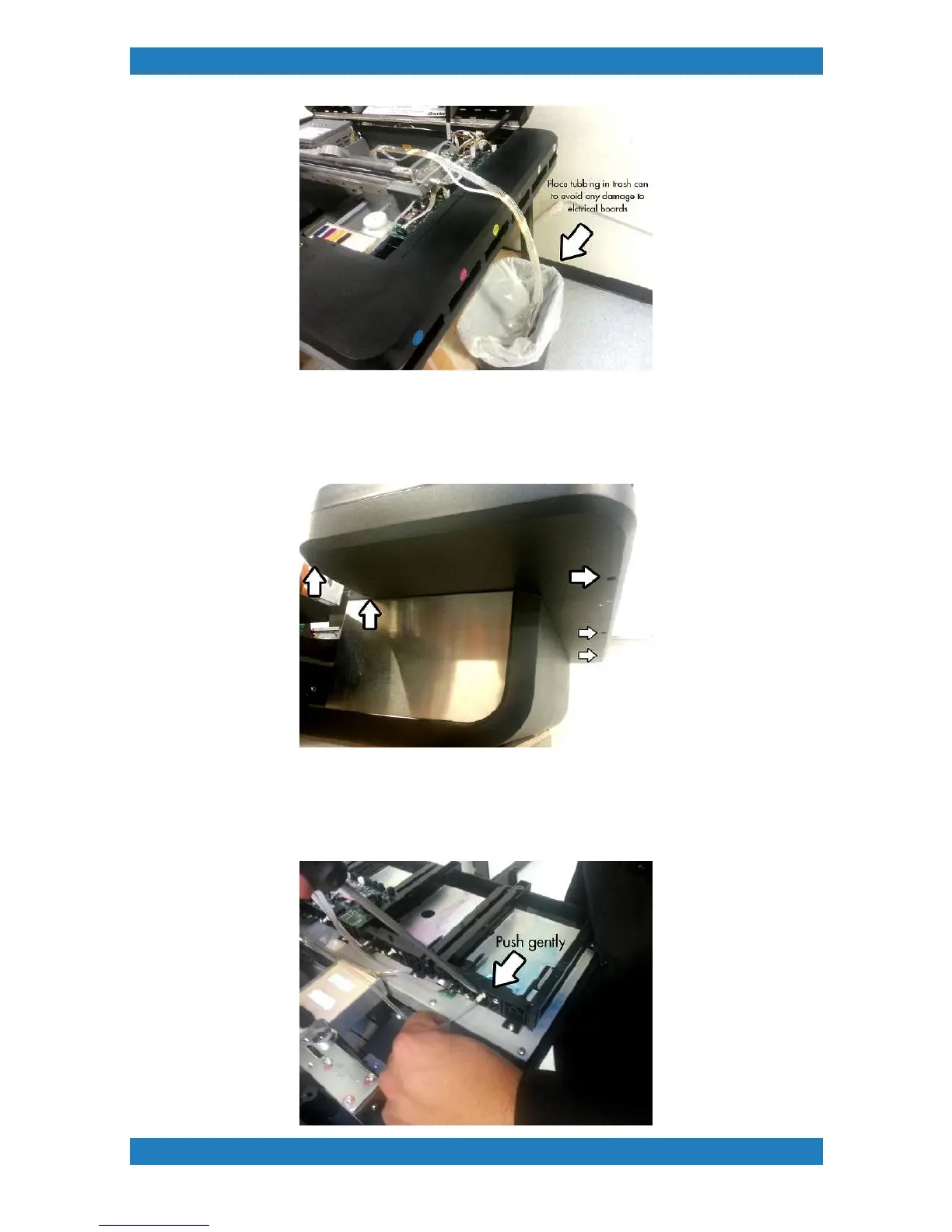
Photo 3.2.9
8. Now that our tubes are disconnected from the carriage side we must now disconnect the
tubbing from the ink bay side. Begin by removing the ink bay cover. You will have 5 phillip screws
underneath the ink bay cover. See photo 3.2.10
Photo 3.2.10
9. Start by unplugging the tubbing from the CMYK valves. Use a small flat head screw driver to
gently push on the tubing, use your other hand to pull on the tube at the same time. Be very
careful not to damage the ink needle. Unplug all tubbing from the CMYK needles. See photo 3.2.11



 To Next Page