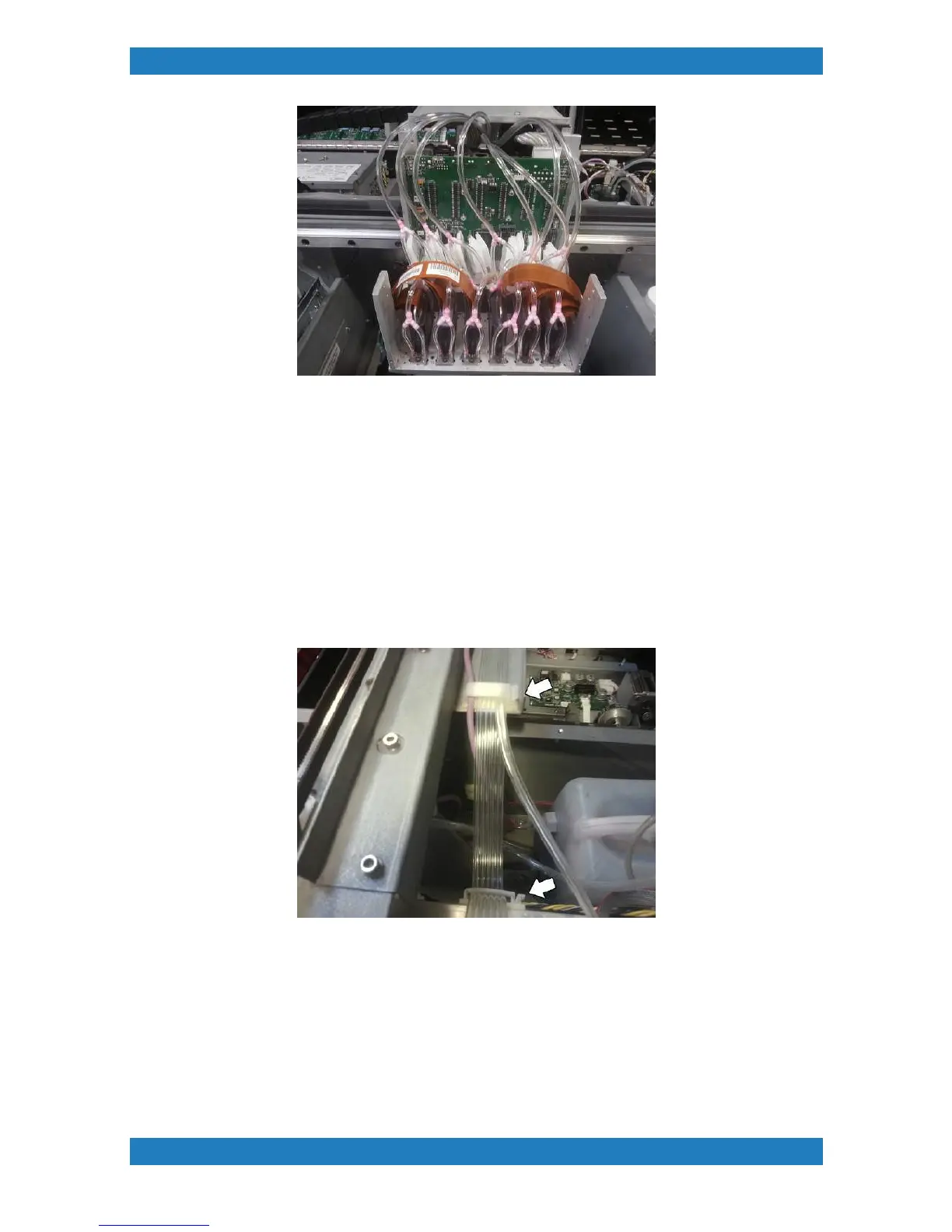
Photo 3.2.10
You can now Re assemble your carriage boards and retainers.
Ink Bay Tubbing Assembly
Print Tube Assembly (set of 6)
Feed the Print lines and purge lines though the first holding clip. Then follow the print lines only to the second
clip. See photo 3.2.11
Photo 3.2.11
Split your Print tubes (set of 6) into 3. Split the tubes up to the second clip. See image below. Route the
tubes to each side. Tubes 1-3 to the left, and tubes 4-6 to the right hand side. See photo 3.2.12



 To Next Page