43
Quality Control Testing
9. Quality Control Testing
The performance of the system (analyzer and reagent test strips) should be moni-
tored regularly to ensure reliable results are obtained. To determine the frequency
of quality control, consult your facility’s quality control policy.
The following possibilities are offered to perform QC tests:
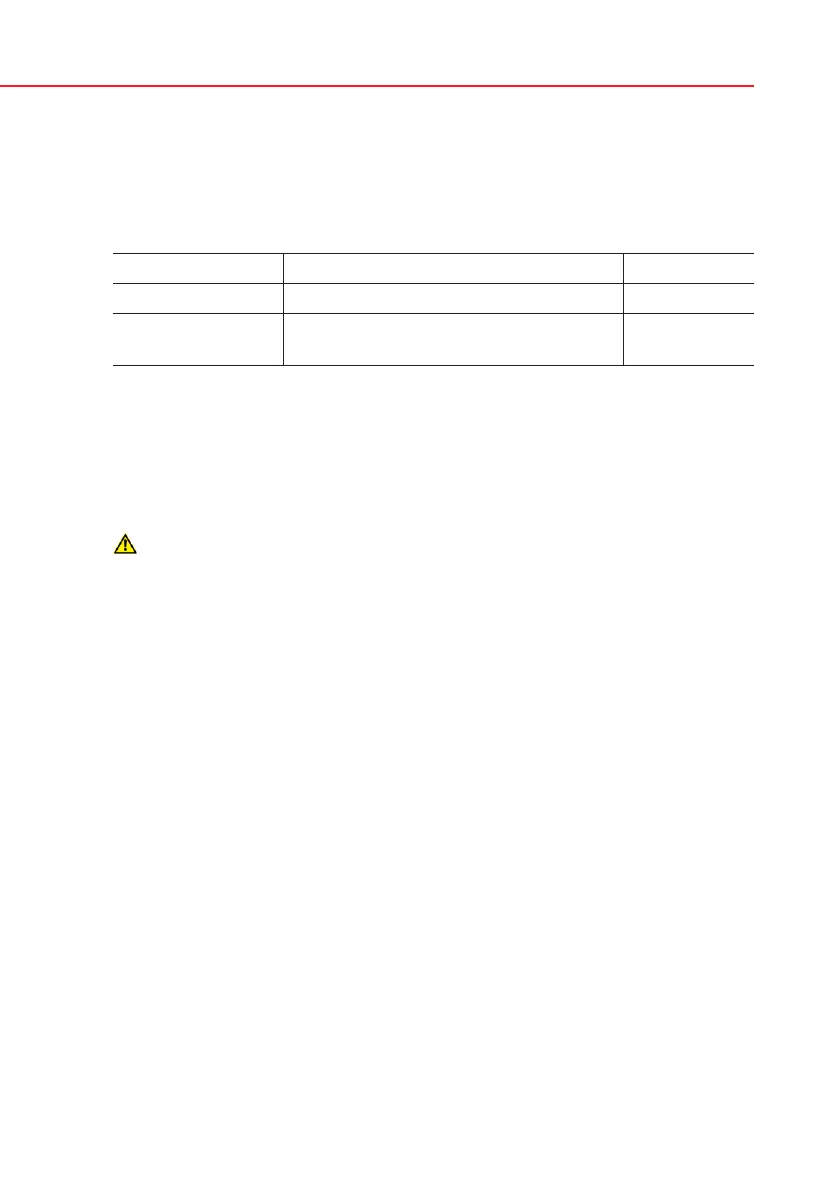
Type Controls Available
Check strip Analyzer
Urine Control
2 or 3 levels
Reagent test strips Analyzer PRO only
Several commercial controls are available. Controls may vary in number of
levels or components, necessity for reconstitution or ready to use, type and
volume of container. Analyticon supports the use of CombiScreen Control PN
or Quantimetrix Corporation Dipstick Controls as these controls provide the
necessary color development with CombiScreen Plus strip. Other manufactur-
ers’ controls may provide abnormal results due to non-specific colorations of
the test pads.
After the occurrence of an accidental event (drops, spills, splashes),
even if visible damage is not seen, verify the performance of the reader
with the check strip.
The supplied check strip can be used only as a mechanism to confirm
the functionality of the analyzer. This is the only QC functionality of-
fered for the base Urilyzer 100.
The use of urine controls is highly recommended particularly in the following
situations:
a) if a new bottle of test strips is opened; but at least monthly,
b) if test results are in doubt,
c) if new operators are trained on the system.
The urine control solutions are analyzed using a regular urine test strip in an iden-
tical manner to a patient sample.
The QC procedure can be divided into 3 phases (Pro only):
1. Configuring the system: setting urine control level, forced QC, QC lockout.
2. Setting the urine control LOT number and the acceptance limits.
3. Performing QC testing at defined intervals.
In order to perform the necessary steps:
1. To configure the system QC settings select Options»Settings»QC Options.
9.1 QC Options
The urine control LOT number and acceptance limits can be set at the same
place.
9.1.1 Editing QC


 To Next Page