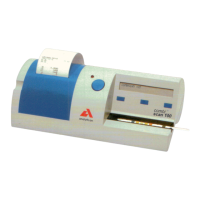
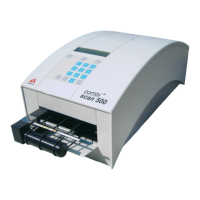
Do not push the tray fully into the analyzer as the tray may become
jammed and prevent the use of the analyzer.
When the analyzer is turned on the self-check begins automatically and veri-
fies that the reference pad is in good condition. If not, an error message will be
displayed.
12.2.1 Reference pad check
In normal use, the grey reference pad should not become dirty or discolored.
When the test strip tray is removed, visually inspect the reference pad during the
routine cleaning procedure.
If it is dirty or discolored, gently wipe and clean it with a new cotton-tipped stick
or lint-free cloth moistened with distilled water.
Allow the calibration bar to air dry and then inspect the surface for foreign
material, scratches or scuffs. If the calibration bar cannot be cleaned or is still
marked, obtain a new test table.



 To Next Page