19.4. Checking BCD Output
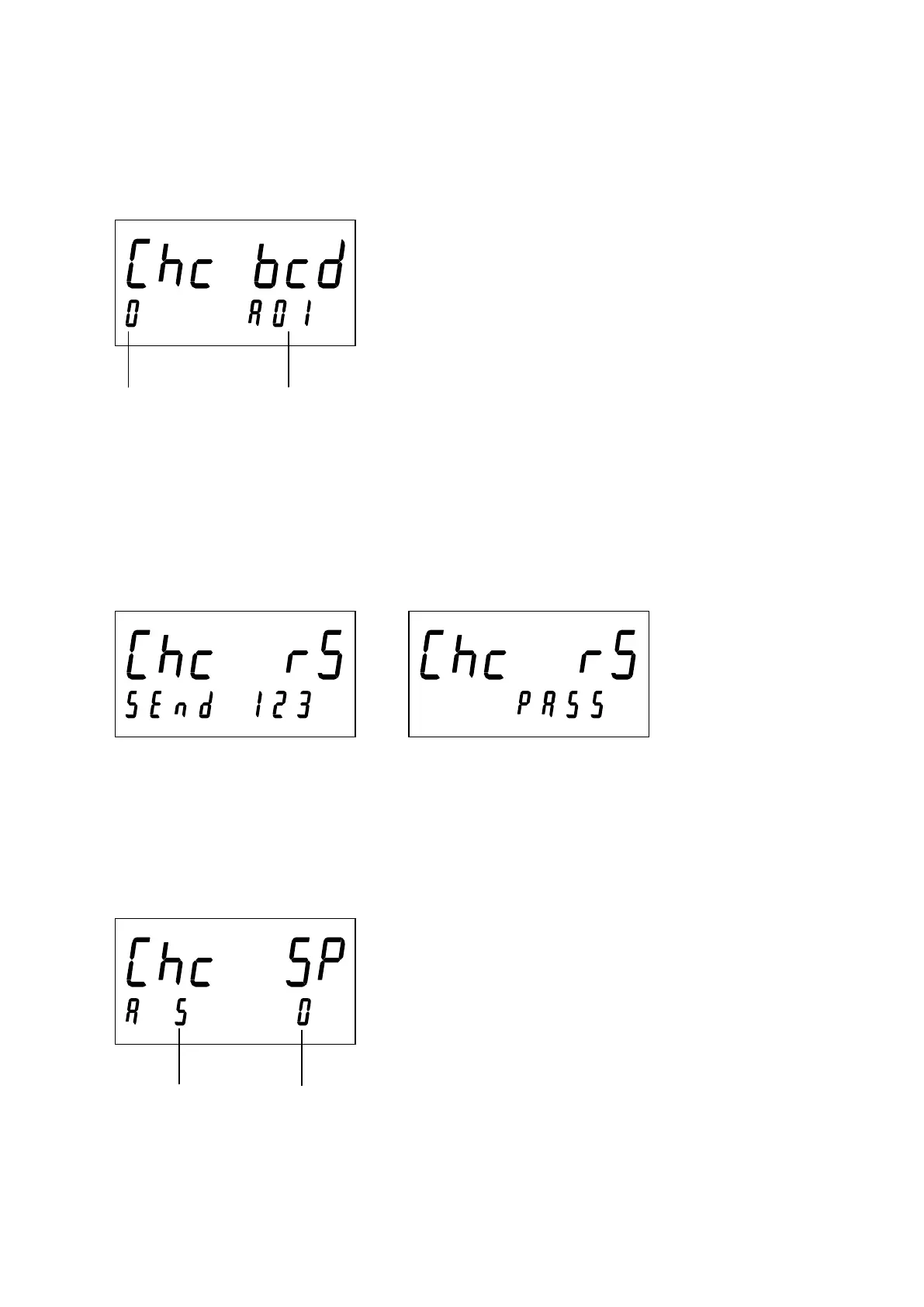
When the hold input turns ON, “0” turns to “1” and the output of the displayed pin No. turns ON.
Press the NET/GROSS key or Function key to switch pin Nos.
19.5. Checking RS-422/485, RS-232C
When the ENTER key is pressed, “123” is sent. When “123” is received, “PASS” is displayed.
The communication specifications comply with the RS-422/485, RS-232C specifications.
19.6. Checking Setpoint Input
The output terminal in the sub-display turns ON and the read value is displayed.


 To Next Page