Model 101/2100 Doors Service & Installation
TITLE:
99-13312-S001 Model 101/2100 Doors Service &
Installation
5-Door
Section
66. T-8 Lamp Replacement Instructions
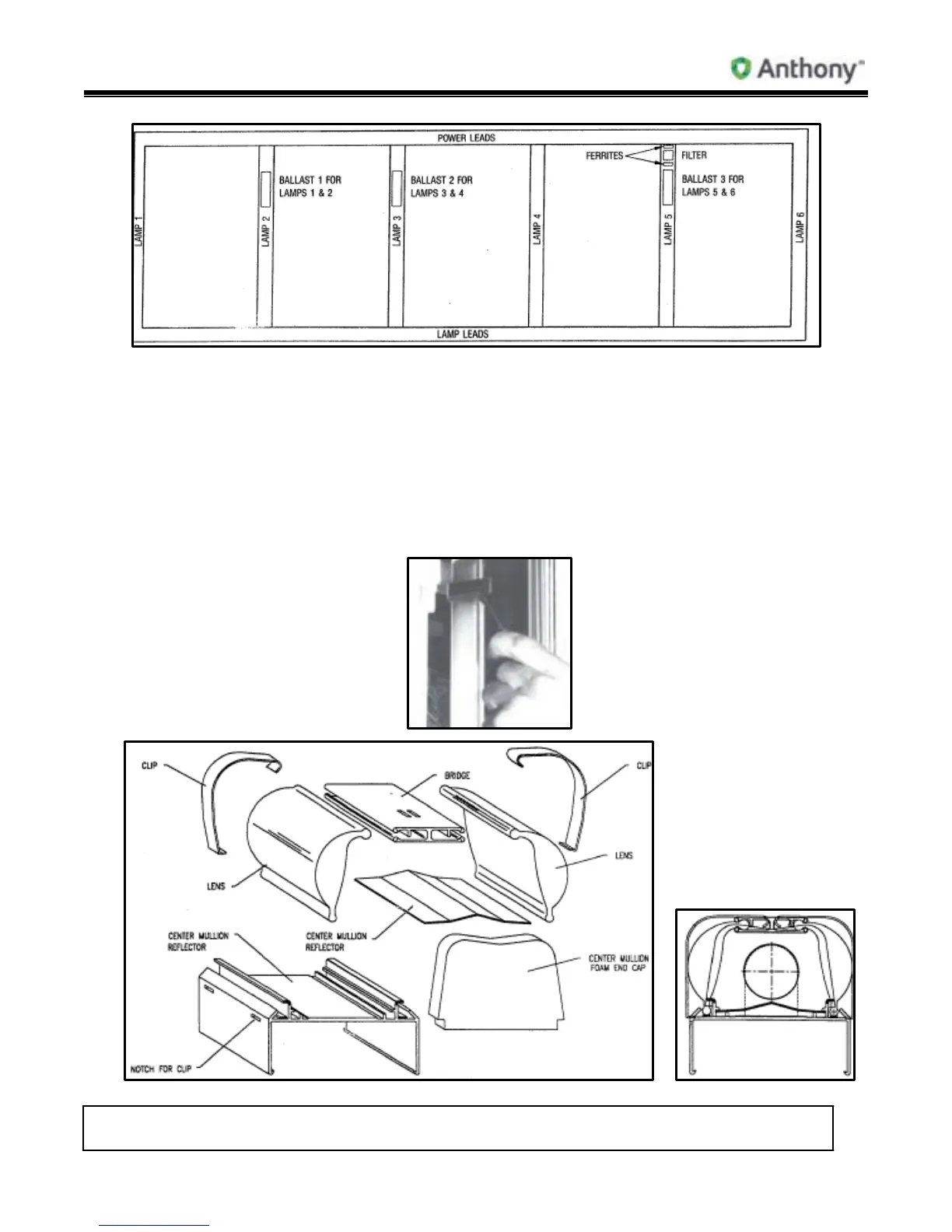
CENTER MULLION FIXTURES
1. Turn light power off before start of lamp replacement.
2. Remove top and bottom spring steel clips. Insert small flat-head screwdriver under
clip to release clip from side of fixture (as shown in the following figure). On one side at
a time, pull clip out of pre-punched holes in side of mullion.



 To Next Page