Model 101/2100 Doors Service & Installation
TITLE:
99-13312-S001 Model 101/2100 Doors Service &
Installation
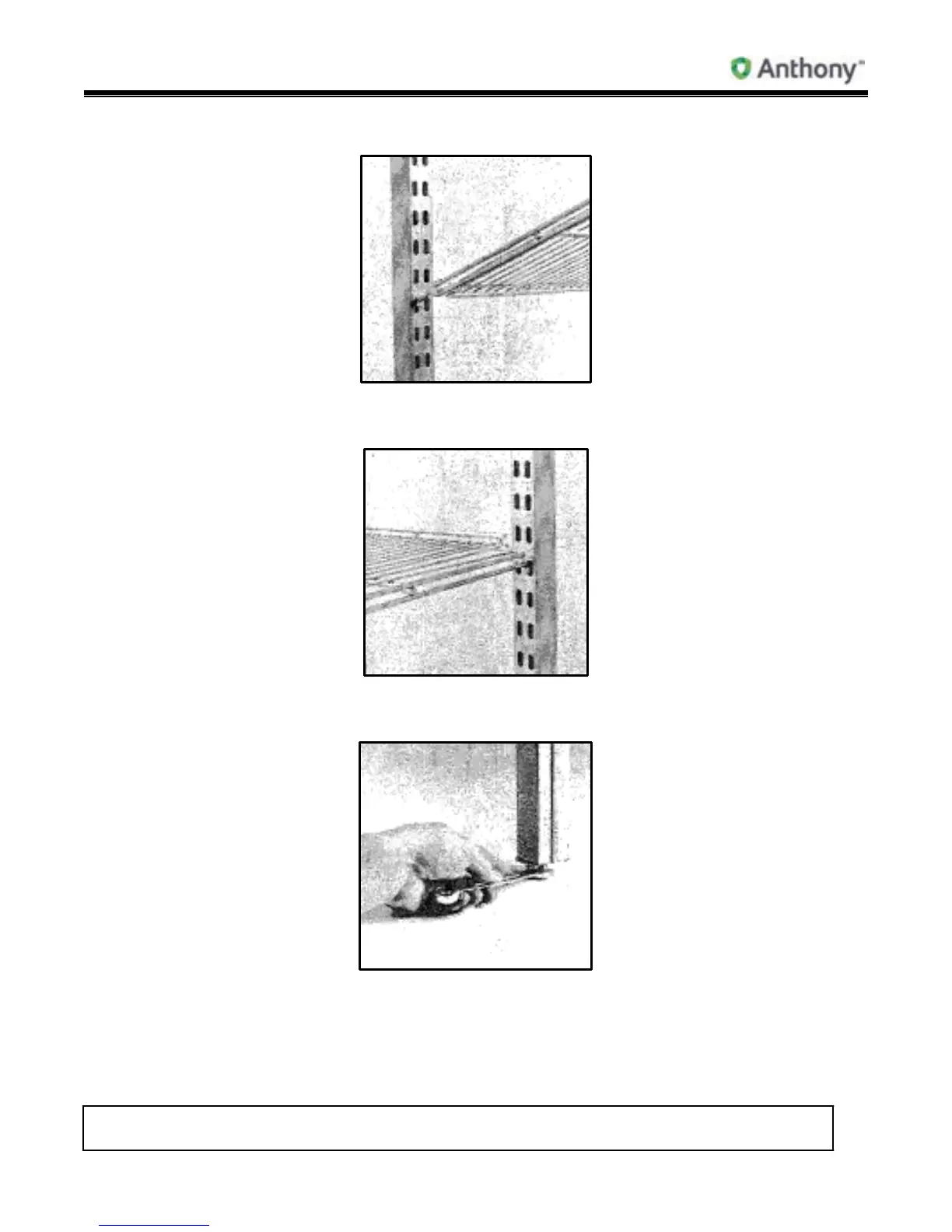
3. Insert front of shelf in front post at angle as shown, then position rear shelf posts.
4. Drop rear of shelf down and pull back in slot on rear posts. Continue to add shelves
behind each door, spacing for desired product merchandising.
5. After installing shelves, adjust rear post leveling bolts to level. The Four-Post Shelf
System is now ready for merchandising.



 To Next Page