Model 101/2100 Doors Service & Installation
TITLE:
99-13312-S001 Model 101/2100 Doors Service &
Installation
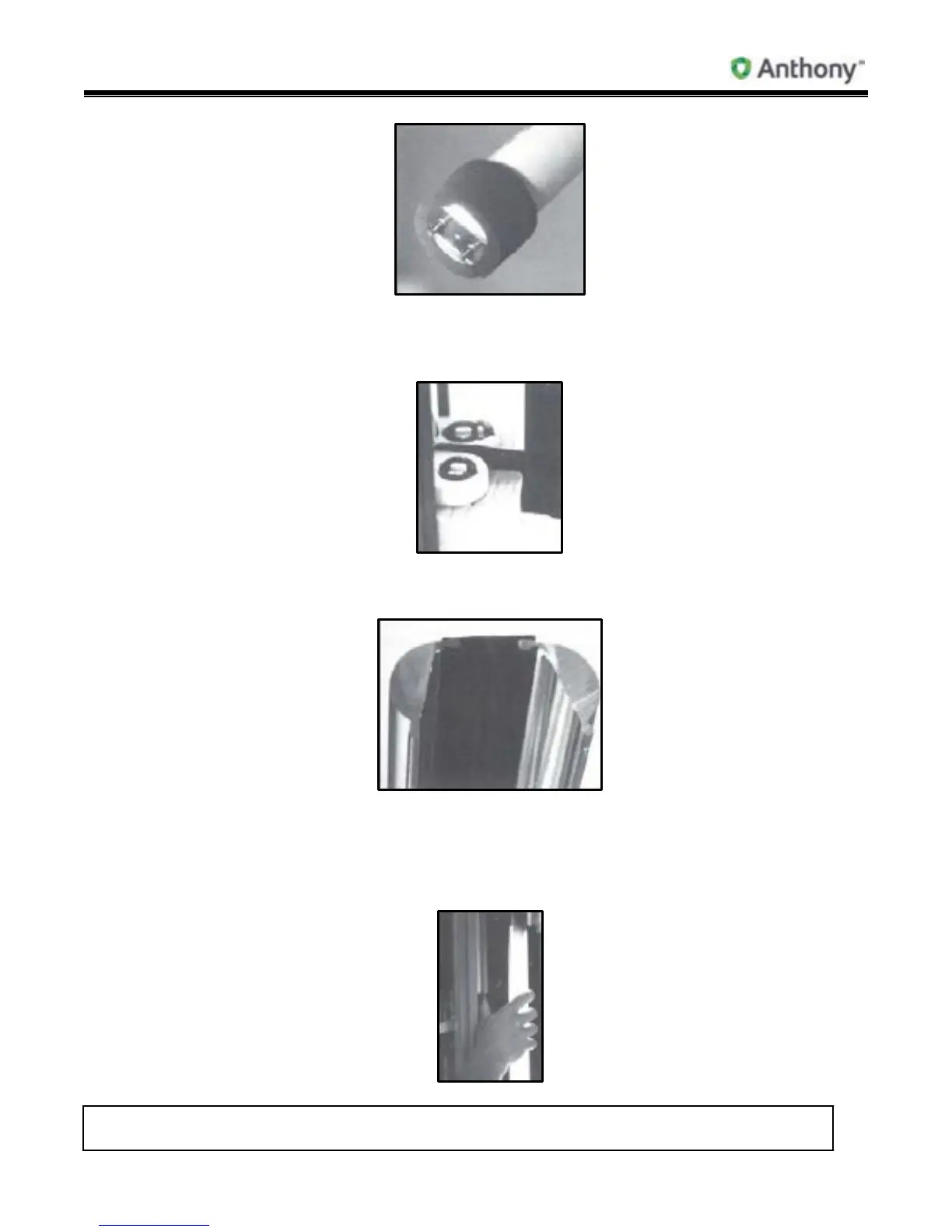
To install new bulb, place into socket and turn two clicks. There are foam end caps
on the top and bottom of lamp sockets. End caps must be attached before lens is
replaced.
5. Be sure that both ELS lenses are snapped securely into the plastic bridge before re-
installing on the light fixture.
6. Install clip on plastic bridge, if required, before re-installing on light fixture.
7. Starting at the top on one side of the light fixture, line up the edge of the lens with the
groove in the fixture plastic. Snap lens into groove. Repeat with lens on the other side,
if removed.



 To Next Page