Anybus CompactCom 40 EtherNet/IP
Doc.Rev. 1.5
Appendix E
E. Technical Specification
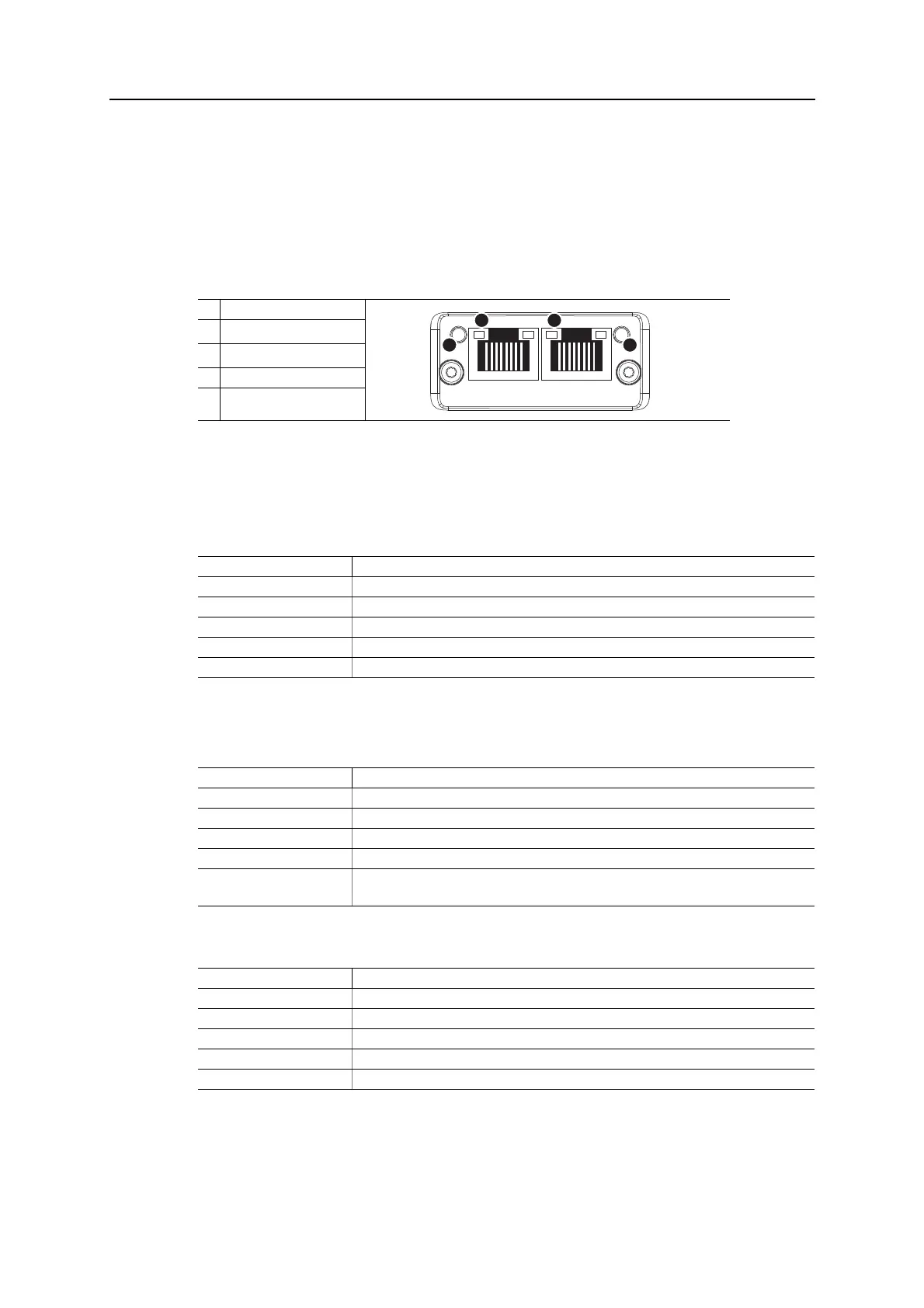
E.1 Front View
Ethernet Connector
Network Status LED
Note: A test sequence is performed on this LED during startup.
Module Status LED
Note: A test sequence is performed on this LED during startup.
LINK/Activity LED 3/4
Ethernet Interface
The Ethernet interface supports 10/100Mbit, full or half duplex operation.
#Item
1
Network Status LED
a
a. Test sequences are performed on the Network and Module Status LEDs during
startup
2
Module Status LED
a
3 Link/Activity LED (port 1)
4 Link/Activity LED (port 2)
LED State Description
Off No power or no IP address
Green Online, one or more connections established (CIP Class 1 or 3)
Green, flashing Online, no connections established
Red Duplicate IP address, FATAL error
Red, flashing One or more connections timed out (CIP Class 1 or 3)
LED State Description
Off No power
Green Controlled by a Scanner in Run state
Green, flashing Not configured, or Scanner in Idle state
Red Major fault (EXCEPTION-state, FATAL error etc.)
Red, flashing Recoverable fault(s). Module is configured, but stored parameters differ from currently
used parameters.
LED State Description
Off No link, no activity
Green Link (100 Mbit/s) established
Green, flickering Activity (100 Mbit/s)
Yellow Link (10 Mbit/s) established
Yellow, flickering Activity (10 Mbit/s)



 To Next Page