Update the Microsoft
™
Windows
™
operating system
Do not upgrade or update the Microsoft
™
Windows
™
operating system of the
computer running the QuantStudio
™
Real-Time PCR Software without rst consulting
the software release notes or thermosher.com. Future versions and updates to the
Windows
™
operating system may conict with the software.
1.
Go to thermosher.com/qpcrsoftware.
2.
In the Real-Time PCR section, click Applied Biosystems QuantStudio 6 & 7 Flex
Real-Time PCR Systems.
3.
Click Read Me.
4.
If the release notes do not contain the information of interest, contact Technical
Support.
Change the sample block
WARNING! PHYSICAL INJUR
Y HAZARD. During instrument operation, the
sample block and heated cover can reach 100℃. Allow the sample block to cool
to room temperature before removing.
You can change the sample block:
•
To change the consumable format of the QuantStudio
™
6 or 7 Flex System.
• In the event of a hardware failure.
• Safety glasses
• Powder-free gloves
• Sample block
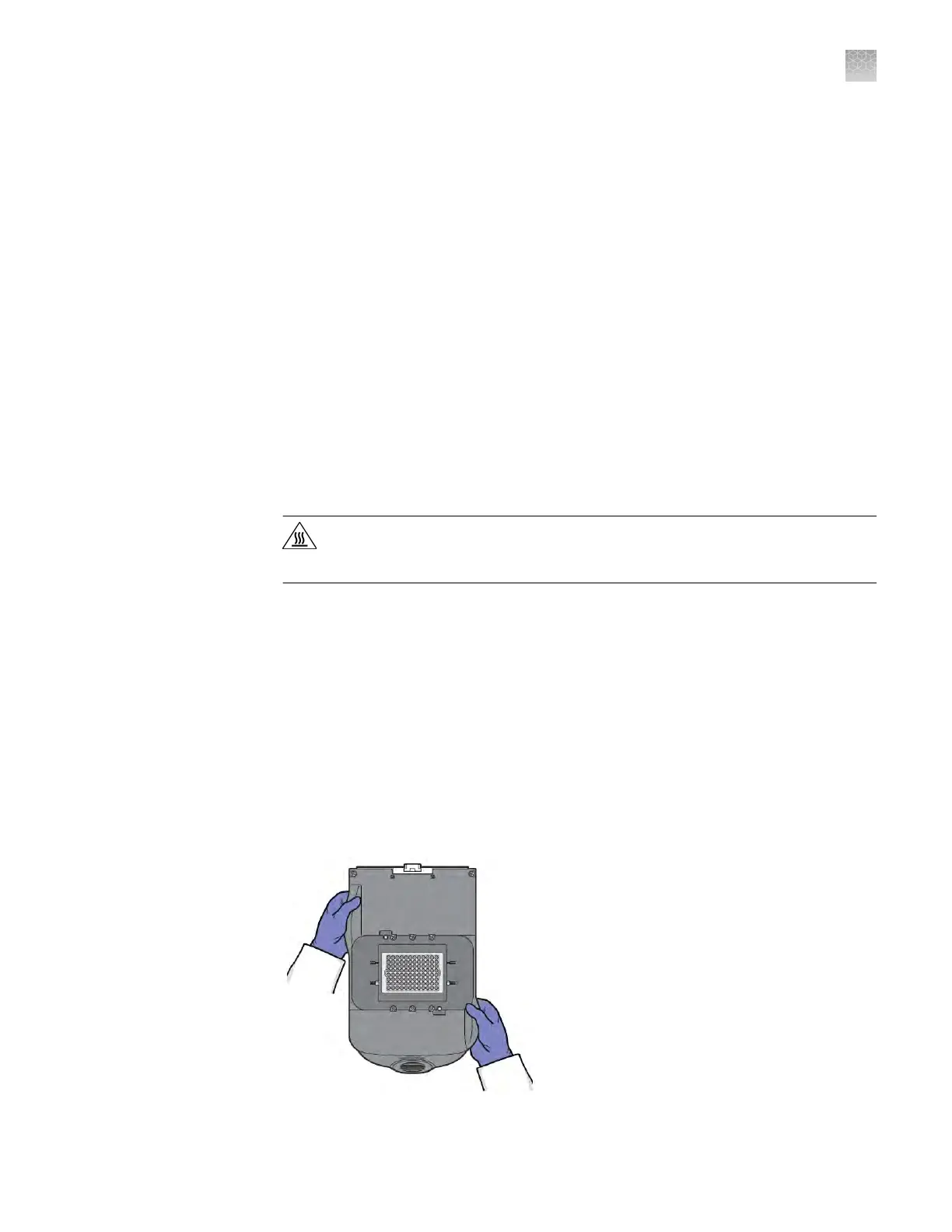
To prevent damaging or contaminating the sample block, handle the assembly as
shown. After the assembly has been removed from the QuantStudio
™
6 or 7 Flex
System, place the sample block on a clean, dry surface or in its shipping container.
When to change
the sample block
Materials required
How to handle the
sample block
Appendix B Maintenance
Update the Microsoft
™
Windows
™
operating system
B
QuantStudio
™
6 and 7 Flex Real-Time PCR Systems v1.6 Maintenance and Administration Guide
107












 To Next Page