10.
Check the calibration status of the system (see “View the calibration status of an
instrument“ on page 29).
If the calibrations for the new sample block/heated cover have expired, perform
the following calibrations in the specied order:
a.
ROI calibration
b.
Background calibration
c.
Uniformity calibration
d.
Dye calibration
e.
Normalization calibration (TaqMan
®
Array Card block only)
IMPORTANT! If the calibrations for the new sample block/heated cov
er are
valid, you do not need to recalibrate the QuantStudio
™
6 or 7 Flex Real-Time
PCR System.
Change the heated cover
WARNING! PHYSICAL INJUR
Y HAZARD. During instrument operation, the
sample block and heated cover can reach 100℃. Allow the heated cover to cool
to room temperature before removing.
You can change the heated cover:
•
To change the consumable format of the QuantStudio
™
6 or 7 Flex System.
• In the event of a hardware failure
• Safety glasses
• Powder-free gloves
• Heated cover
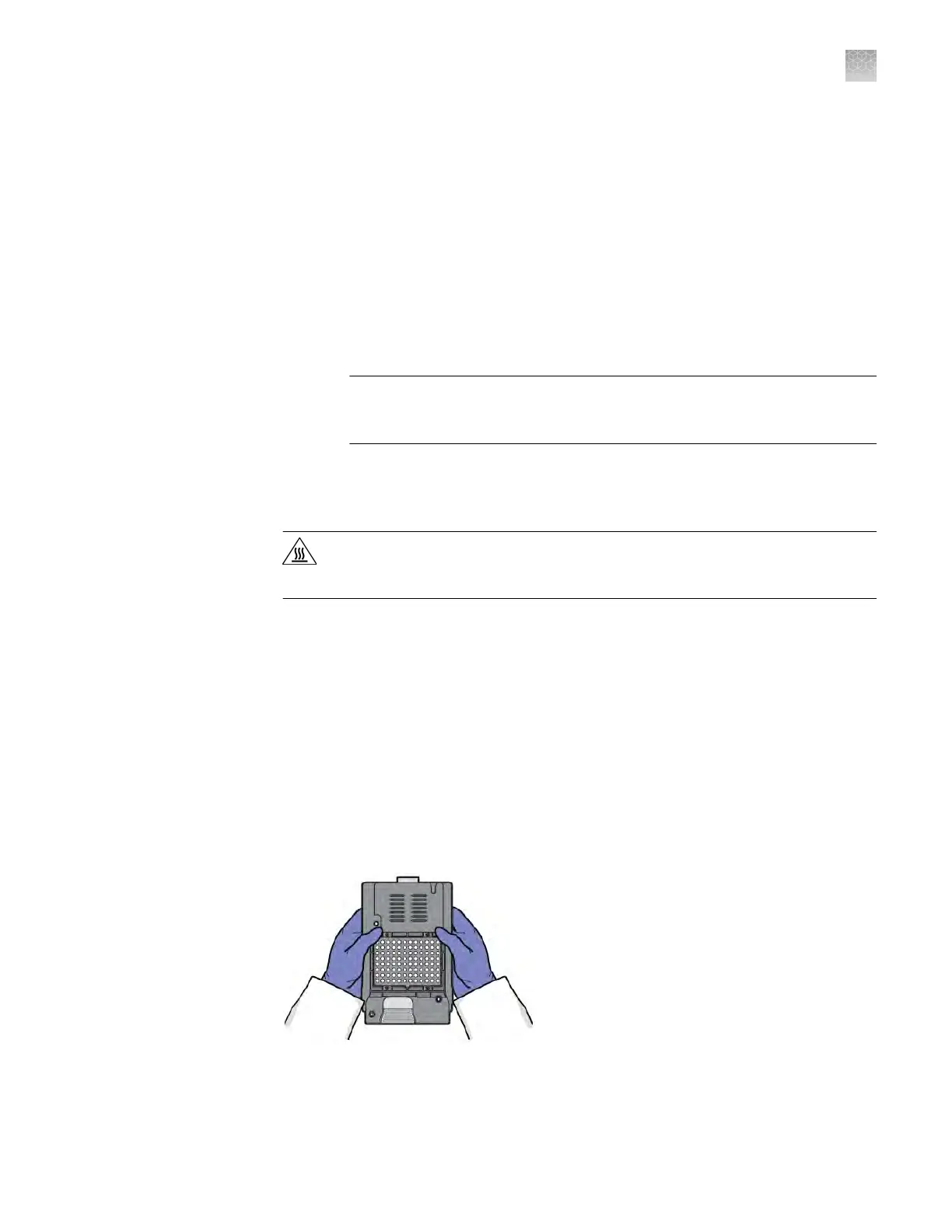
To prevent damaging or contaminating the heated cover, handle the assembly as
shown below. After the assembly has been removed from the QuantStudio
™
6 or 7
Flex System, place the heated cover on a clean, dry surface or in its shipping container.
When to change
the heat
ed cover
Materials required
How to handle the
heated cover
Appendix B Maint
enance
Change the heated cover
B
QuantStudio
™
6 and 7 Flex Real-Time PCR Systems v1.6 Maintenance and Administration Guide
109












 To Next Page