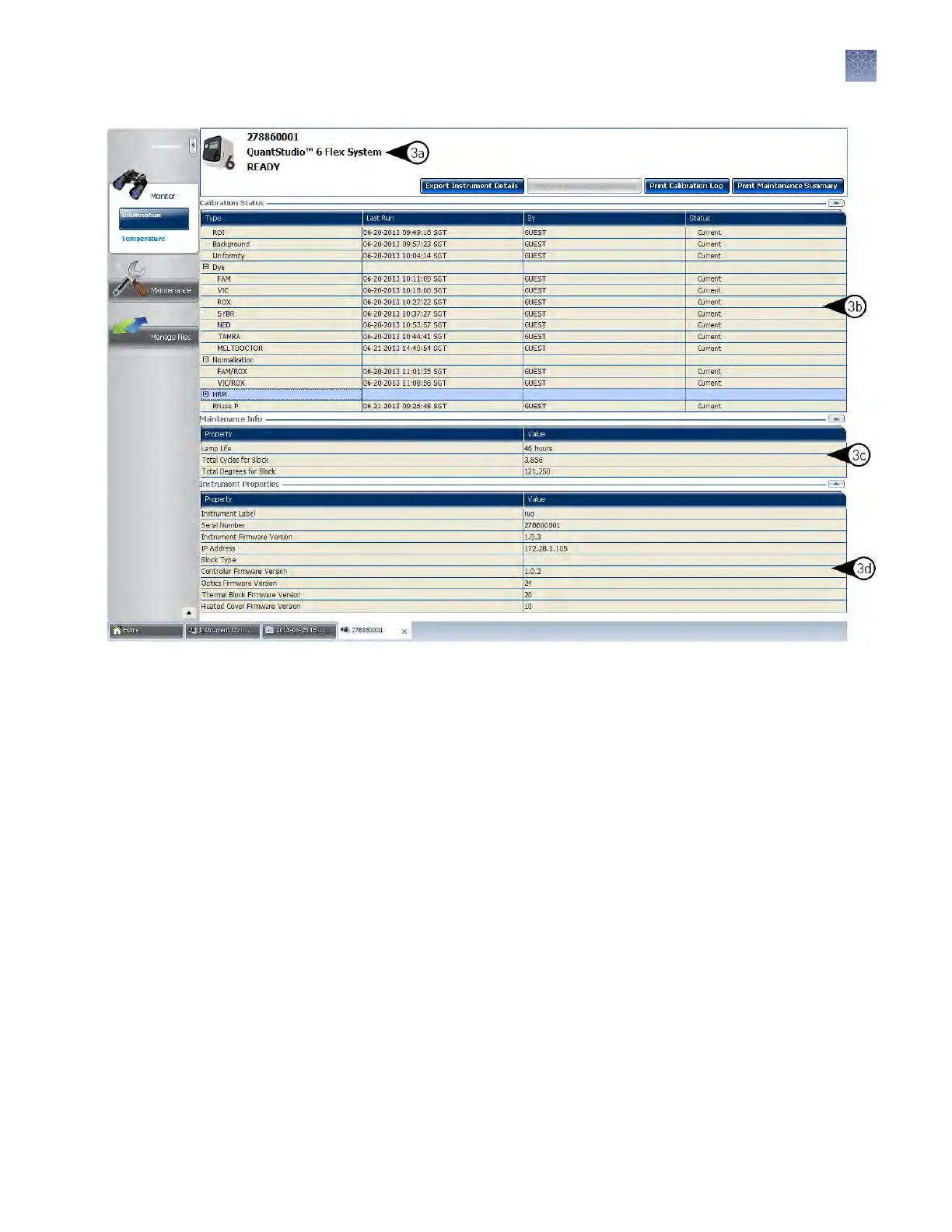
(TaqMan Array Card block)
TaqMan Array Card block
Figure 2 Inf
ormation screen for the instrument with a TaqMan
®
Array Card block
Note: While viewing the Monitor screen, you can generate reports of the calibration
history and status for the instrument. The following options are available from the
Instrument Manager:
• Print Calibration Log—Prints the calibration history of the instrument.
• Print Maintenance Summary—Prints a summary of the current instrument
calibrations.
Note: The details for an instrument in the My Preferred list can be exported even if
the network connection has been interrupted. The exported details from the
disconnected instrument would contain the data most recently downloaded from the
instrument before the interruption.
Chapter 2 Calibr
ate the instrument
Calibration overview
2
QuantStudio
™
6 and 7 Flex Real-Time PCR Systems v1.6 Maintenance and Administration Guide
31












 To Next Page