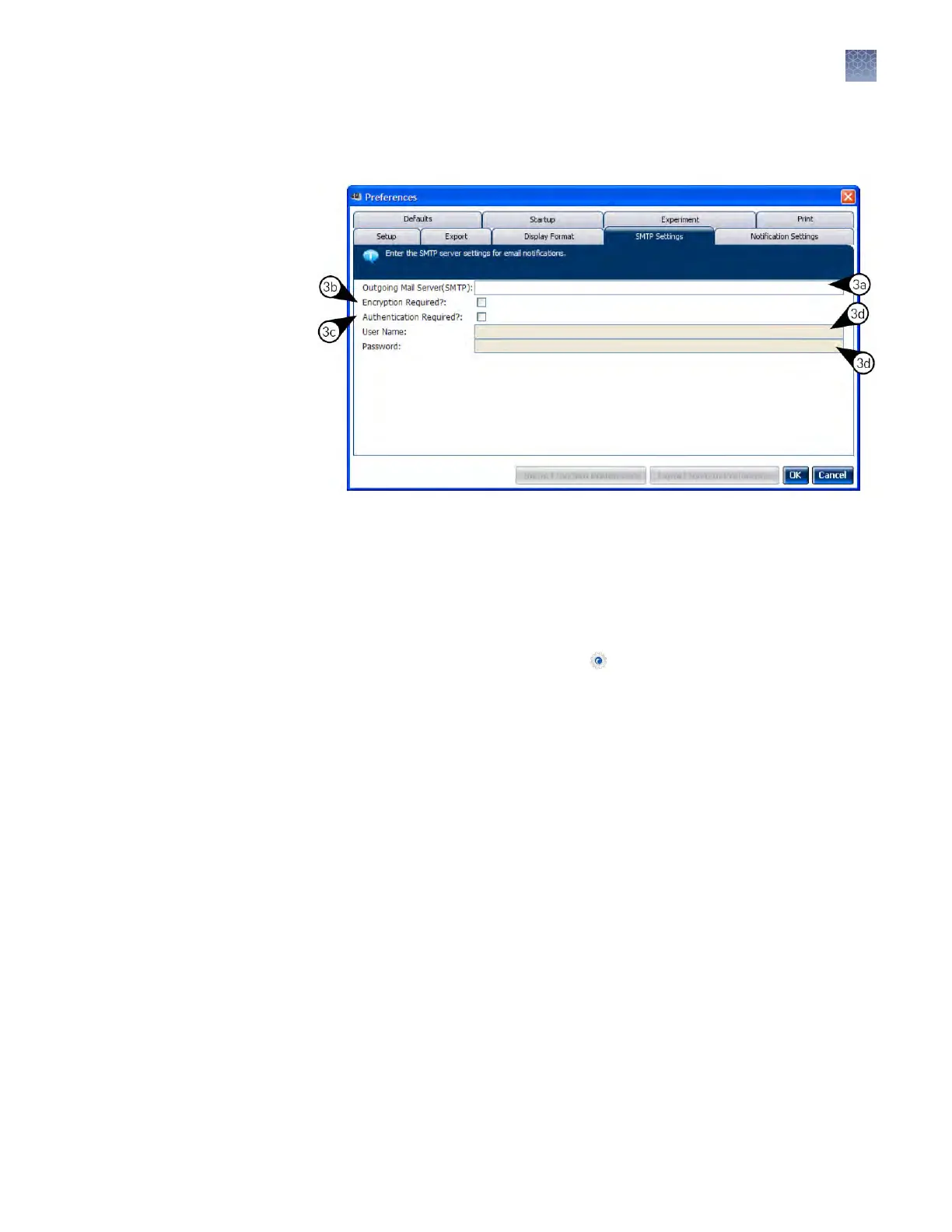
d.
If the mail server requires authentication, enter the user name and password
provided by your systems administrator.
4.
Click OK.
5.
T
est the mail server seings:
a.
In the Home tab of the QuantStudio
™
Real-Time PCR Software, select any
experiment in the Set Up panel, then click Set Up to create a new
experiment.
b.
In the experiment document, click
Run in the Experiment Menu, then
click Notication Seing to view the notication seings for the
experiment.
c.
In the Notication Seings of the experiment document, select Y
es to
enable the Enable Notications seing.
d.
From the Enter e-mail addresses for notications eld, enter the email
address that you want to receive the test emails.
Chapter 2 Calibr
ate the instrument
Enable or change the calibration reminders
2
QuantStudio
™
6 and 7 Flex Real-Time PCR Systems v1.6 Maintenance and Administration Guide
33












 To Next Page