Installation and Operation 57
ADVICE
If the clamping force of the Center Post clamp weakens, clean the Inner Post with isopropanol,
before you adjust the clamping force.
Clamp Force Adjustment
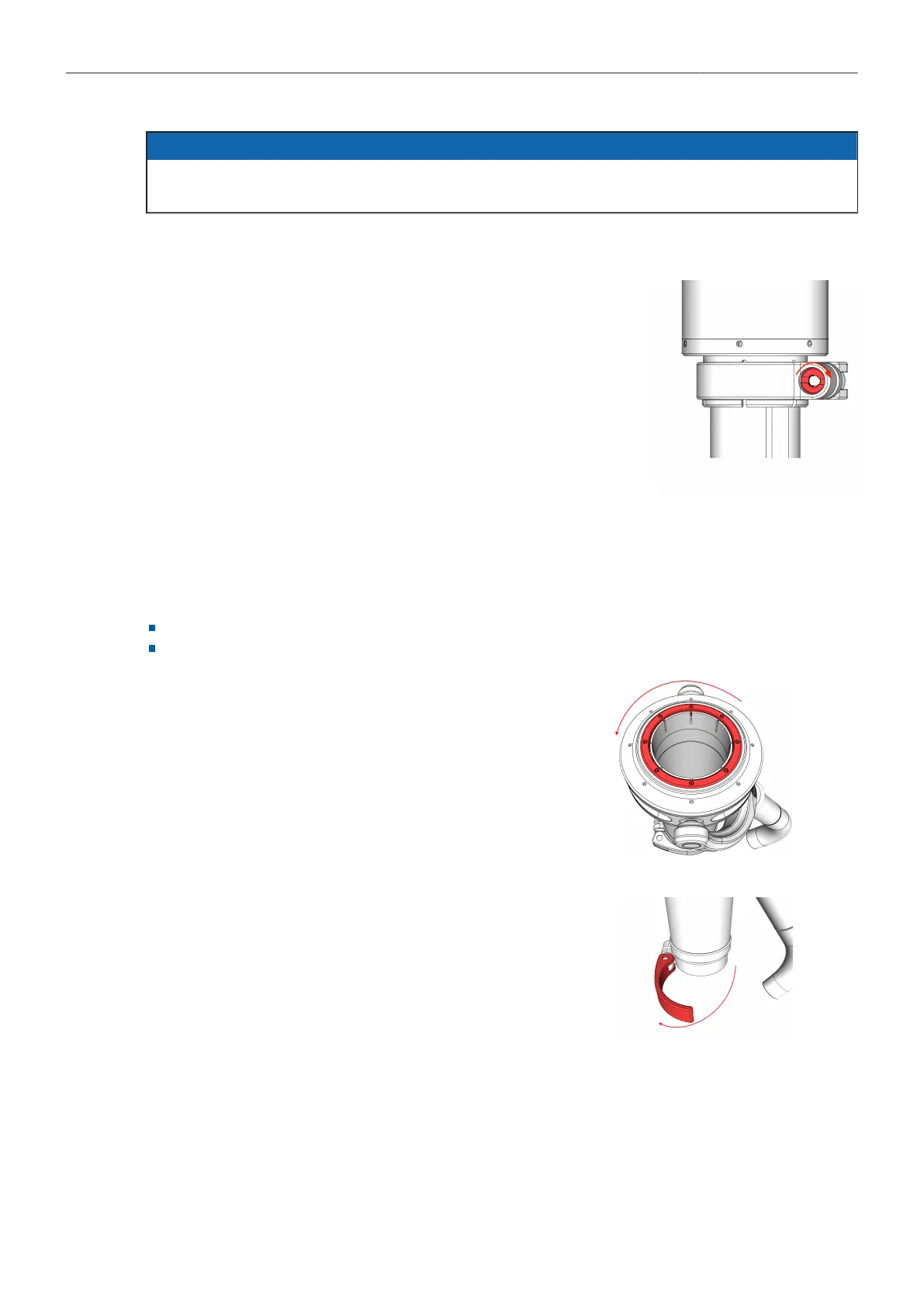
1. Open the clamp lever.
2. Turn the silver nut by a 1/8 or 1/4 turn to the right, to adjust the
clamp force.
→ The clamping force is adjusted.
8.3 Gimbal Installation and Operation
8.3.1 Installing the 1.8in Gimbal to the Center Post
Preparation:
Remove the top stage from the center post
Prepare Post Tool (K2.0040046) for Installation
1. Use the Post Tool to open the centering ring by turning it to
the left.
2. Open the gimbal clamp lever
3. Put the gimbal on the post.
→ The Gimbal is ready for the positioning on the center post.
Positioning the Gimbal
After the gimbal sits on the post,it can be positioned.



 To Next Page