Installation and Operation 56
8.2 Center Post Installation and Operation
8.2.1 Center Post 1.8in Installation
(Standard Post, Volt Post, Shorty Post, Super Post)
Extending the Center Post
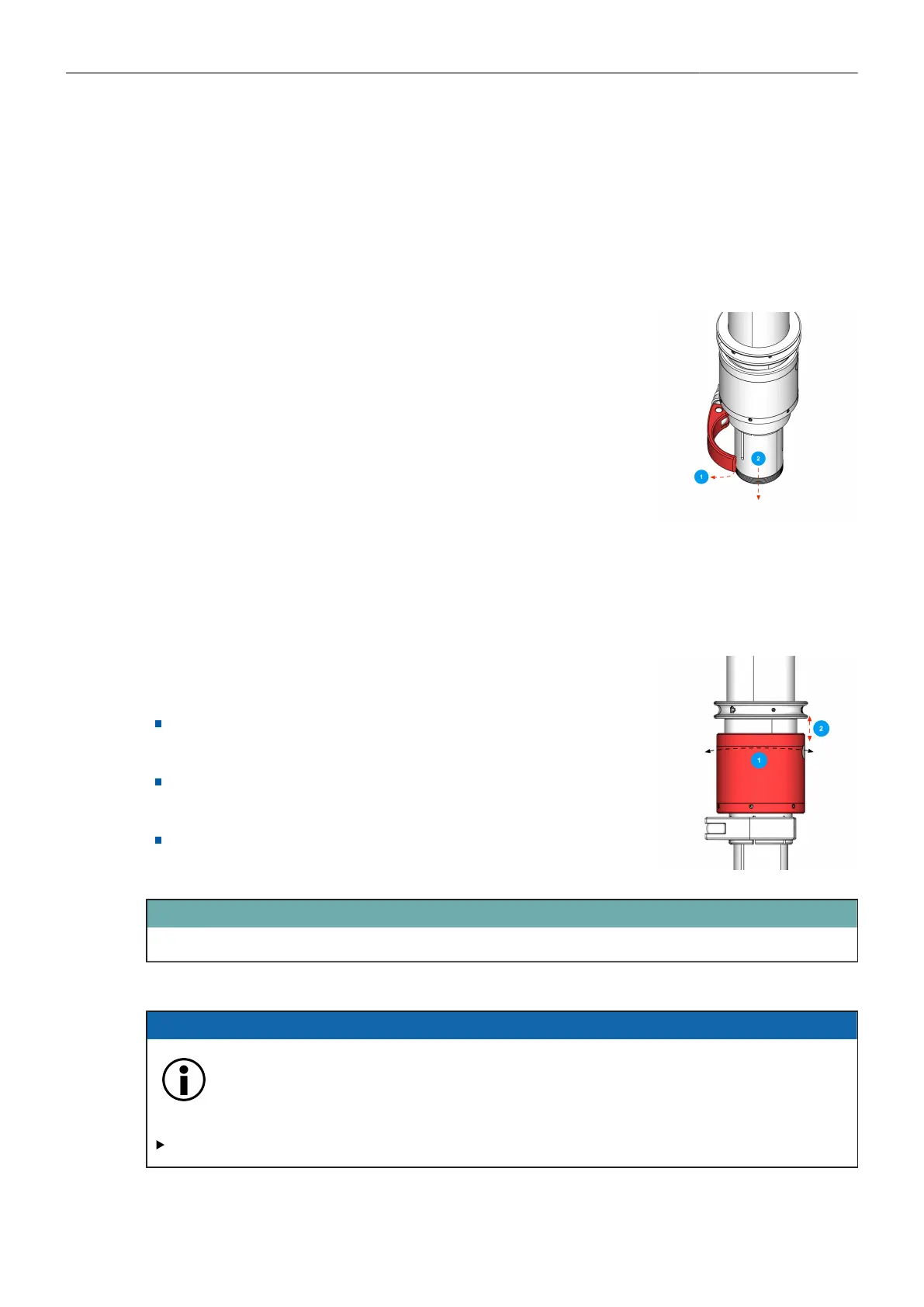
Changing center post position:
1. Open the post clamp lever.
2. Slide or pull the inner post to the desired position.
→ The center post is positioned.
Fine Trim Mechanism
The Fine Trim allows:
To adjust the length of the inner post and extremely accurately set
the resulting drop down time.
To add more drop down if needed, or to reduce drop as much to
get the rig very easily into a „dirty low mode“.
An overall movement of 22mm / 0,86in.
ATTENTION
Adjust the Fine Trim halfway before balancing.
8.2.2 Center Post Clamp Force Adjustment
ADVICE
Overtighten the leveling screw
This will cause the clamping force to become excessive and the Carbon Center Post may
be damaged.
Turn the silver nut by a 1/8 or 1/4 turn to the right. NOT more!



 To Next Page