Installation and Operation 70
8.6 TST and BST Installation and Operation
ADVICE
Powering TRINITY 2 Head, Top and Bottom Stage at the same time
This would cause more than the allowed amount of volts to flow through the ARTEMIS 2
and TRINITY 2. Risk of damage to the accessories.
DO NOT power the TRINITY 2 Head, Top and Bottom Stage at the same time.
Use for powering TRINITY 2 Head OR Top Stage OR the Bottom Stage.
8.6.1 Installing TST/BST to Center Post
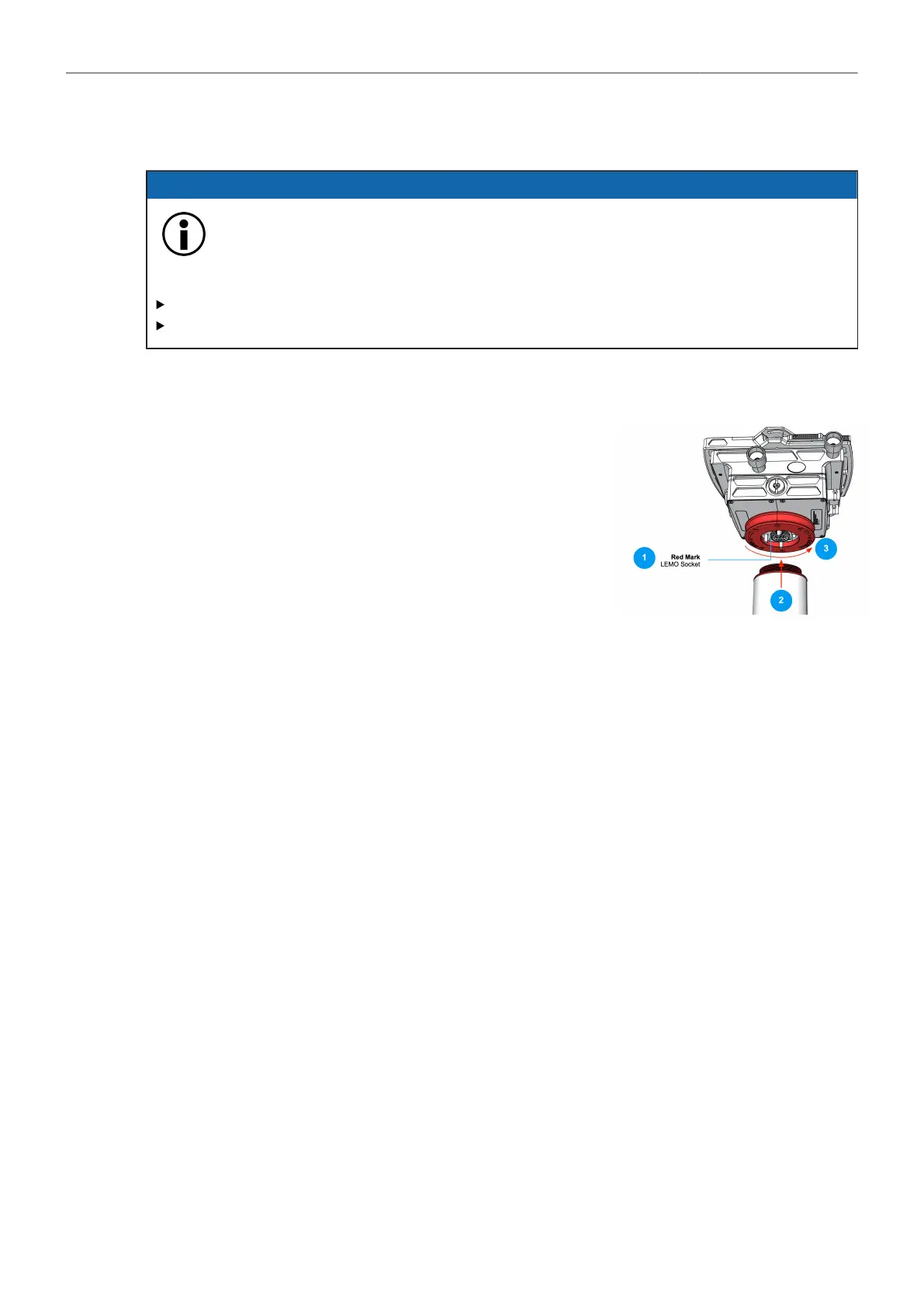
1. Locate the red dot on the main cable plug and socket. When
both marks are aligned, insert the LEMO 3B plug into the
socket.
2. Carefully place the TST/BST onto the center post fine thread.
3. Turn the blue docking ring with your fingers until the thread
fully engages.
4. Use the Post Tool to finally tighten the Docking Ring.



 To Next Page