Installation and Operation 62
8.3.3 Gimbal Clamp Force Adjustment
ADVICE
Overtighten the leveling screw
This will cause the clamping force to become excessive and the Carbon Center Post may
be damaged.
Turn the silver nut by a 1/8 or 1/4 turn to the right. NOT more!
ADVICE
If the clamping force of the Gimbal clamp weakens, clean the Outer Post with isopropanol, before
you adjust the clamping force.
Clamp Force Adjustment
1. Open the clamp lever.
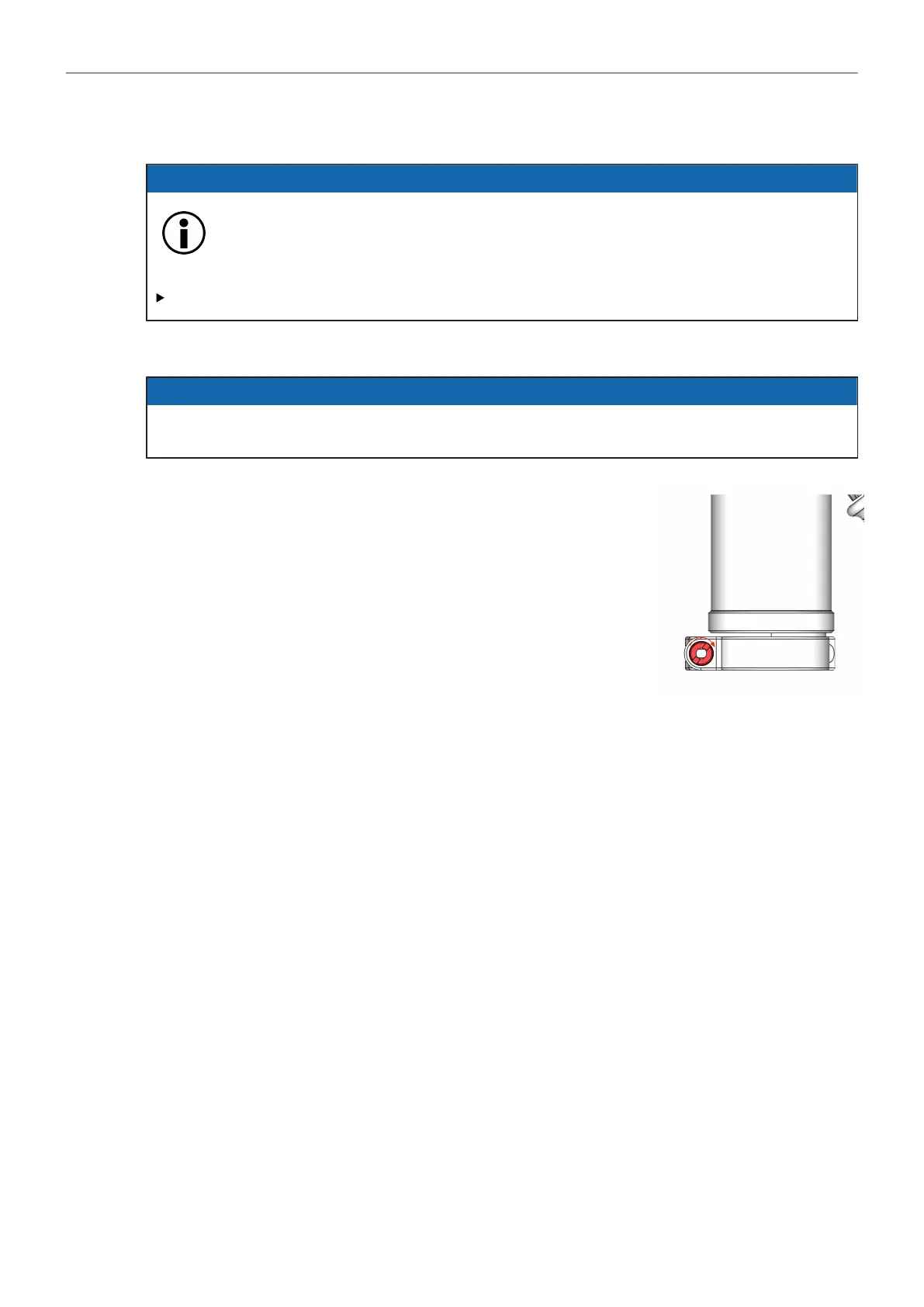
2. Turn the silver nut by a 1/8 or 1/4 turn to the right, to adjust the
clamp force.
→ The clamping force is adjusted.



 To Next Page