Installation and Operation 84
8.7.13 System BHM-2
Brightness
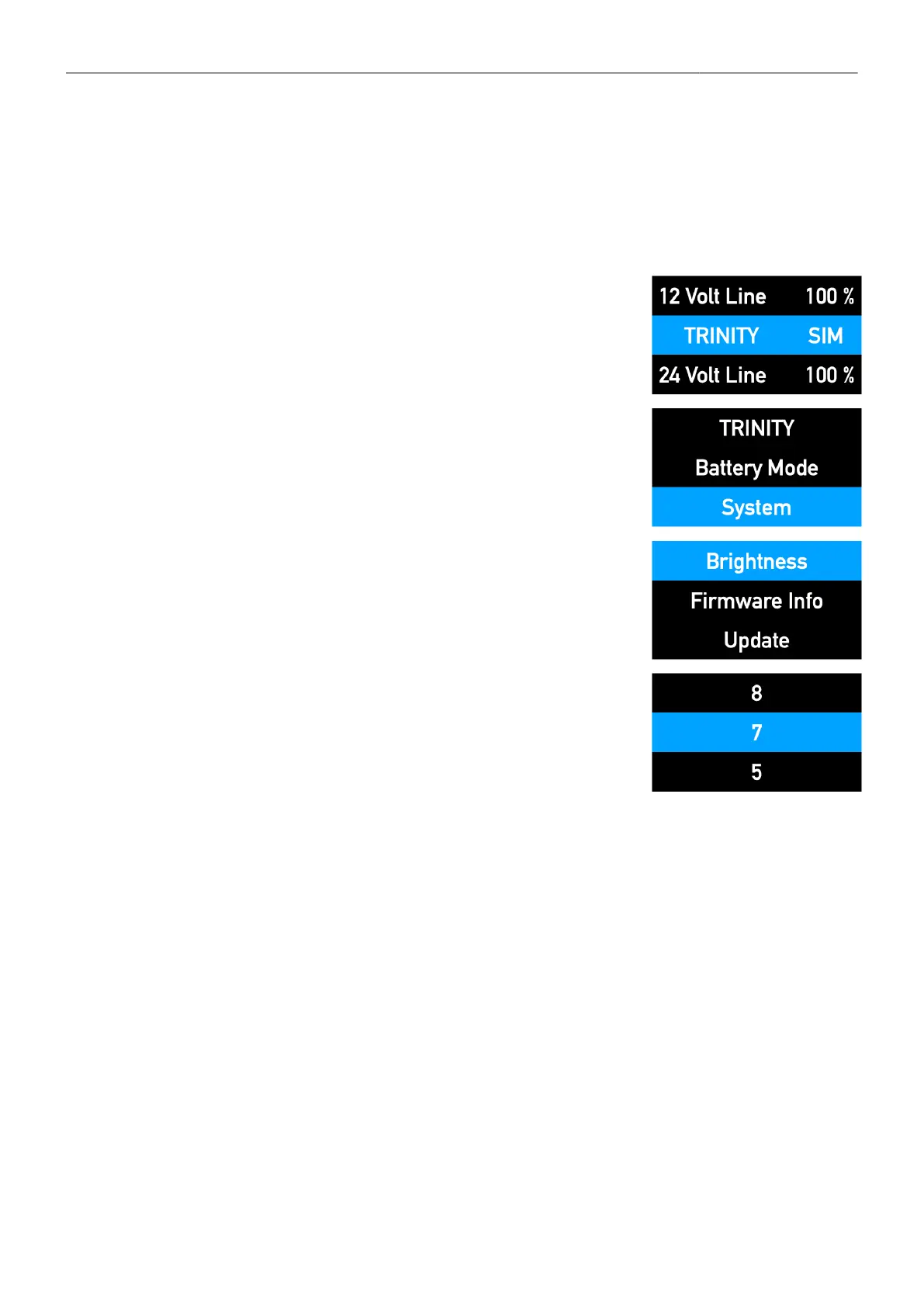
To adjust the display brightness
1. Double-click the jog-wheel
2. Turn the jog wheel right to reach System and press
the jog wheel to select
3. Turn the jog-wheel left to reach Brightness and press
the jog wheel to select
4. Click Brightness once
5. Turn the jog wheel up or down to select the desired brightness



 To Next Page