Installation and Operation 79
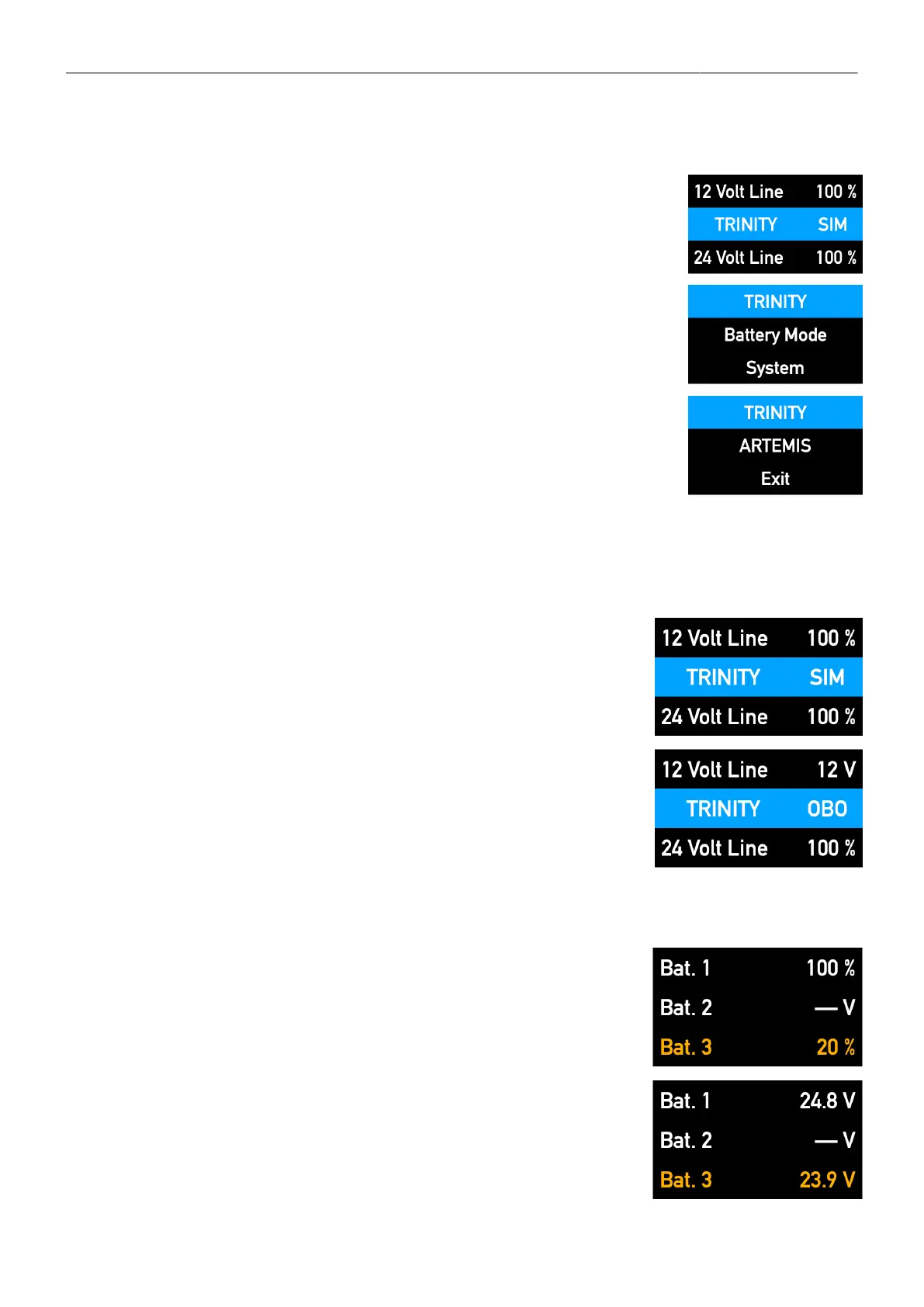
Switching ARTEMIS / TRINITY Mode
1. Double-click the jog-wheel
2. Turn the jog-wheel left to reach the current mode
3. Click the actual mode once
4. Select the mode you want, by clicking once
5. Or select Exit to cancel the action
8.7.10 Battery Status
Home Screen BHM-2
This main page is displayed after switching on the BHM-2.
It shows the selected modes:
TRINITY or ARTEMIS
Simultaneously or One By One
and the available total capacity
of the 12V and 24V power lines.
Battery Status / System Status
This page shows the available capacity in volts or percent
of each battery.
Values in percent can only be displayed if the batteries offer
one of the supported battery communication protocols.
If there is no such battery communication protocol available,
the values are displayed in volt only.
If no battery is connected to the input or the battery is
completely discharged, a line is displayed.



 To Next Page