Installation and Operation 48
Power OFF
2. Move both power switches to the OFF position.
Ring Main Cable
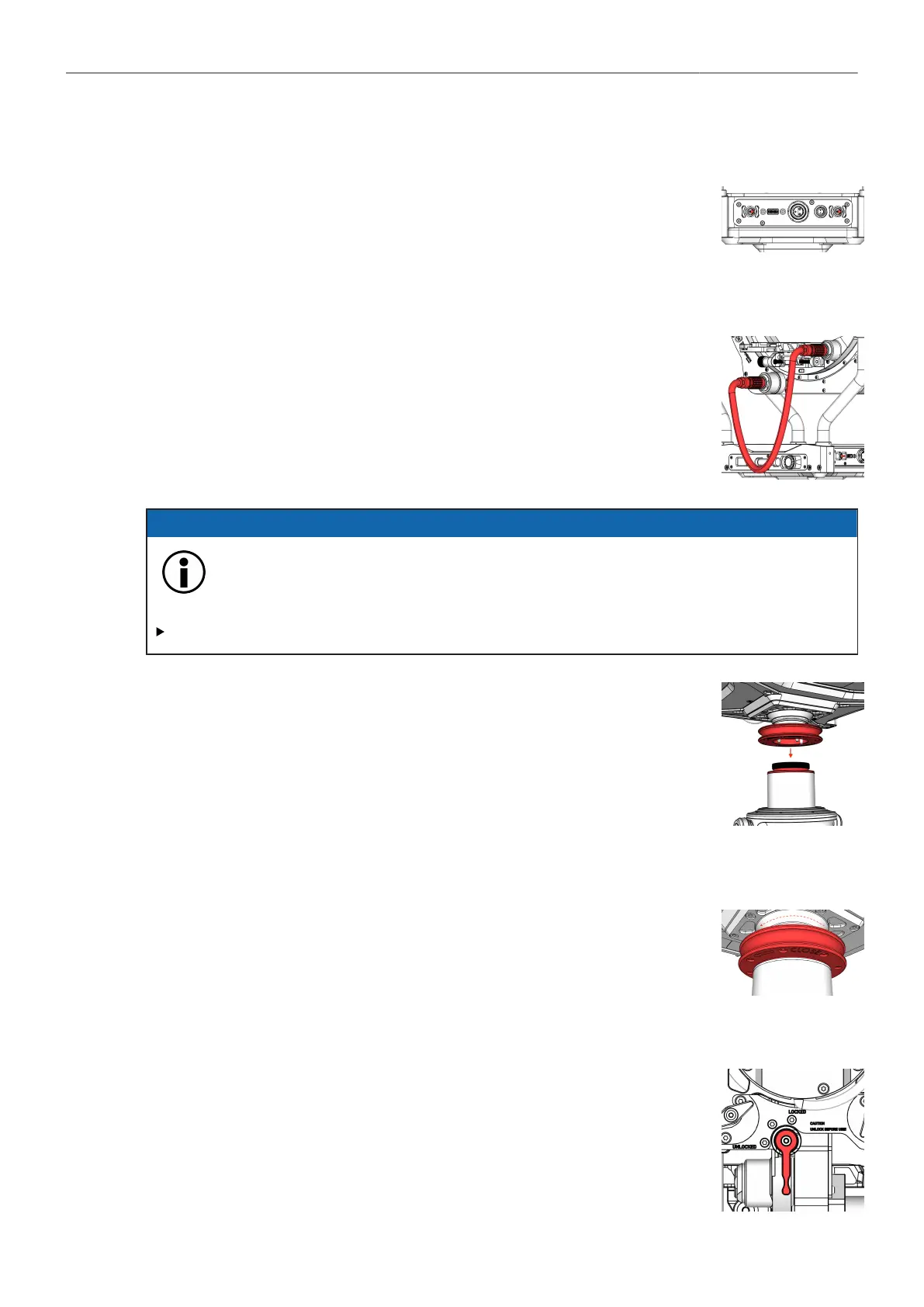
3. Plug in the Ring Main Cable.
ADVICE
Removing the Ring Main Cable while the TRINITY 2 head is powered on
Risk of damage to the accessories.
DO NOT remove the Ring Main Cable while the TRINITY 2 head is powered on.
Post Assembly
4. Carefully place the TRINITY 2 head onto the 1.8in center post.
NOTE
The display of the TRINITY head must point in the same direction
as the display of the battery hanger.
Tighten Docking Ring
5. Use the Post Tool to tighten the Docking Ring.
8.1.2 Installing SAM Dovetail Plates to TRINITY 2 Head
Tilt-Lock
1. Check if the Tilt axis is locked.



 To Next Page