Installation and Operation 75
8.7.3 Battery Mounting System
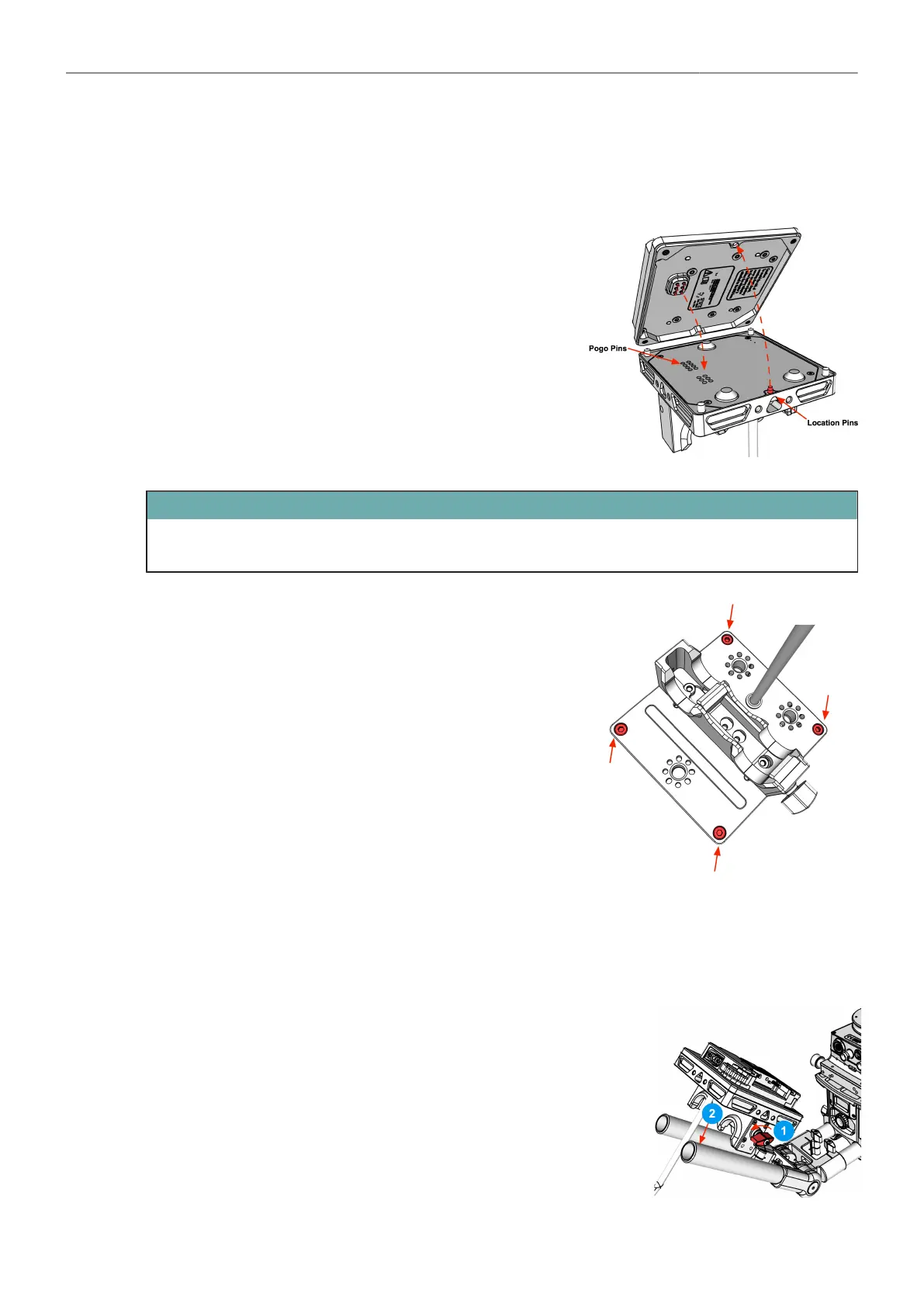
Installation BMS-2
1. Place the Battery Mount on the BMS Base.
ATTENTION
Make sure the location pin is aligned with the receiver hole and that the pogo pins line up with the
receiver pads on the circuit board.
2. Use the 3mm allen wrench to tighten all four screws.
8.7.4 Battery Hanger Module
Mounting Battery Mounts to the BHM-2
1. Open the rod clamp wing nut.
2. Positioning the battery mount on the ø19 mm rods.
3. Tighten the clamp wing nut.



 To Next Page