Installation and Operation 58
ADVICE
Overtighten the center ring!
May cause damage.
Tighten the center carefully. It is not a clamp lever!
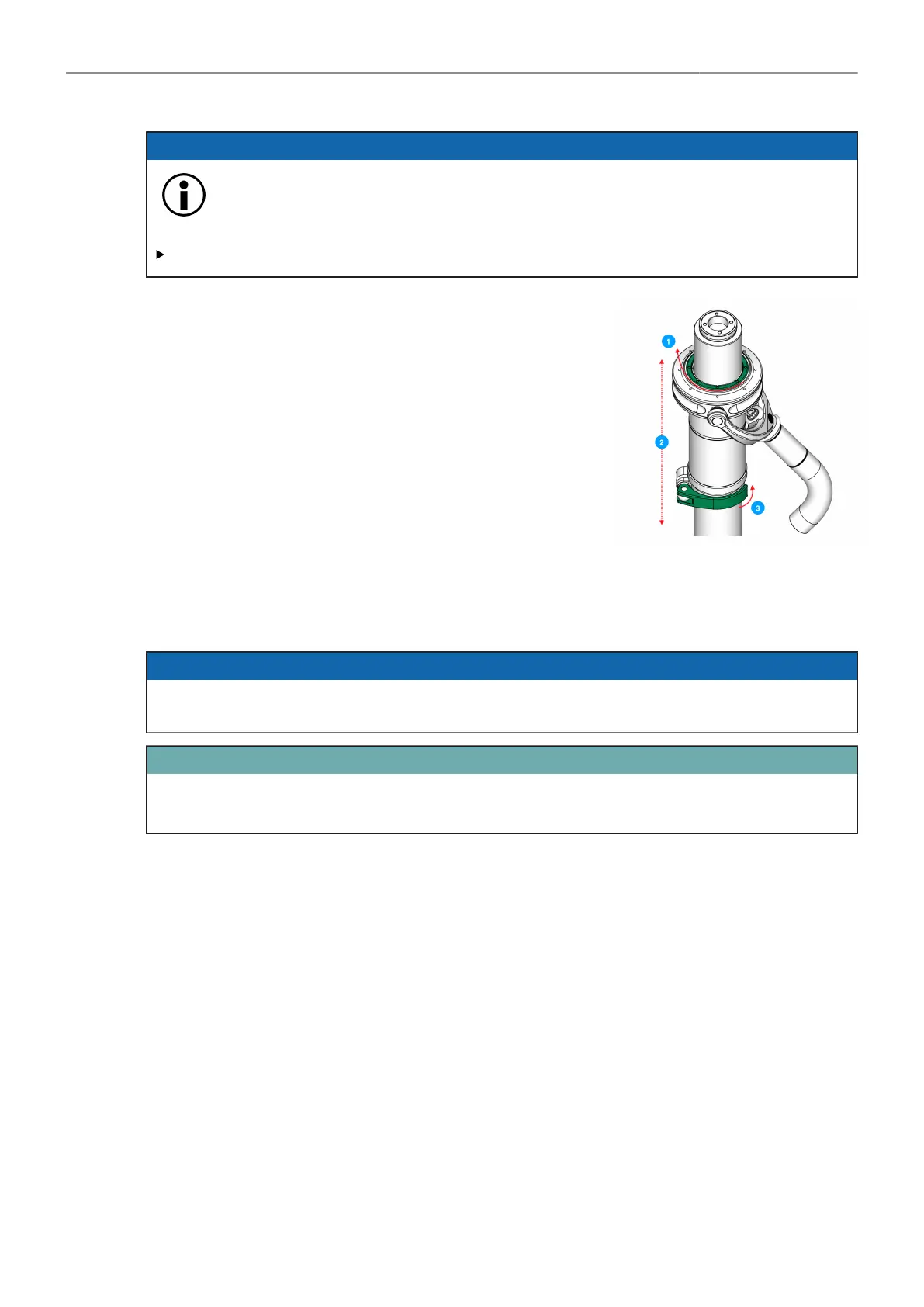
1. Tighten carefully the center ring.
2. Move the gimbal to the desired position by rotating and
sliding the gimbal.
3. Lock the clamp lever.
→ The Gimbal is positioned.
8.3.2 Adding Components
Gimbal Handle Extension (K2.0010569)
ADVICE
Do not over tighten the centering ring!
It is not a clamp!
ATTENTION
Make sure all handle parts are tight!
Stop using the gimbal once one of the handle parts comes loose.



 To Next Page