Installation and Operation 59
ADVICE
For a more permanent connection, apply two drops of Loctite 222 to the threads.
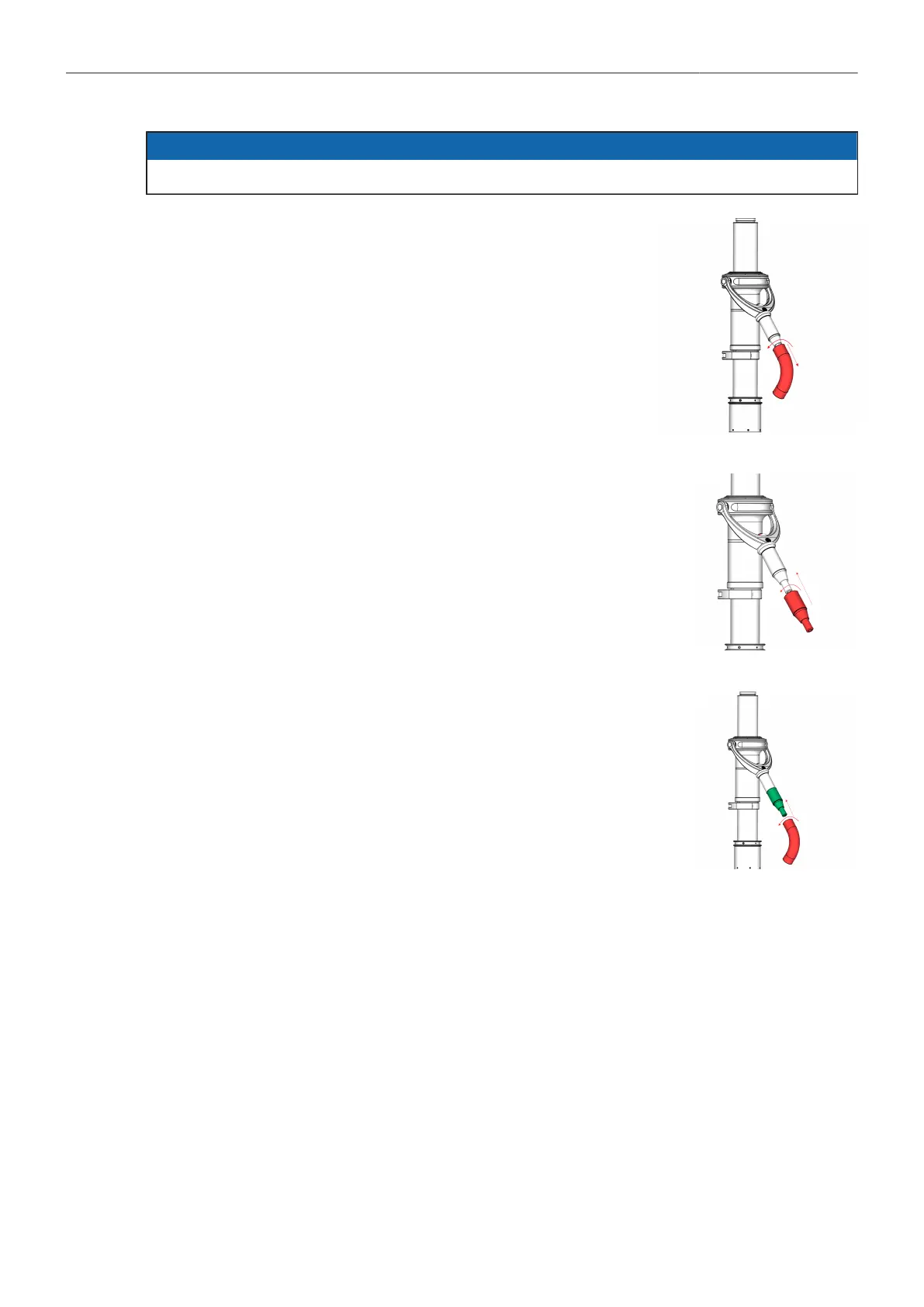
1. Hold the straight gimbal handle and turn the curved gimbal handle
to remove the Curved Handle.
Gimbal Handle Extender assembly
2. First screw the extender onto the straight handle.
Curved Handle assembly
3. Then screw the curved handle onto the extender.



 To Next Page