Installation and Operation 85
Firmware Info
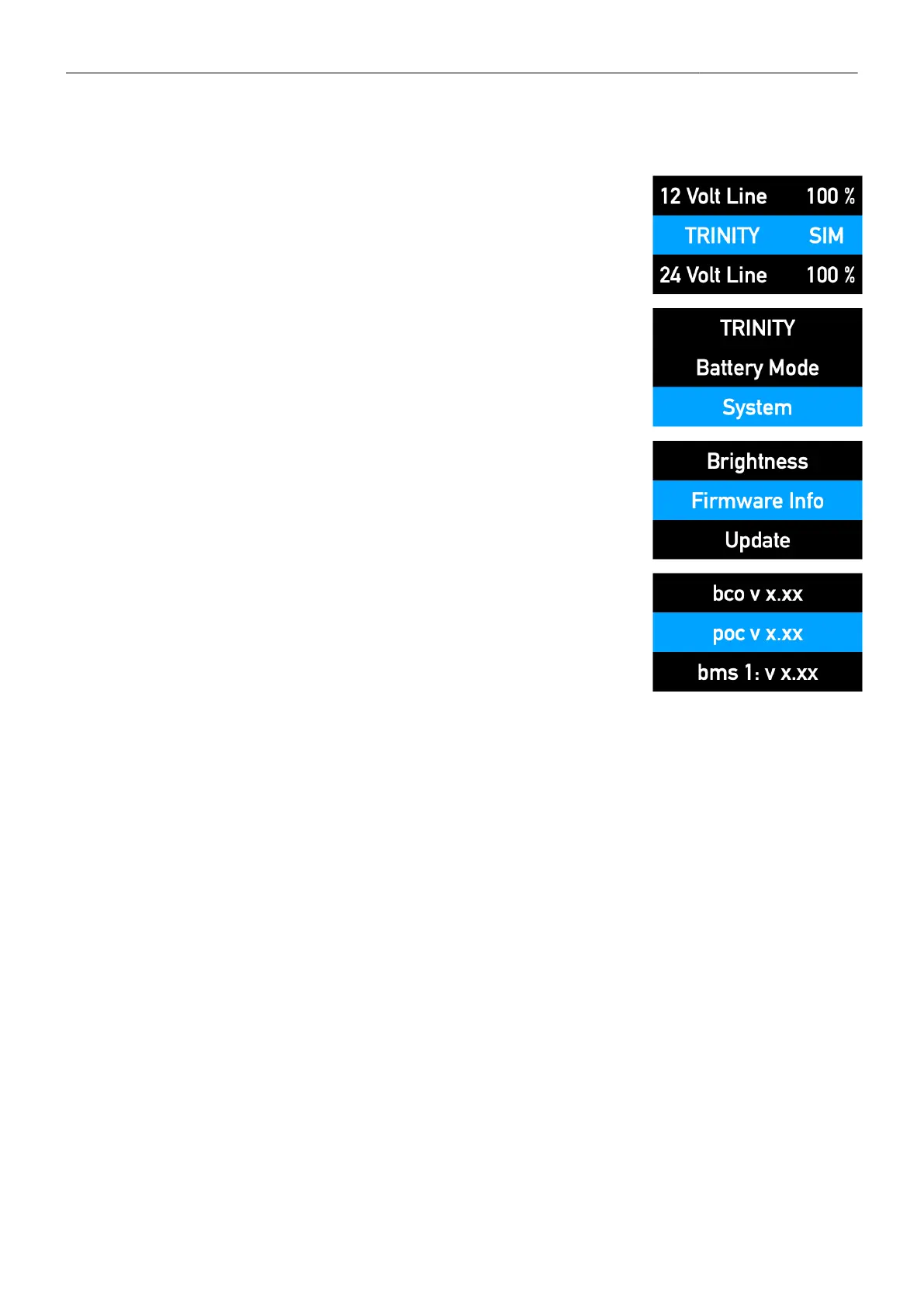
To read out the actual Firmware information
1. Double-click the jog-wheel
2. Turn the jog wheel right to reach System and press
the jog wheel to select
3. Turn the jog-wheel to reach Firmware Info and press
the jog wheel to select
4. Turning the jog wheel to the right will cycle through the current
firmware levels of all components, including the battery mounts, as
long as they are connected.



 To Next Page