Installation and Operation 86
Firmware Update
5. Dowload the latest firmware for the BHM-2
6. Copy it on a USB Stick (FAT32)
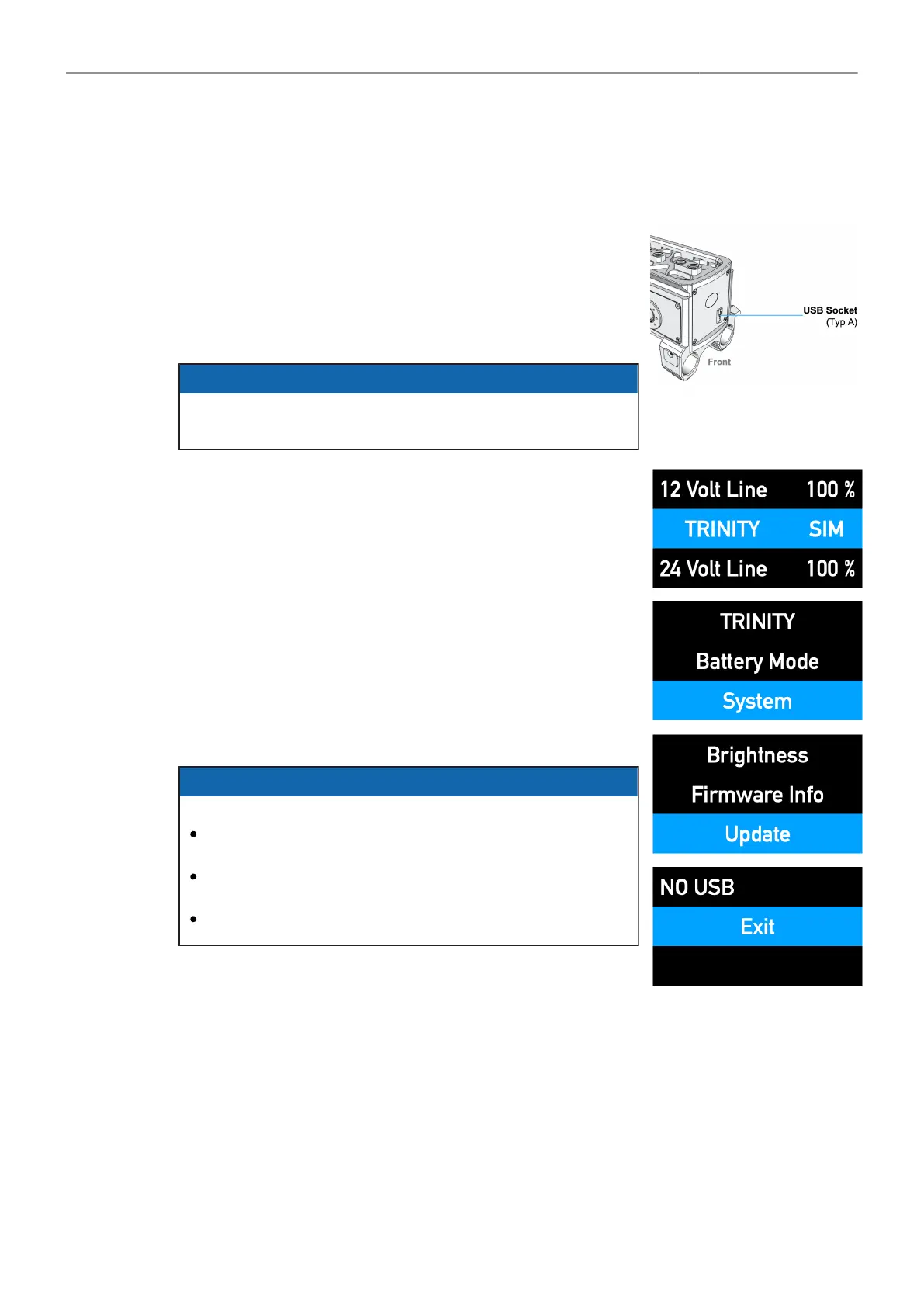
7. Insert the USB stick at the front of the BHM-2
8. Connect all three BMS-2 battery holders to the BHM-2 Battery
Hanger Module!
ADVICE
Only in this way can new and updated battery communication
protocols be uploaded to the individual battery holders.
9. Double-click the jog-wheel
10. Turn the jog wheel right to reach System and press
the jog wheel to select
11. Turn the jog-wheel right to reach Update and press
the jog wheel to select
12. The update will start automaticly and can take up to 5 min.
ADVICE
NO USB means
That something is wrong with the connection to the USB
stick
The USB stick cannot be read
That there is content on the USB stick



 To Next Page