2. Highlight it, right-click on it, and a popup menu will allow you to choose it for Sound
Input and Sound Output. (You probably won't want to use it for Alerts and Sound Effects.)
3.2.2. Windows
When you install AudioFuse Control Center on your Windows PC, it will also install the
appropriate Arturia USB Audio Drivers. Once that's done, you can plug in and power up the
AudioFuse 16Rig.
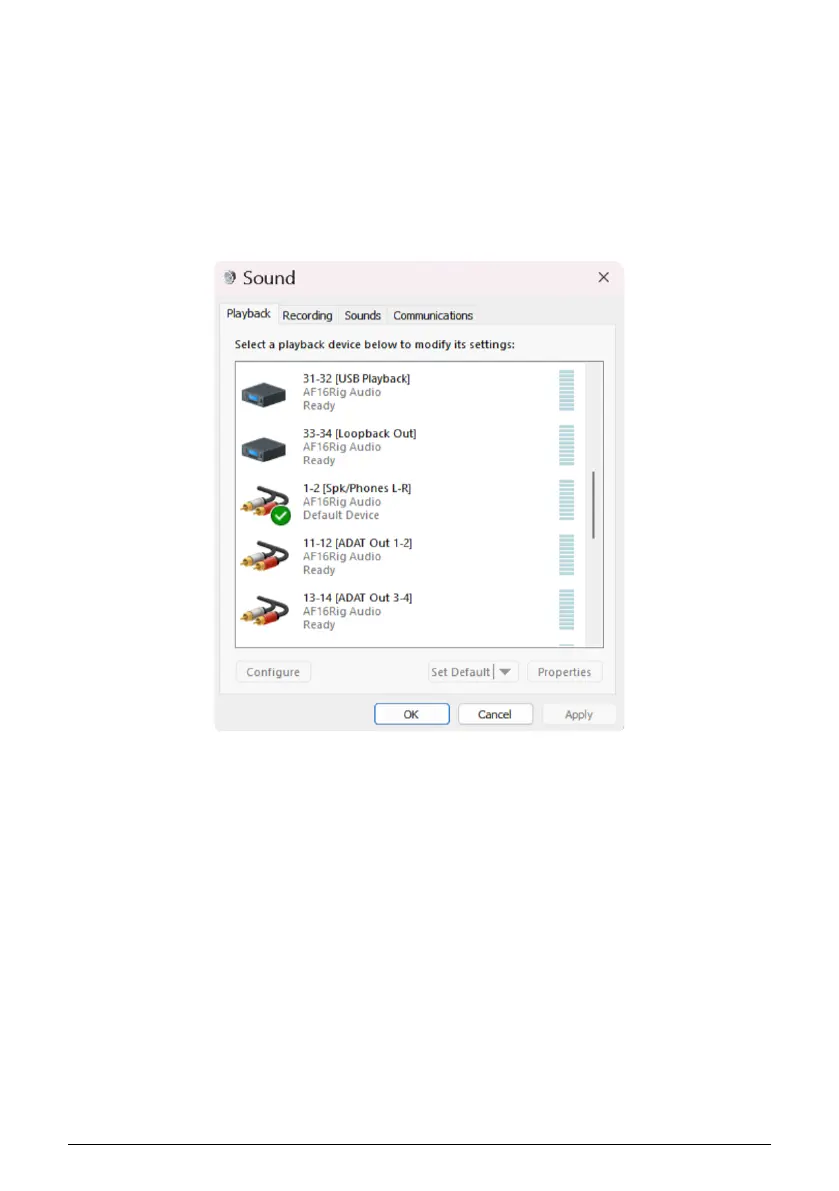
To set up the AudioFuse 16Rig as your default audio device:
1. Go to the Control Panel and click Sound.
2. Find the AF16Rig in the device list and click Set Default and OK.
Control Panel Sound Default Select on Windows
10 Arturia - User Manual AudioFuse 16Rig - Registration and Software Setup












 To Next Page