The lower left portion of the Overview screen has controls and level meters for all of the
Analog Outputs. Each output channel has metering, a stereo Link button to connect adjacent
mono channels, and an output level control.
In addition, the MONITOR output pair has controls for MUTE, DIM, MONO, and A/B functions,
corresponding to those on the hardware. If A/B Speaker capability is not enabled, the A/B
button is greyed out.
The PHONES section has an indicator showing the position of the Phones knob on the
front panel. Note that this on-screen control is for display purposes only. To change the
level, use the physical knob on the front panel. This section also has a drop down menu
letting you adjust the output level of the headphone amp to better match the impedance
of your headphones, letting you easily use both low and high impedance headphones with
AudioFuse 16Rig.
Analog Outputs 3 and 4 on the front panel have a drop-down menu for selecting their
function: LINE, REAMP, DIRECT THRU, and ALT PHONES. In addition, a GROUND LIFT switch
is available to eliminate possible ground loop hum when connecting the AudioFuse 16Rig
outputs to guitar amps and other gear.
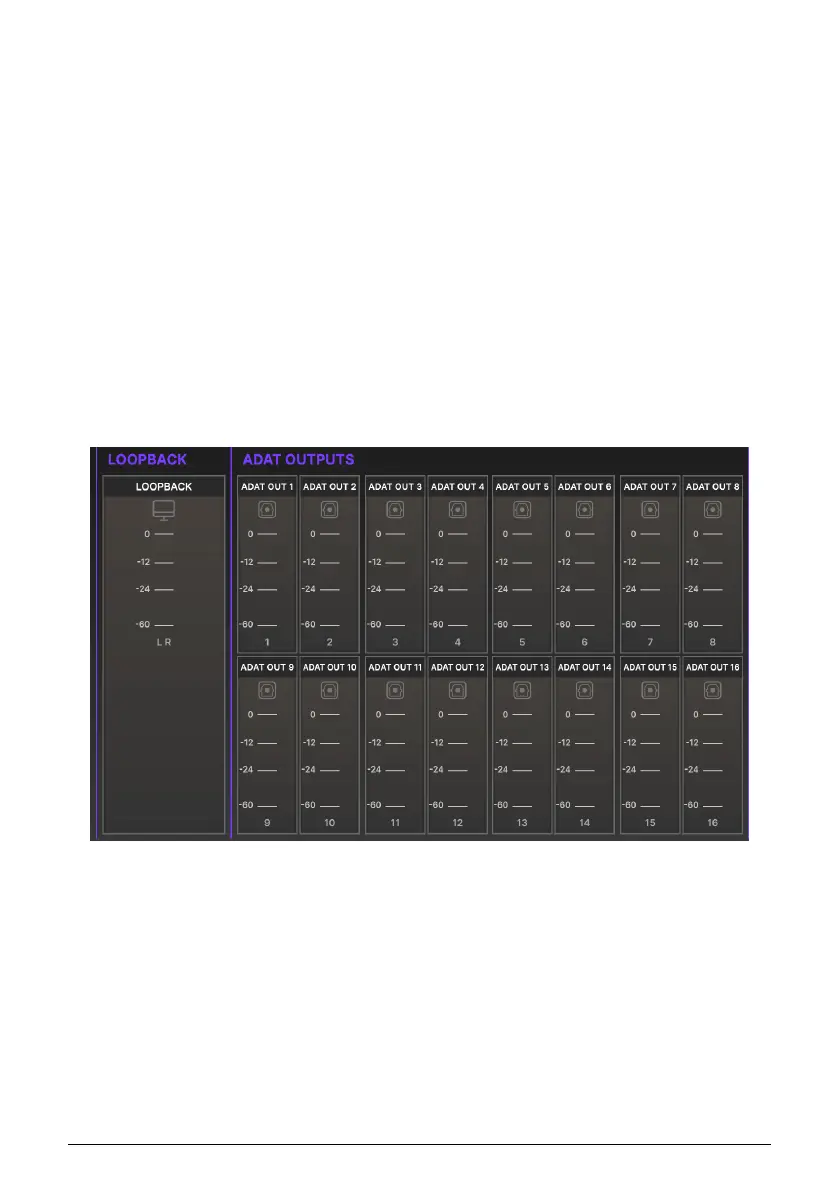
8.3.4. Loopback and ADAT Outputs
The lower right portion of the Overview screen provides output level metering for the stereo
Loopback signal and for all 16 ADAT digital outputs.
54 Arturia - User Manual AudioFuse 16Rig - AudioFuse Control Center












 To Next Page