10. APPENDICES
10.1. USB Audio mapping
AudioFuse 16Rig displays differing numbers of input and output channels in your DAW
depending on your selected sampling rate.
Sampling Rate Inputs Outputs
44.1 / 48 kHz 34 34
88.2 / 96 kHz 18 18
176.4 / 192 kHz 10 10
The tables below contain detailed information about inputs and outputs at each sampling
rate.
The given mapping is the default mapping for Factory presets. You can easily reassign and remap
everything in the AudioFuse Control Center using the Matrix [p.58].
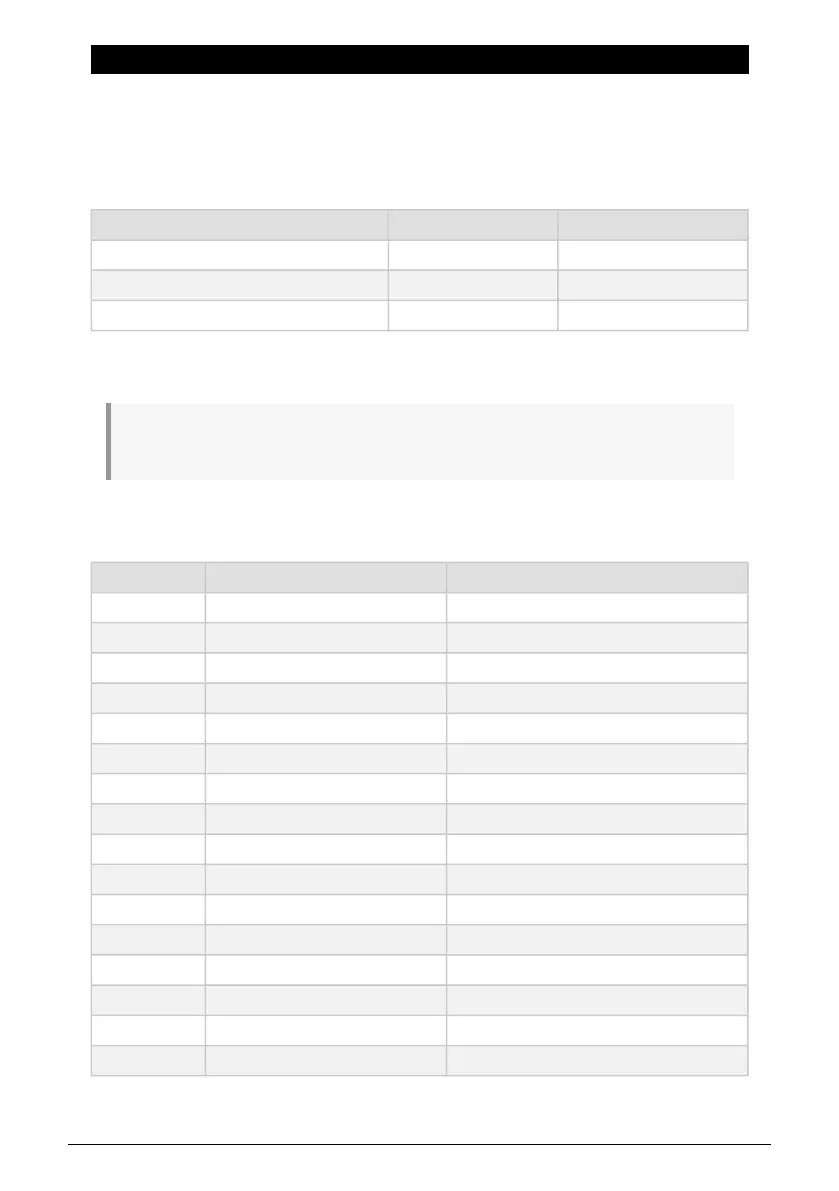
10.1.0.1. Audio Mapping at 44.1 / 48 kHz sampling rates:
Channel Computer Input (REC) Computer Output (Playback)
1 Front/Rear In 1 Speakers/Headphones Left
2 Front/Rear In 2 Speakers/Headphones Right
3 Front/Rear In 3 Front/Rear Out 3
4 Front/Rear In 4 Front/Rear Out 4
5 Rear In 5 Rear Out 5
6 Rear In 6 Rear Out 6
7 Rear In 7 Rear Out 7
8 Rear In 8 Rear Out 8
9 Rear In 9 Rear Out 9
10 Rear In 10 Rear Out 10
11 Rear In 11 ADAT Out 1
12 Rear In 12 ADAT Out 2
13 Rear In 13 ADAT Out 3
14 Rear In 14 ADAT Out 4
15 Rear In 15 ADAT Out 5
16 Rear In 16 ADAT Out 6
68 Arturia - User Manual AudioFuse 16Rig - Appendices












 To Next Page