The Monitor knob controls the level coming out of the rear-panel Speaker outs (Or the B
Speaker outs, if A/B Speaker monitoring is enabled). It's accompanied by a MUTE button
that turns red when in use.
Below the MUTE button is a programmable Monitor button with a speaker icon. It is lit in
a different color for each of the functions that it can perform, and blinks bright/dim when
activated.
You can assign the button to any of the following three options:
1. Mono (green): sums the signals of Left and Right outputs and sends them to both
speakers.
2. Dim (orange): turns down the speaker output by a designated amount that can
be set in the AudioFuse Control Center application.
3. A/B Speaker (blue): mutes the Speaker outputs and switches on a pair of rear-
panel analog outputs designated by the user – any analog output pair on the rear
panel can be designated as the B Speaker output.
Remember that the A/B Monitoring functionality must be switched on for this third option to work.
Otherwise, the button is ignored.
6.2. Screen Layout: what will I see when I get there?
6.2.1. The Carousel
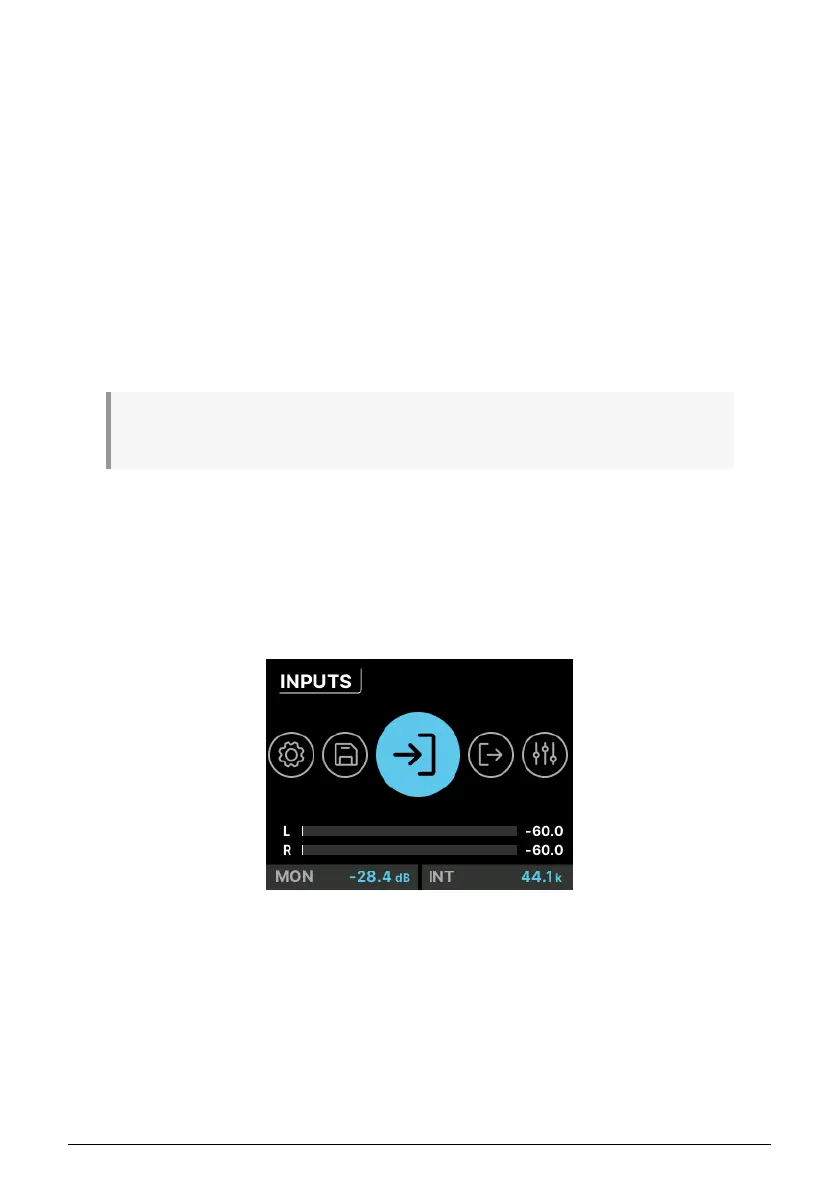
This is the top level of the menu hierarchy. You can recognize it by the large circular icons.
If you're not seeing this (because you're on a different screen), just double-click the Back
button to bring you back to the Carousel.
Once on the Carousel, you can turn and click the icon for the function
Menu
that you want to
access. These are represented on the Home screen by large icons and pop-up labels. They
will loop around to the beginning if you keep scrolling – like a carousel (merry-go-round).
The seven menus include:
• INPUTS: Metering and controls for the analog and digital inputs.
• OUTPUTS: Metering and controls for all analog and digital outputs.
The Home screen
Arturia - User Manual AudioFuse 16Rig - Getting Around 29












 To Next Page