• IN 1: Controls for Analog Input 1
• IN 2: Controls for Analog Input 2
• OUTPUTS (OUTS): The Analog Outputs metering screen
• MIXER: The Main Mixer screen
• CUE: The Cue Mixer screen
Note that some of these screens are only the first of several pages (see below) of functions.
In those cases, the button takes you to the first (and most commonly needed) page.
If you turn the Encoder while holding down the INS, OUTS, MIXER, or CUE button, the display will
immediately jump to the next page in that menu rather than scrolling through all the options on that
page. This is a big timesaver!
6.1.3. AudioFuse 16Rig Hardware Shortcuts
Shortcuts Results
Long Press MAIN Knob Reset clip indicators
INS / OUTS / MIXER / CUE + MAIN Knob
Quick navigation between subpages of INS / OUTS /
MIXER / CUE
Monitor Button + MAIN Knob Set Monitor Button Function
IN1 / IN2 + MONITOR Knob Set Input 1 / 2 Preamp Gain
INS / OUTS + MONITOR Knob on a specific Input /
Output view
Change the current input / output gain
MIXER / CUE + MONITOR Knob on Mixer / Cue view Change the Mixer / Cue Master Volume
MIXER / CUE + MONITOR Knob on Mixer / Cue
channel view
Change the current channel gain
Double-click Back button Return to main menu
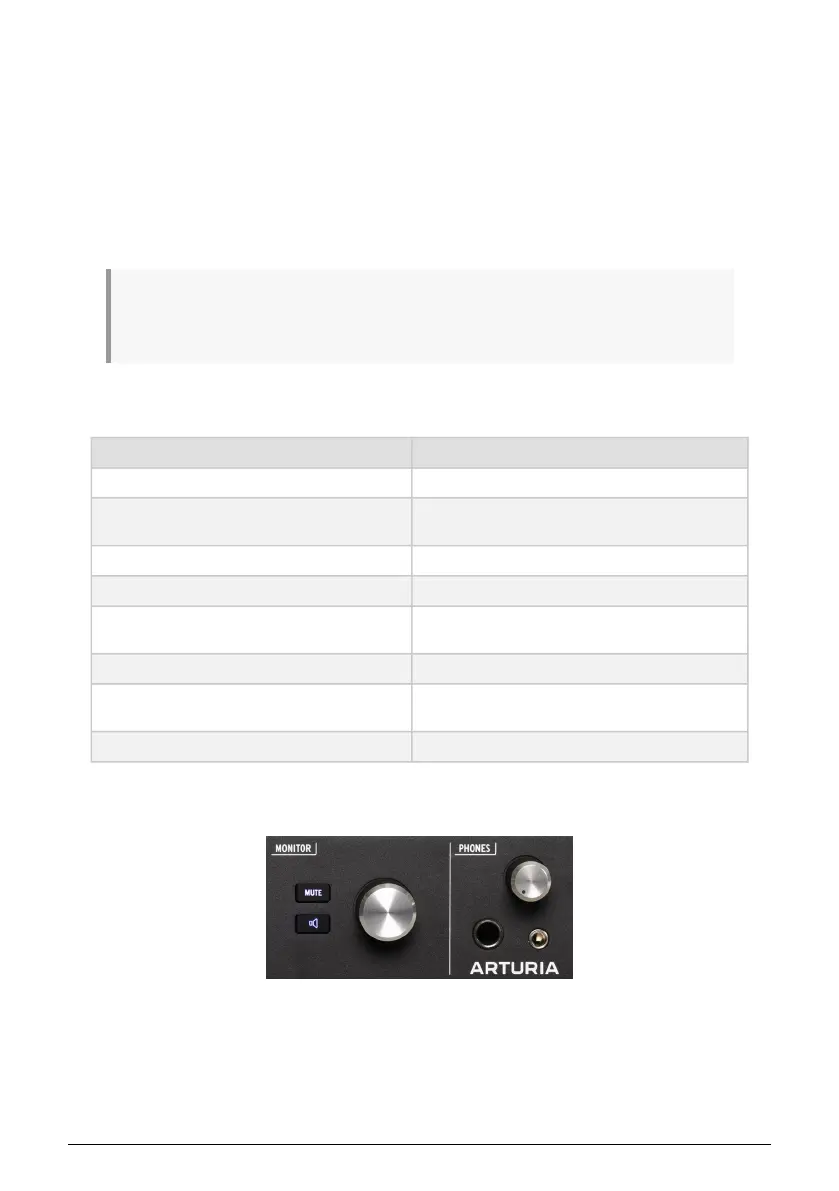
6.1.4. The Mute and Monitor buttons
MUTE button, Monitor button, and Monitor
knob
28 Arturia - User Manual AudioFuse 16Rig - Getting Around












 To Next Page