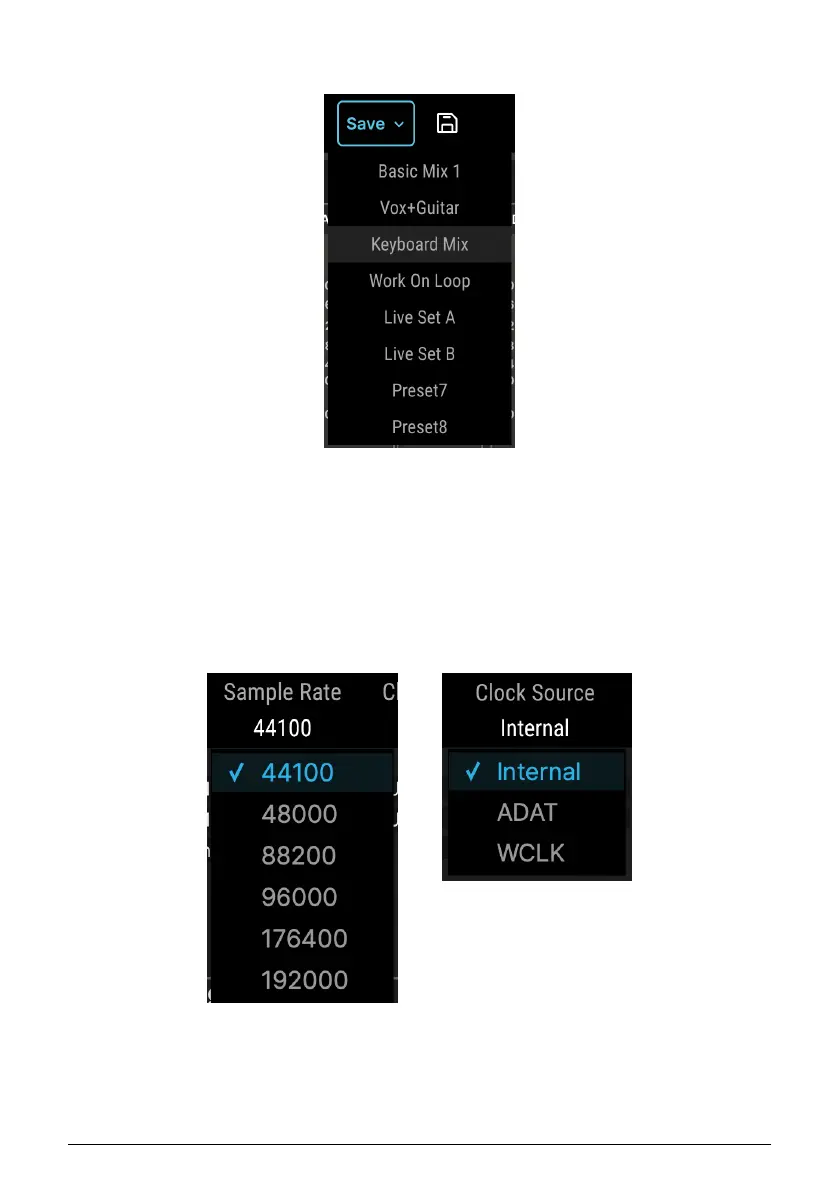
8.1.3.3. Preset Save and Quick Save
The Save icon opens a drop-down menu indicating where an edited preset may be saved.
Next to it is the floppy-diskette Quick Save icon, which you click to save an edited preset into
the same slot.
8.1.4. Sample Rate and Clock Source
Note the Quick Save
diskette icon next to the
Save button.
48 Arturia - User Manual AudioFuse 16Rig - AudioFuse Control Center












 To Next Page