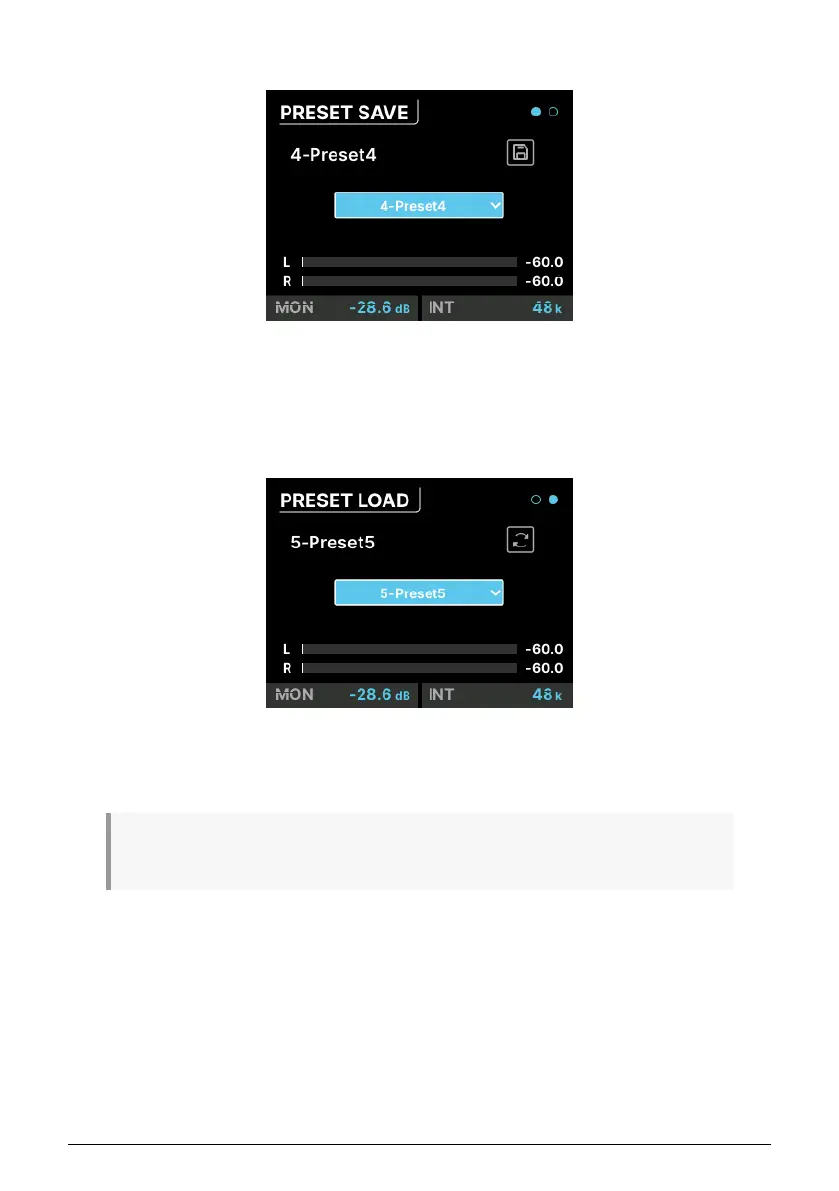
7.7.1. PRESET SAVE
This page has a Save button and a drop-down menu for choosing which of the eight
available preset slots you want to save to. The current preset is displayed at top left; if there
is a star after the name, it means the preset has been altered from the saved version.
7.7.2. PRESET LOAD
This page is identical to the PRESET SAVE page, but has a Load button instead. Notice that
the Load preset actually has nine presets. This is because there is a preset called "0-Factory"
that loads AudioFuse 16Rig's factory defaults and can not be overwritten.
Note that Presets can be renamed in AFCC, so they're easier to differentiate than "Preset-1" or
"Preset-8".
44 Arturia - User Manual AudioFuse 16Rig - Menus and Functions












 To Next Page