This page has a set of MIDI activity indicators, that light up when MIDI signals are received
from the appropriate inputs or sent to the corresponding outputs.
INPUT sources include:
• DIN1: the rear panel 5-pin DIN MIDI IN
• USB HOST: the front panel USB port labeled MIDI
• USB DEVICE: MIDI messages coming from your music software and/or
computer (via USB)
OUTPUT sources include:
• DIN1 and DIN2: the two rear panel 5-pin DIN MIDI OUT/THRU
• SYNC: the rear panel CLOCK OUT minijack
• USB HOST: the front panel USB port labeled MIDI
• USB DEVICE: MIDI messages going to your music software and/or computer (via
USB)
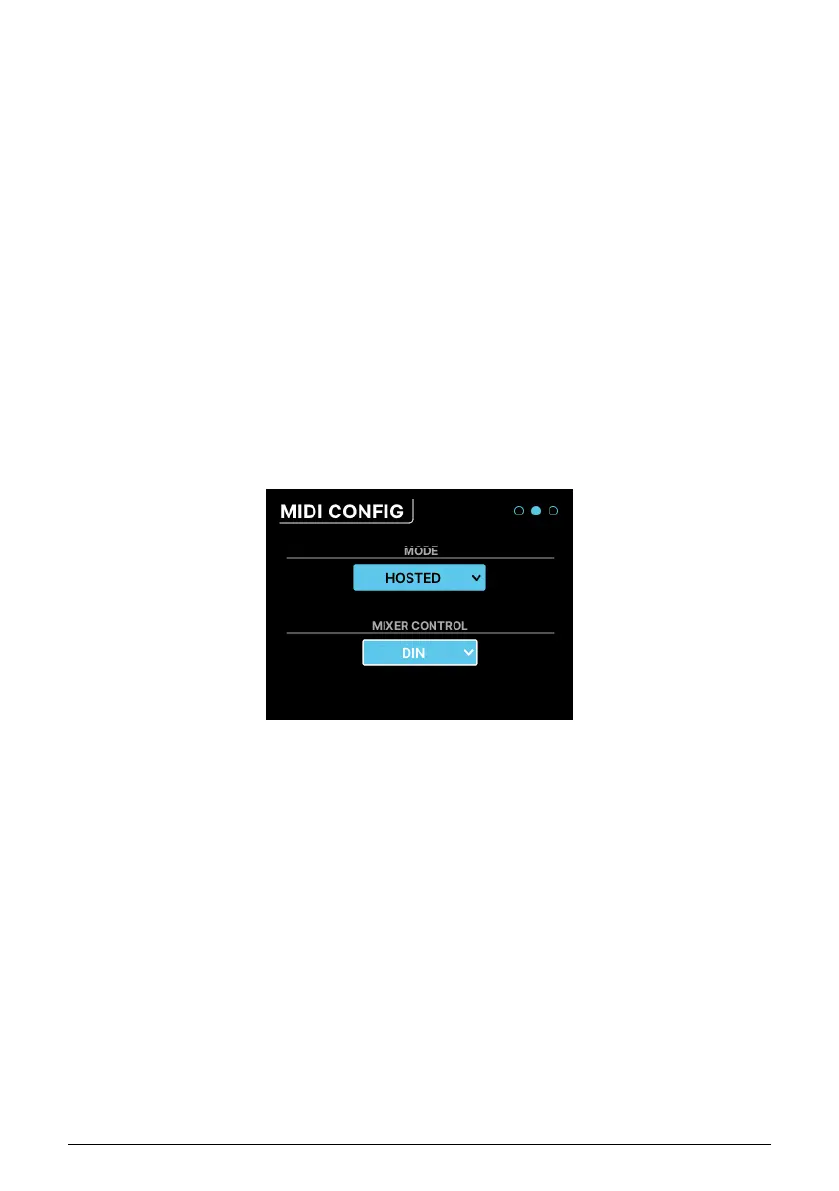
7.5.2. MIDI CONFIG
The MODE control is a drop-down menu that lets you set how the AudioFuse 16Rig responds
to MIDI.
• STANDALONE: The AudioFuse 16Rig passes MIDI from sources to destinations
without the need for a computer. These routings are set in the STANDALONE MIDI
page described below.
• HOSTED: The interface connects the attached MIDI gear to a host computer. The
music software on the host computer can then decide where the MIDI signals
are routed.
AudioFuse 16Rig's Main mixer is MIDI controllable. The MIXER CONTROL drop-down
determines which MIDI inputs port will provide MIDI control messages to the AudioFuse
16Rig's mixer. This lets you quickly manipulate mixes using a control surface rather than
using the front panel controls or the AFCC software.
Choices include: NONE, DIN, USB HOST, USB DEVICE
Arturia - User Manual AudioFuse 16Rig - Menus and Functions 39












 To Next Page