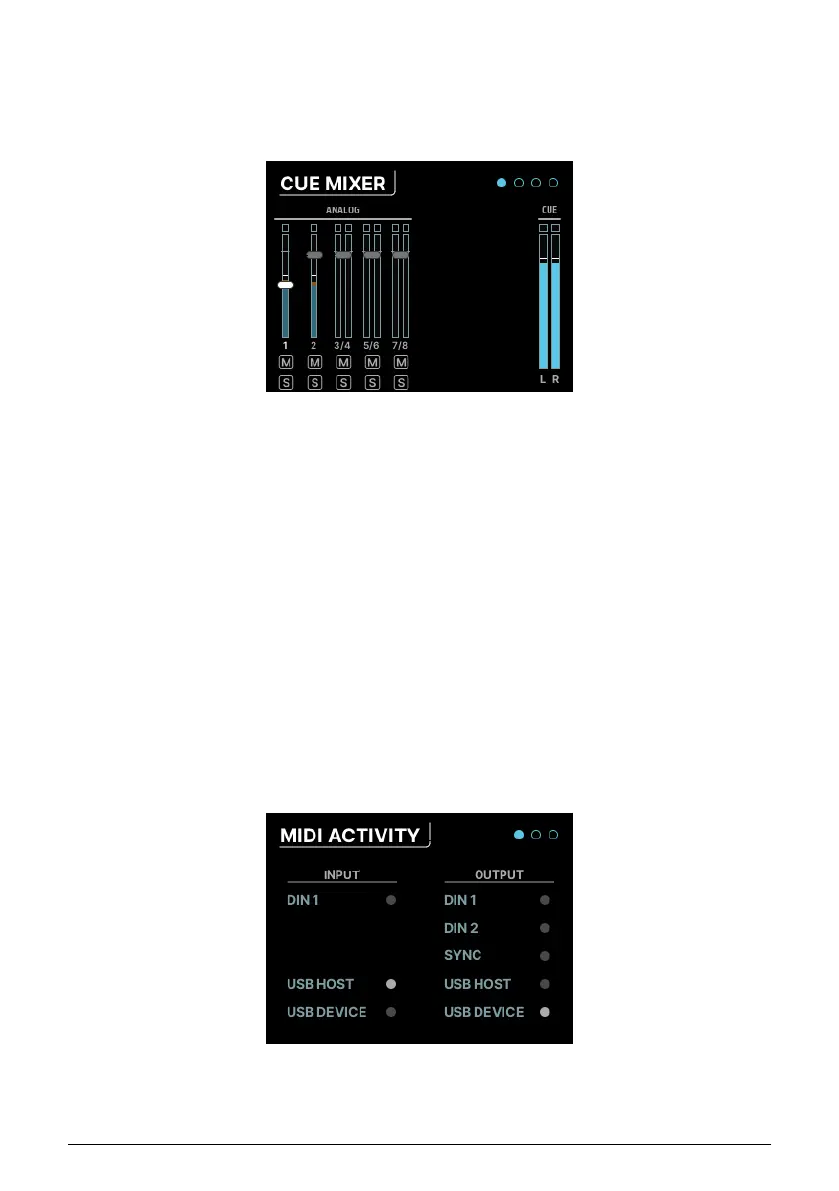
7.4. CUE
Clicking on the CUE icon takes you to the CUE MIXER pages. The Cue mix is a separate mixer
that is often used to give performers a custom headphone mix, perhaps isolating certain
elements of the Main mix to be turned up while tracking.
However, it's not just for headphones – you can use this mixer just like any other mixer. For
example, if you're working with lots of modules or synthesizers, you can create a stereo
submix and then route that mix out of the analog or ADAT outputs for further processing.
The controls and functions of the Cue mix are identical to those of the Main mix, with the
following exceptions:
1. There are no Aux buses.
2. The Cue mix is not always active. It must be switched on in order to work; this is
done either by clicking the CUE button in the Cue Mix tab of the AFCC software or
by double-clicking the front panel CUE button, which lights up red while the Cue
mix is active. Double-click again to turn it off.
7.5. MIDI
Clicking on the MIDI icon in the carousel accesses the MIDI menu, which has 3 pages:
7.5.1. MIDI ACTIVITY
38 Arturia - User Manual AudioFuse 16Rig - Menus and Functions












 To Next Page