8.7.4.1. Setting MIDI control messages manually
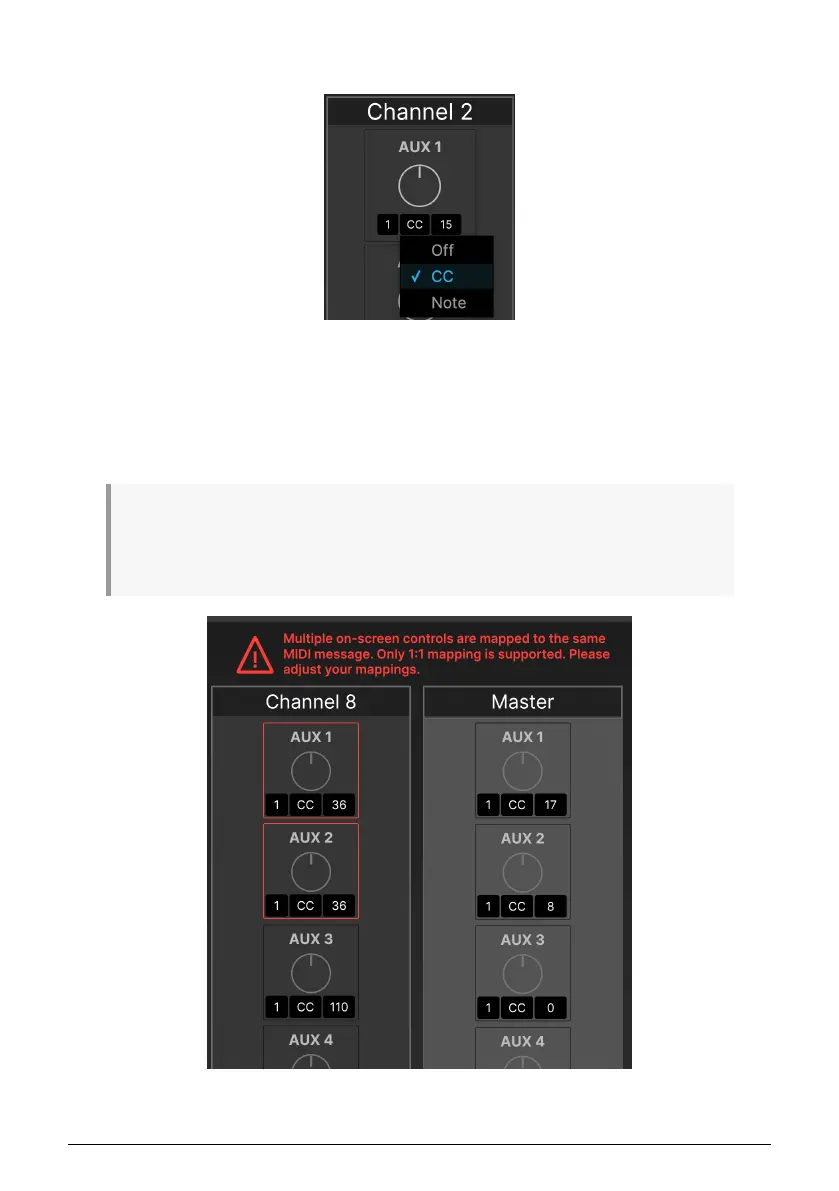
Under each point of control, you can click on the three black boxes to set the following
parameters:
• MIDI Channel (1 to 16)
• Type of MIDI Message (Off, MIDI Control Change (CC), or MIDI Note)
• CC or Note number
Note that each on-screen control must have its own unique channel+CC/Note+value assignments
for MIDI mapping to work properly. If two or more controls share the same assignments, you'll get an
error message showing the controls that are in conflict, and telling you to change the values for one or
the other, as shown below:
64 Arturia - User Manual AudioFuse 16Rig - AudioFuse Control Center












 To Next Page